Temu Y2 Direct Shipping Orders: Overseas Warehouse Scan-and-Replace Label Printing
I. Definition
For Temu Y2 Direct Shipping orders, overseas warehouses can use two methods to print shipping labels: direct printing or scan-and-replace (highly recommended).
II. Operational Instructions
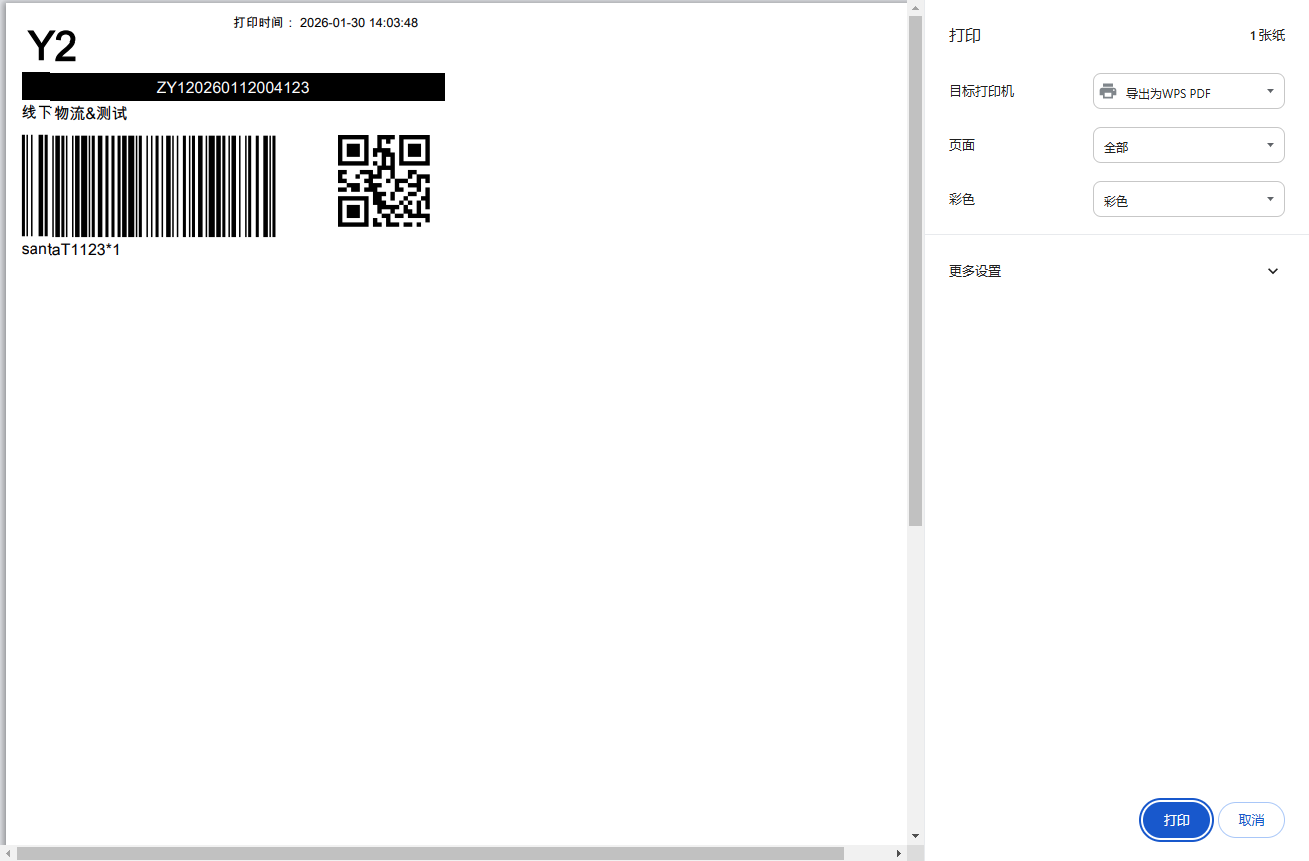
Method 1: Directly Print Temu Y2 Direct Shipping Labels
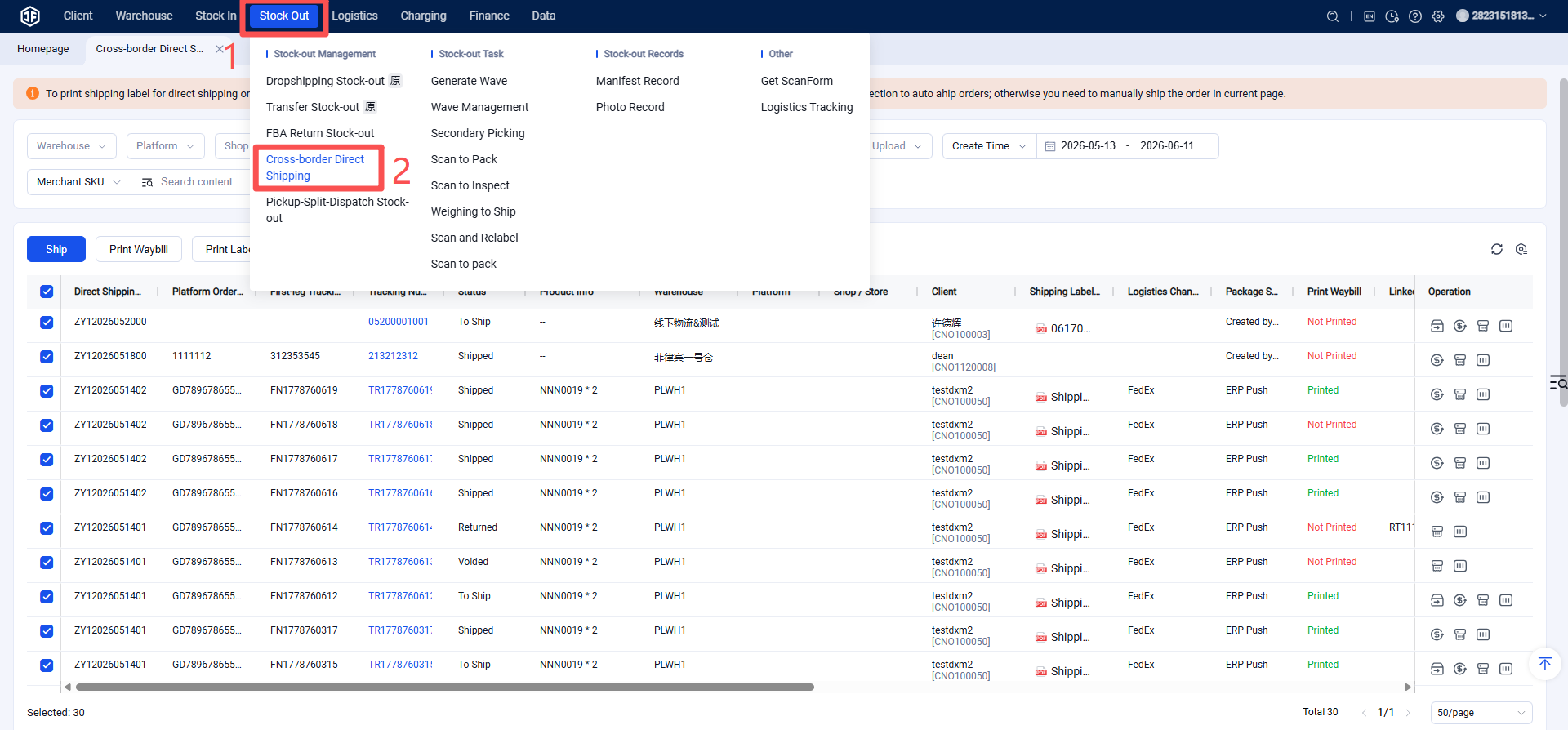
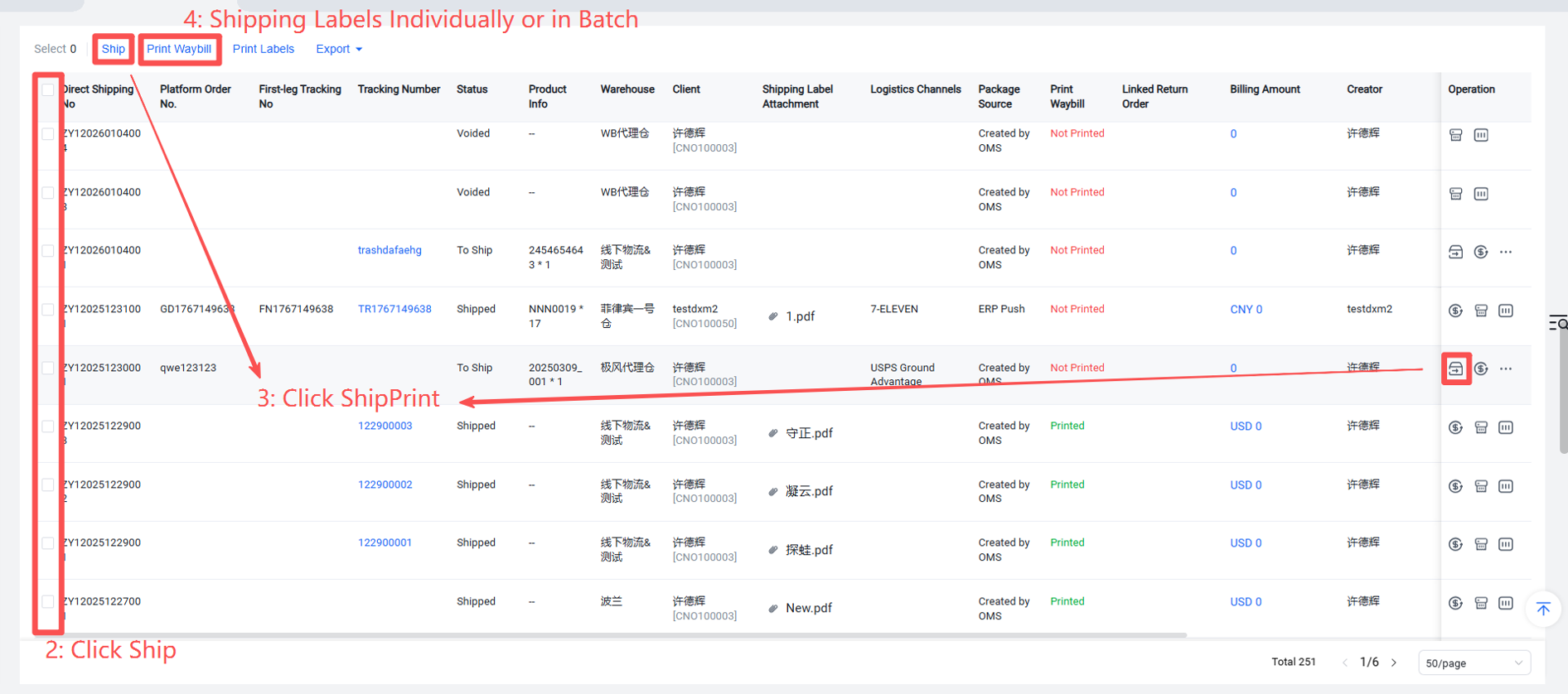
Method 2: Overseas Warehouse Scans Direct Shipping Labels, Automatically Prints Shipping Labels, One-Click Label Replacement to View All Temu Direct Shipping Orders (View order creation time, check if a label exists.)
Step 1: Check the Earliest Label Acquisition Time for Packages (Facilitates sorting received packages into those with labels and those without.)
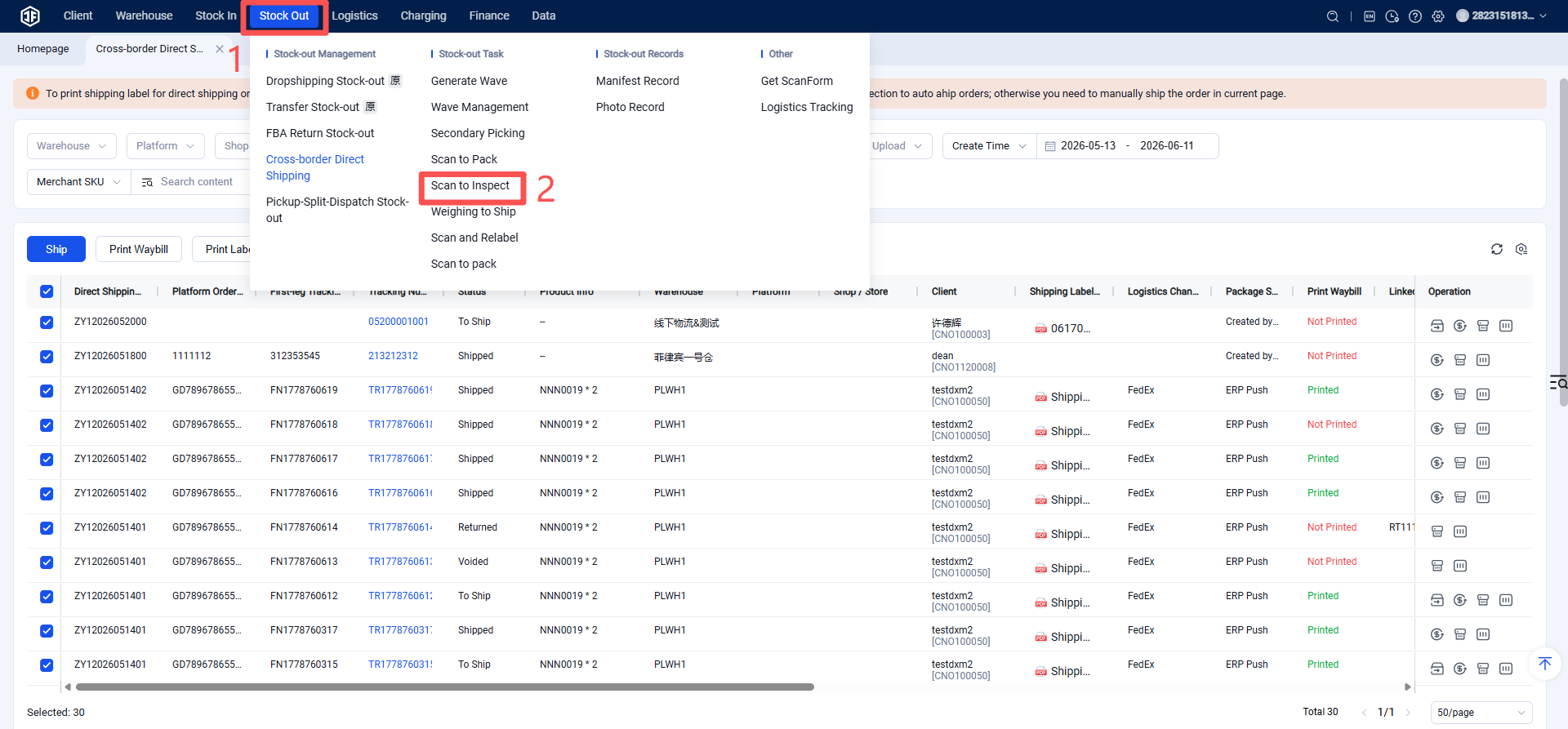
Step 2: Scan and Verify Items
Step 3: Scan to Automatically Generate and Print Labels
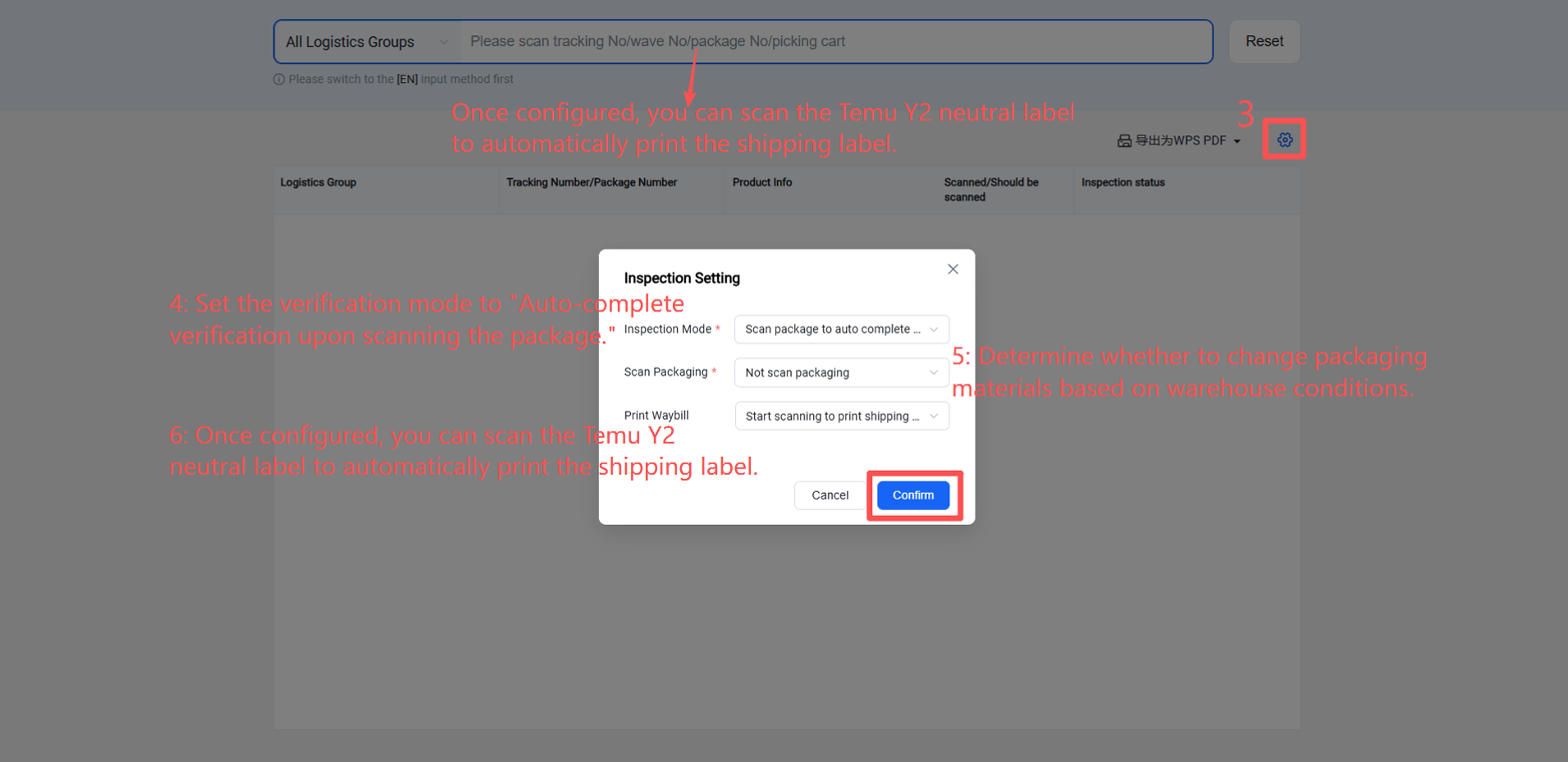
【Scanning Settings】
Auto-complete verification upon scanning the package: Successfully scanning the package number or tracking number automatically completes verification for this package. This mode does not require scanning product labels. [Recommended for Temu Y2]
Auto-complete verification upon scanning the product: Successfully scanning a product automatically completes verification for that SKU.
Standard verification: First scan the document, then scan products to complete verification.
【Print Shipping Label】
Print label after verification completes: Print the shipping label after the package verification is complete (all SKUs within the package have been scanned).
Print label when verification starts: Print the shipping label upon scanning the first SKU of a package. [Recommended for Temu Y2]
Do not print label: Enable this setting to skip printing the shipping label.