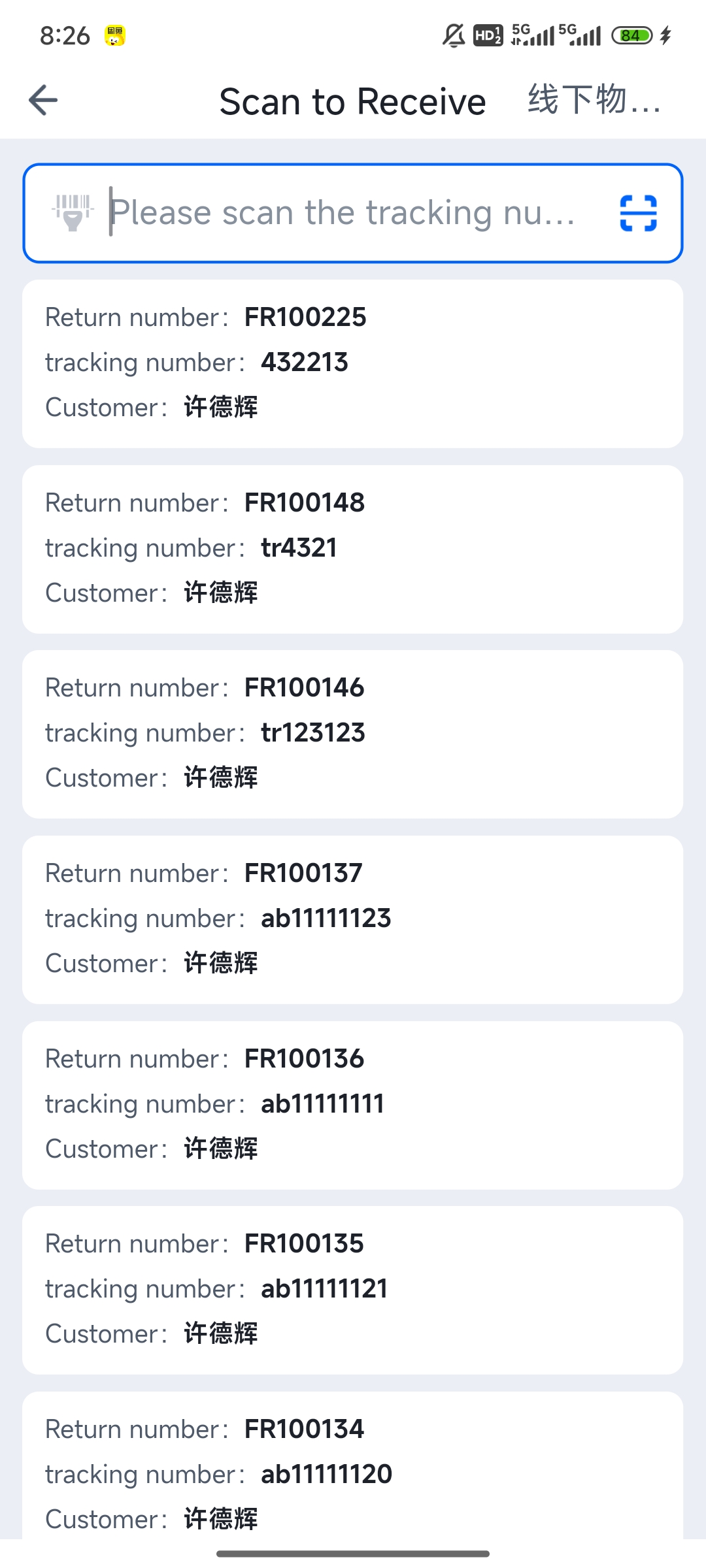
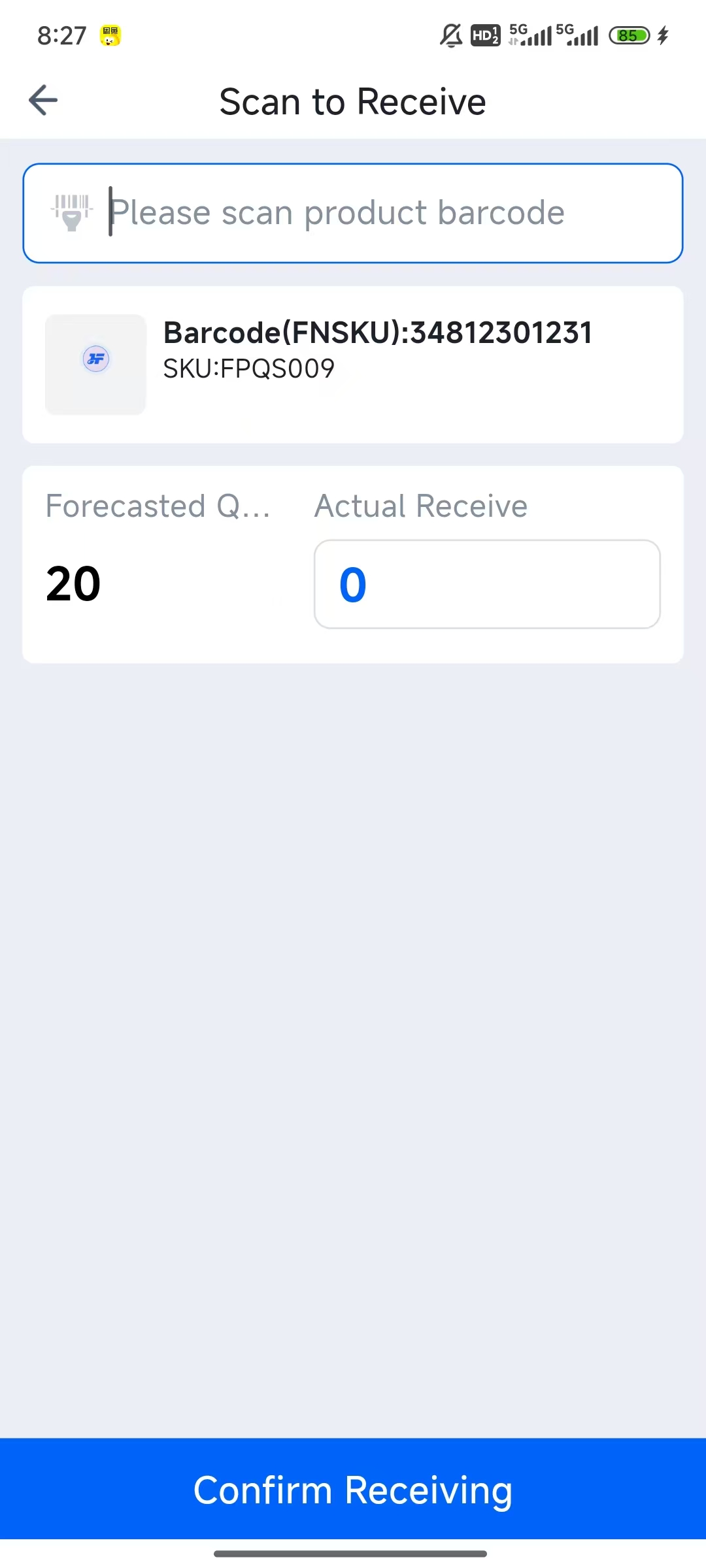
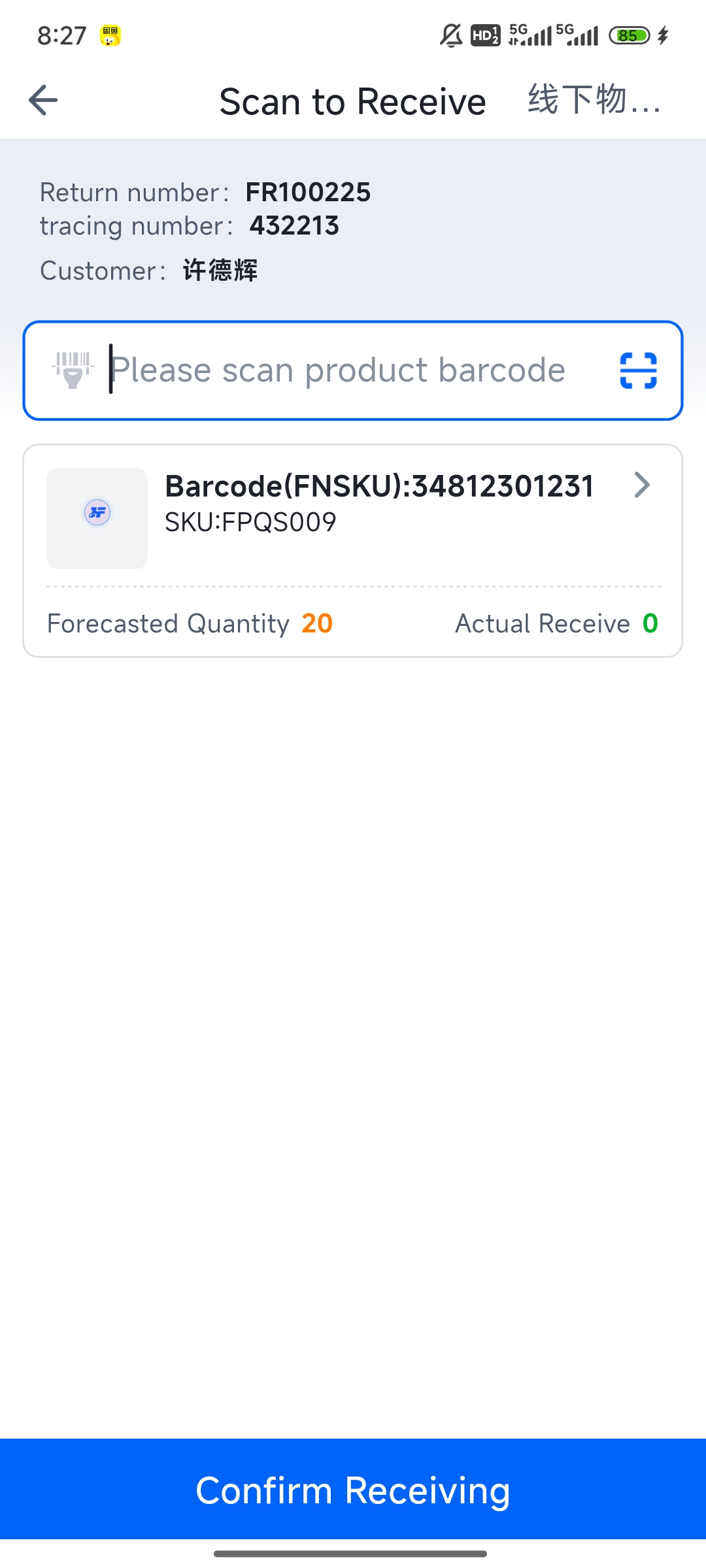
PDA FBA Return: Receiving Sign-off, Scan for Receiving, Scan for Put-away
Updated on 10 Jun,2026
Copy Link
I. Definition
Log into the PDA to perform FBA return scanning for receiving, inspecting, and putting away, enabling paperless operations.
II. Operational Path
Log into PDA > FBA Returns
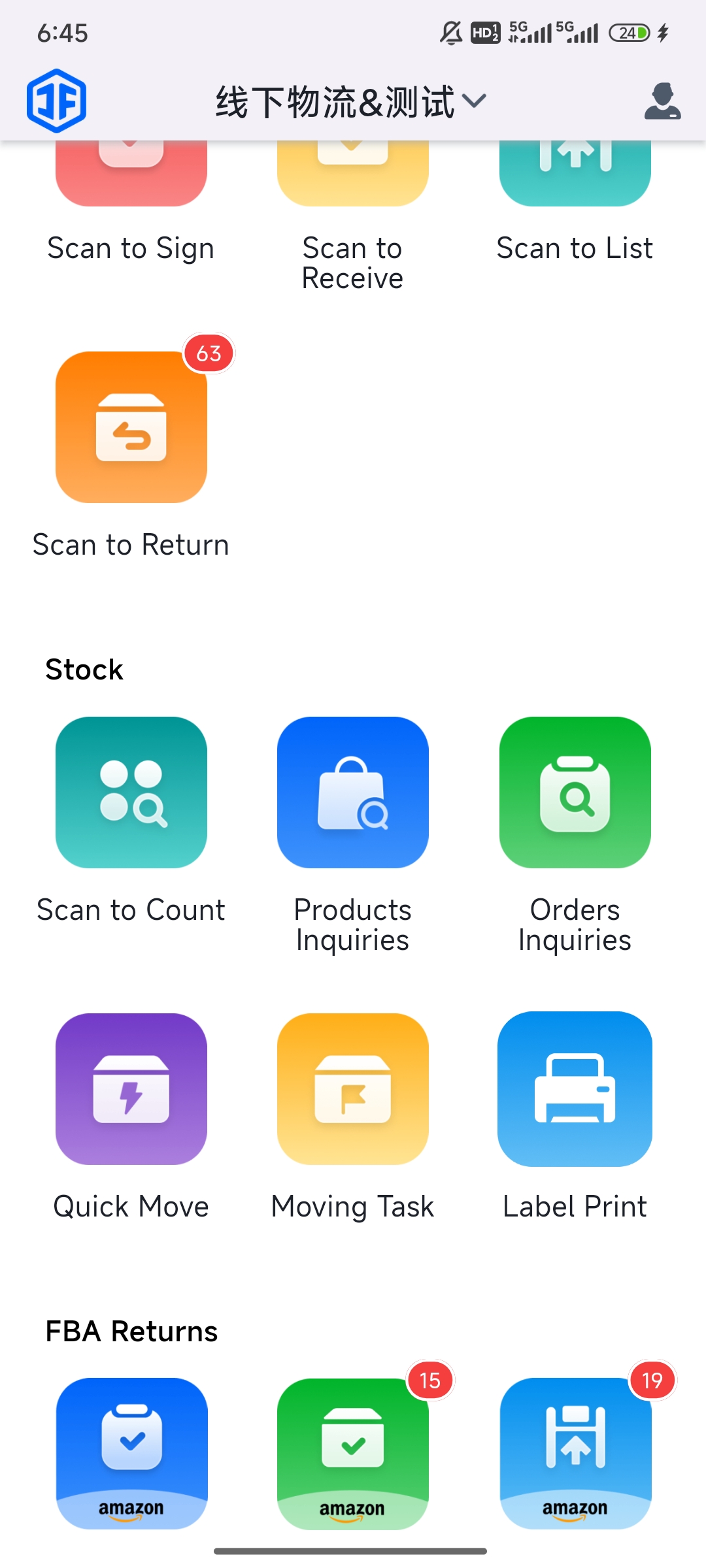
FBA Returns > Scan to Receive > Scan the Amazon tracking number.
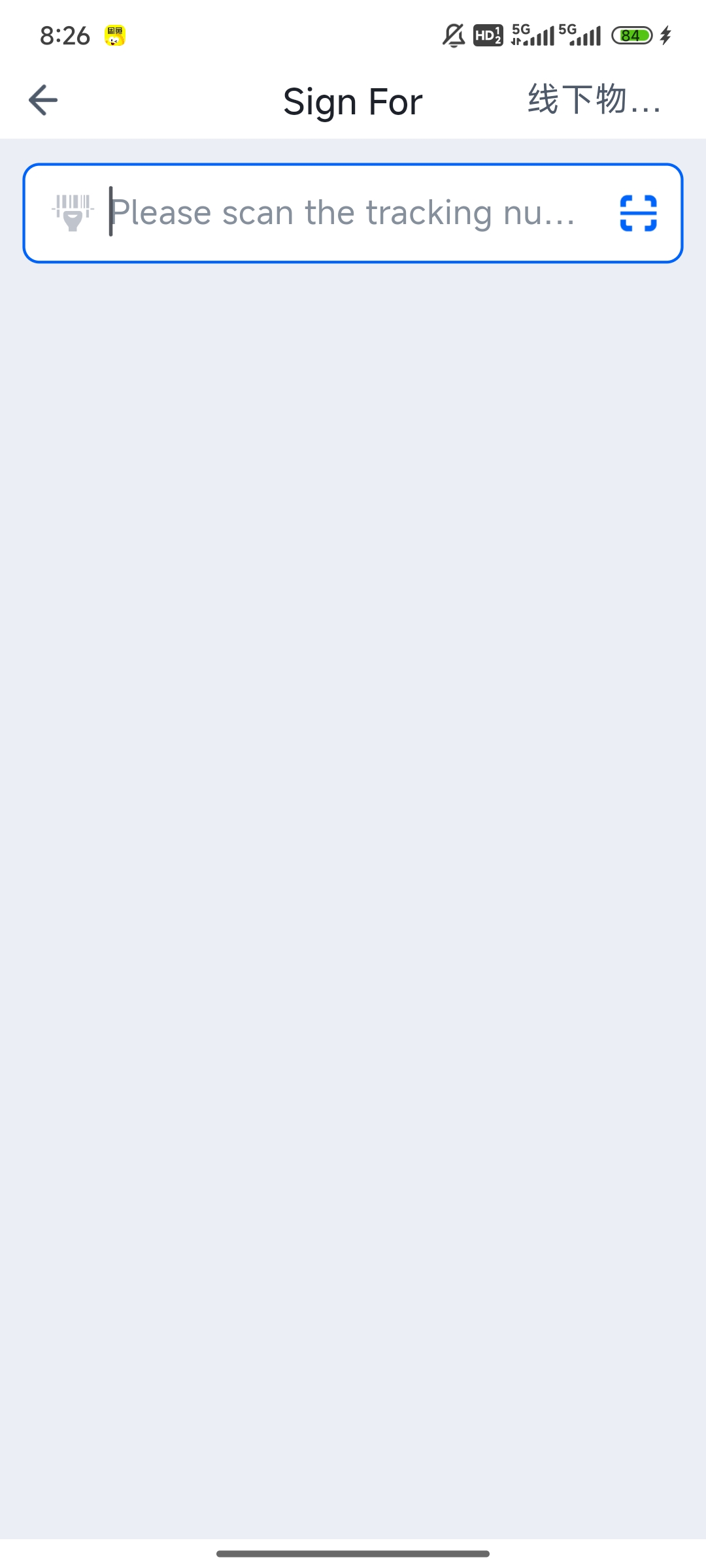
FBA Returns > Scan to Inspect > Scan the Amazon tracking number > Scan the product barcode > Confirm the received quantity.
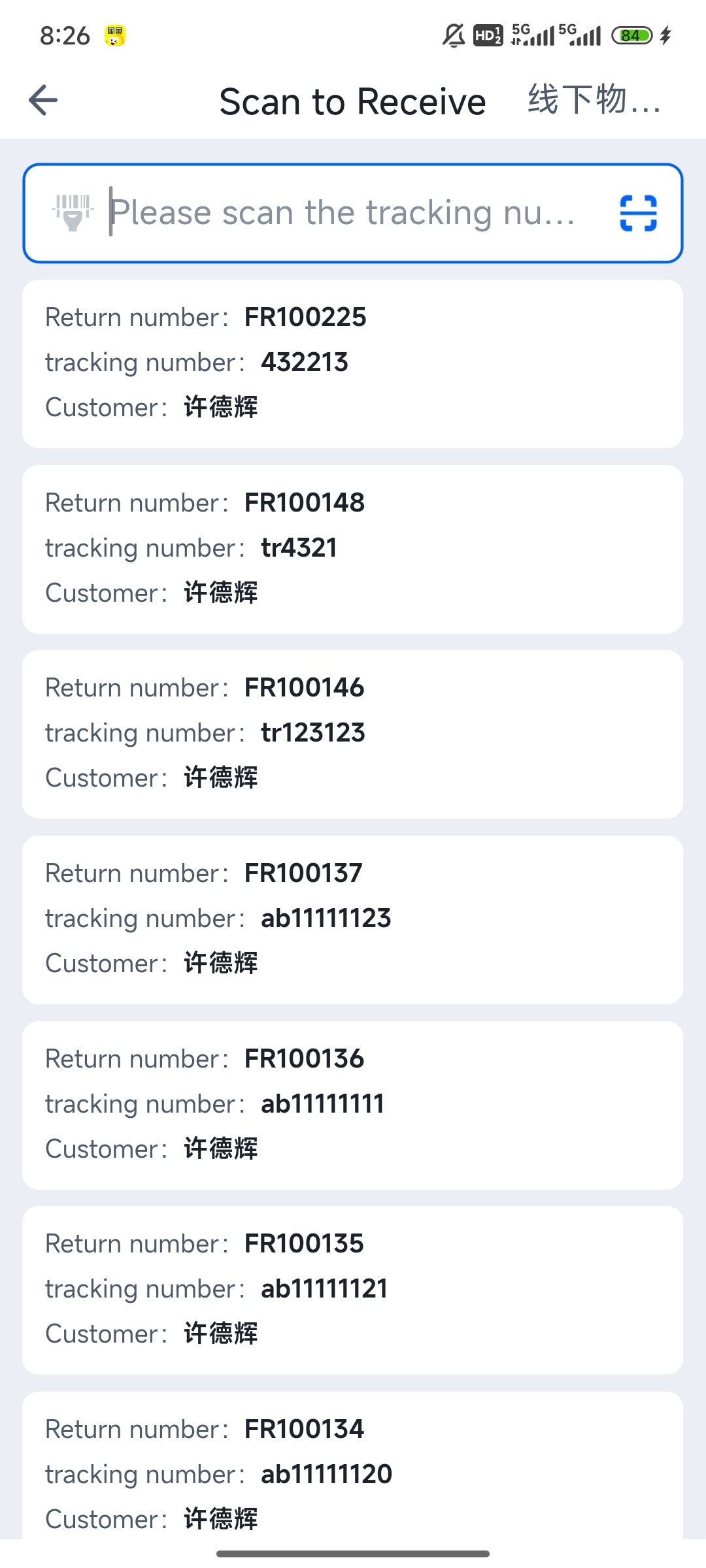
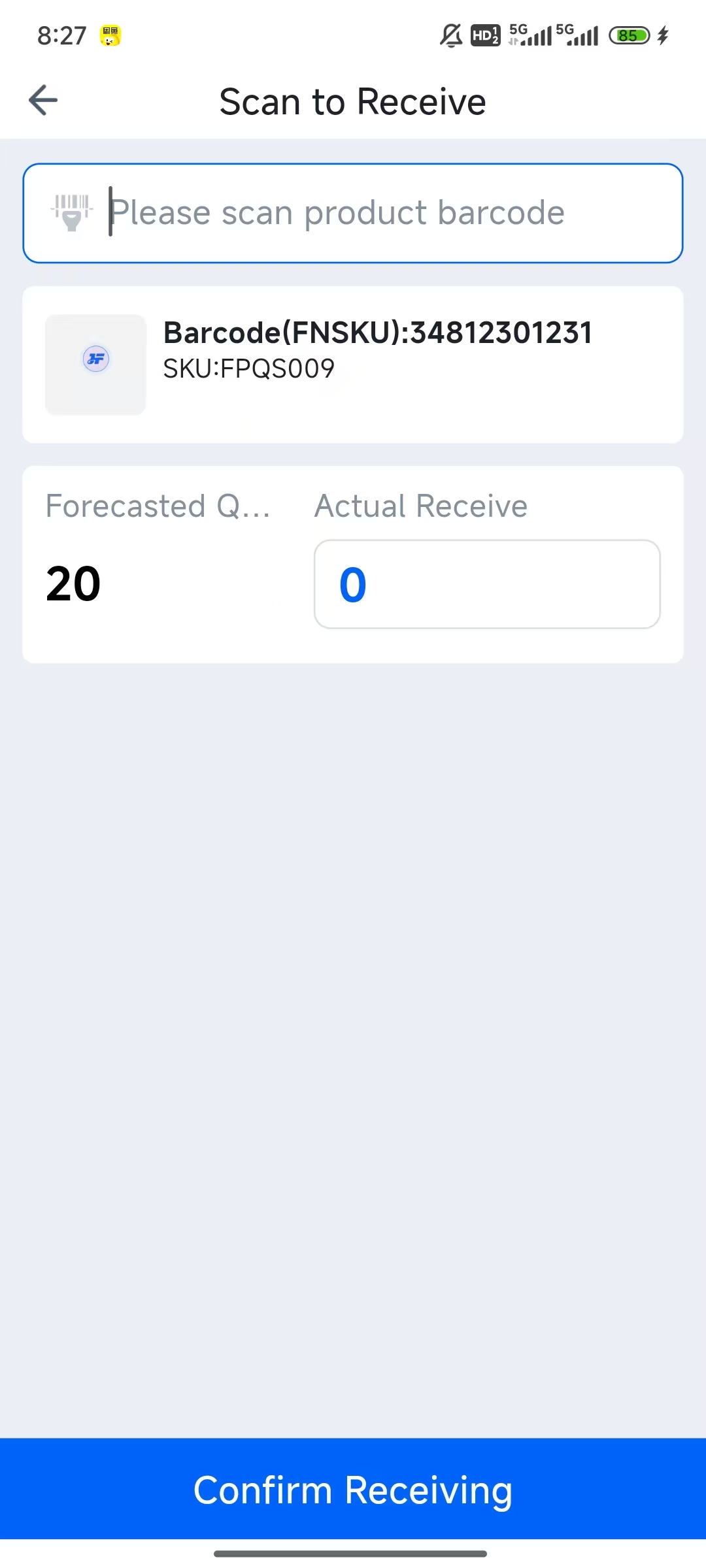
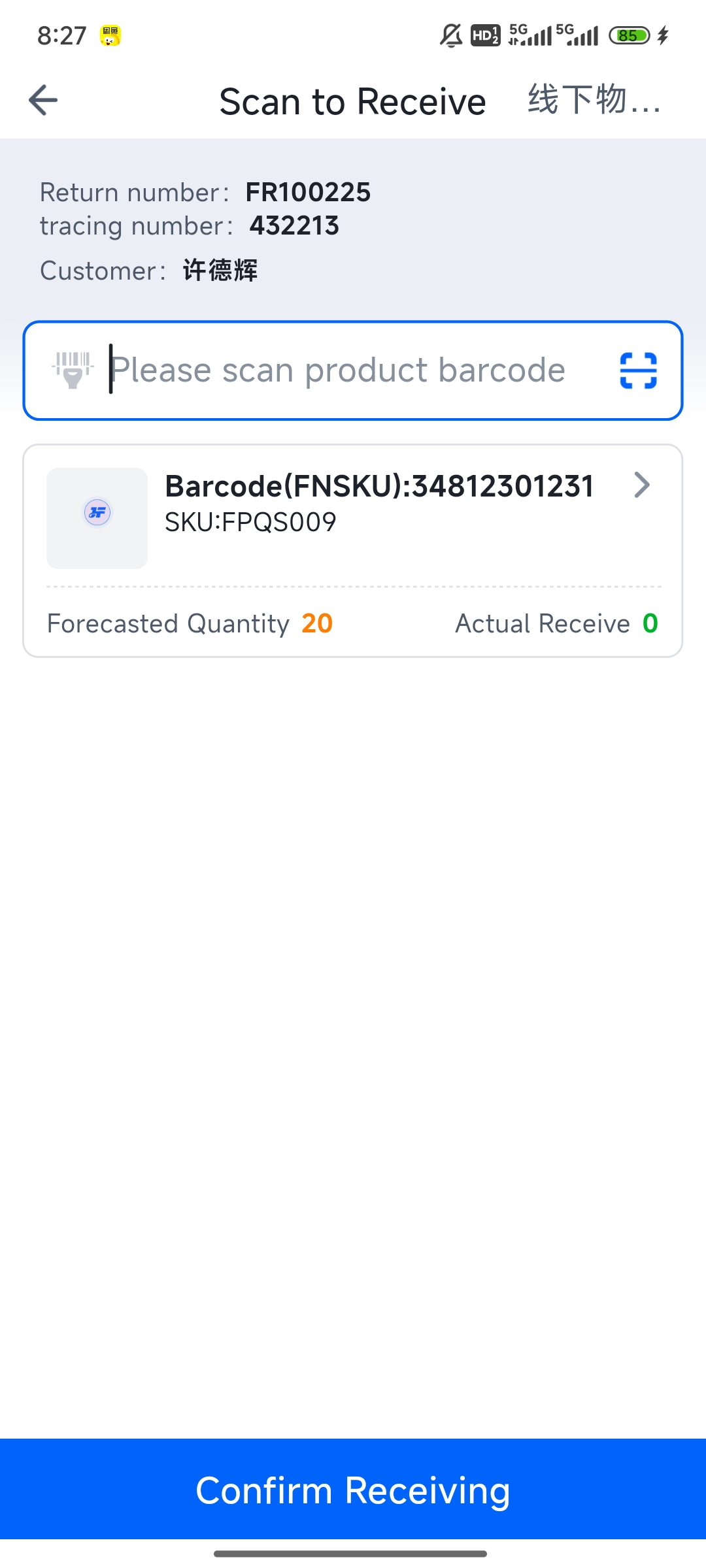
FBA Returns > Scan to Put Away > Scan the put-away list number > Scan the product barcode > Scan the shelf location > Confirm put-away.