PDA: Inventory Counting, Product Inquiry, Order Inquiry, Quick Relocation
Updated on 10 Jun,2026
Copy Link
I. Definition
Log into the PDA to perform shelf and product inventory counts, product inquiries, order inquiries, and quick transfers, enabling paperless operations.
II. Operational Path
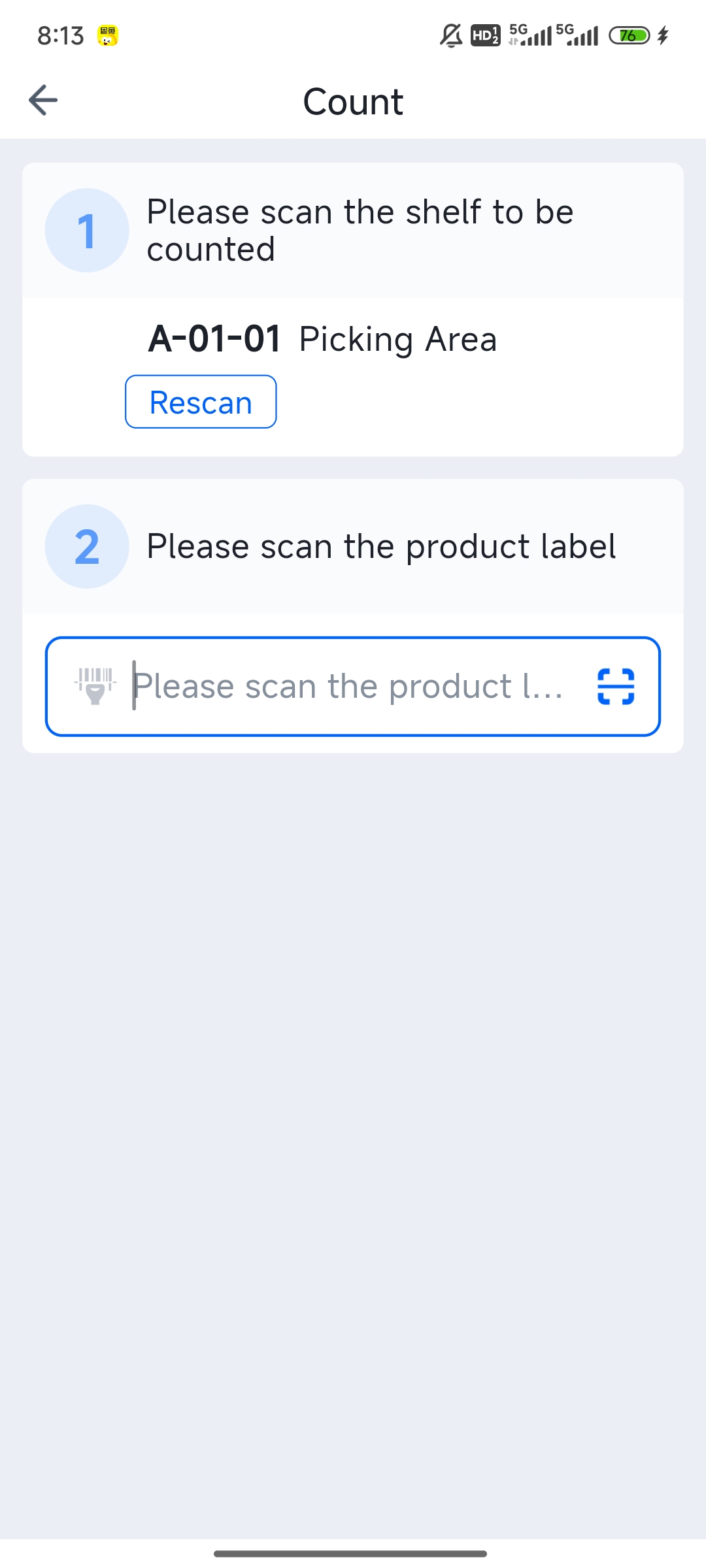
Log into PDA > Scan to Count > Scan shelf location > Scan product > Confirm quantity.
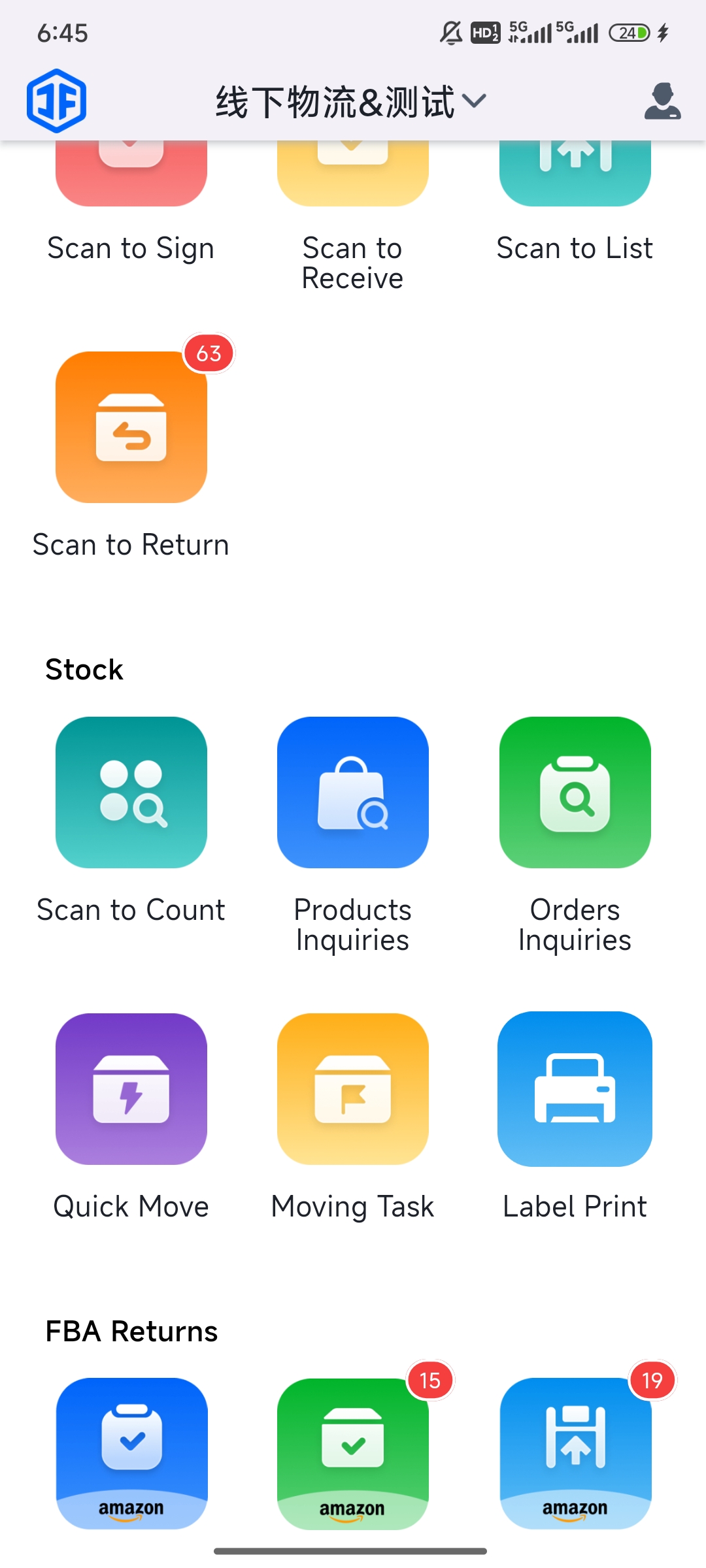

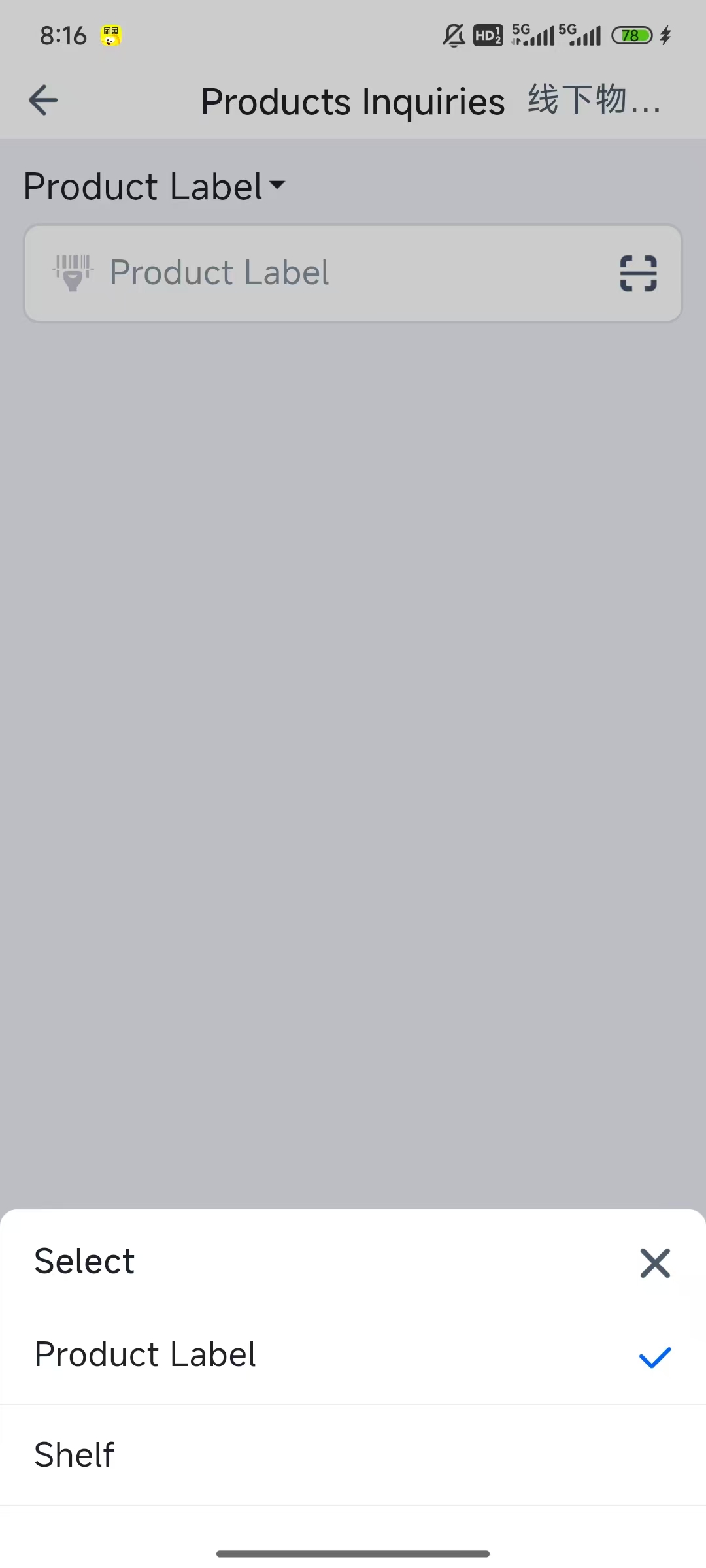
Log into PDA > Product Inquiry > Choose to query by product label or by shelf location.
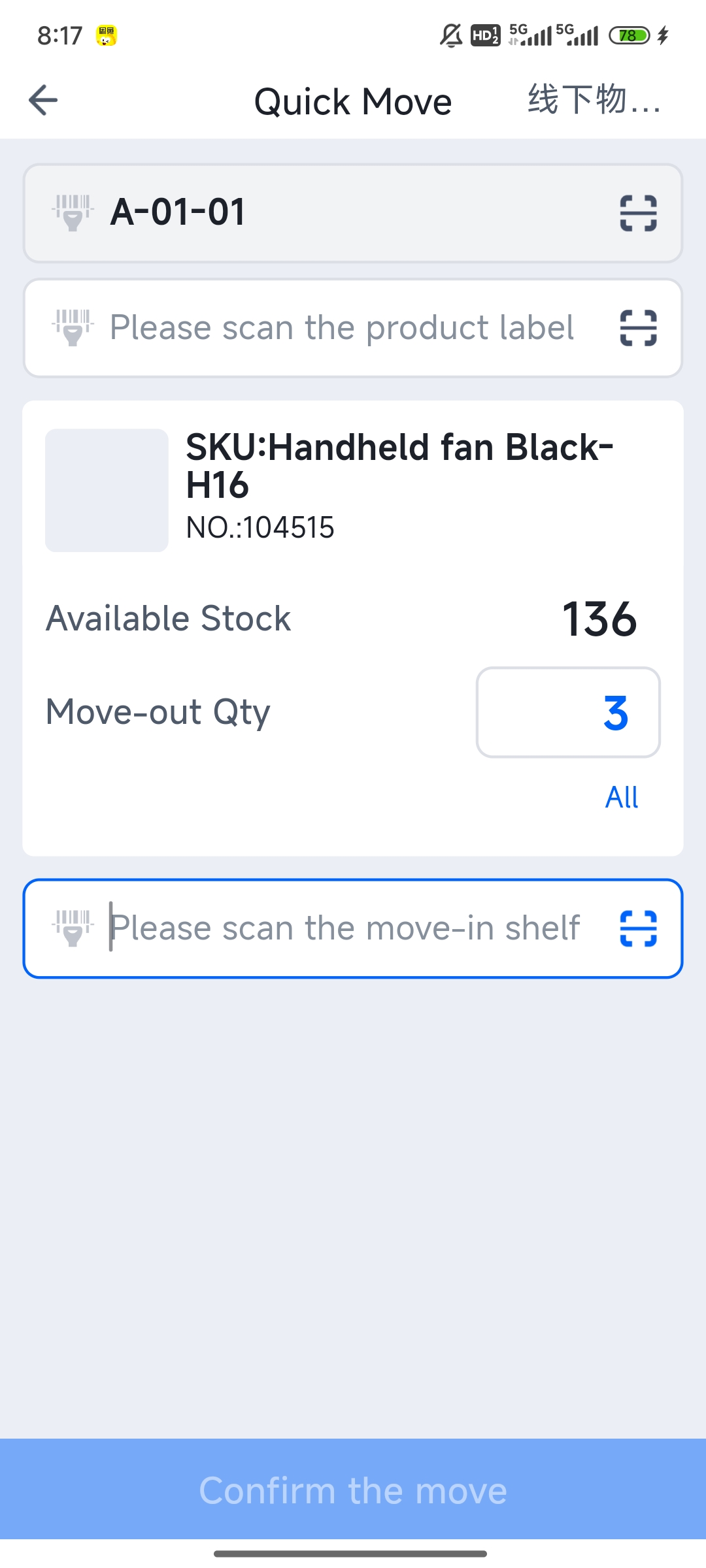
Log into PDA > Quick Transfer > Scan the source shelf location > Scan the quantity of goods to move > Scan the destination shelf location > Confirm Transfer.

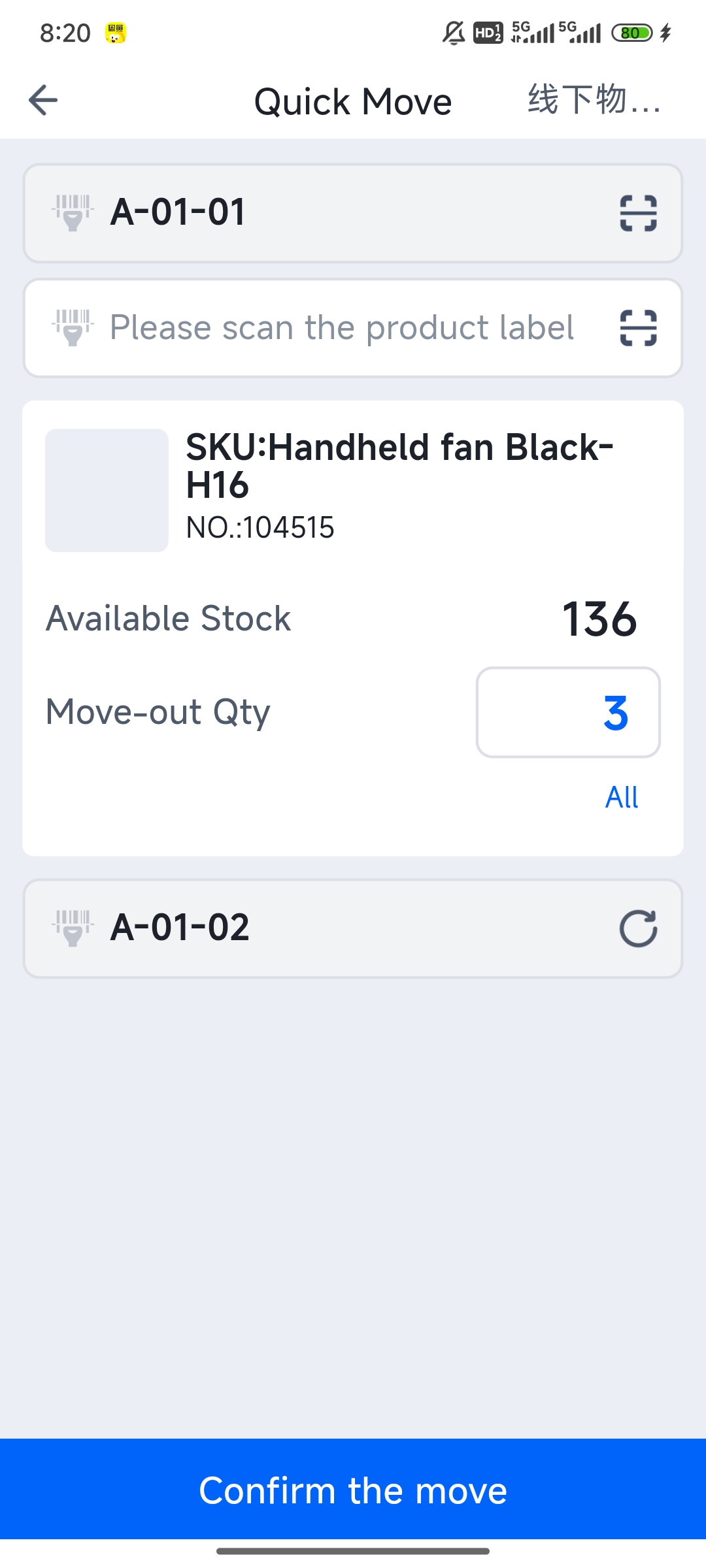
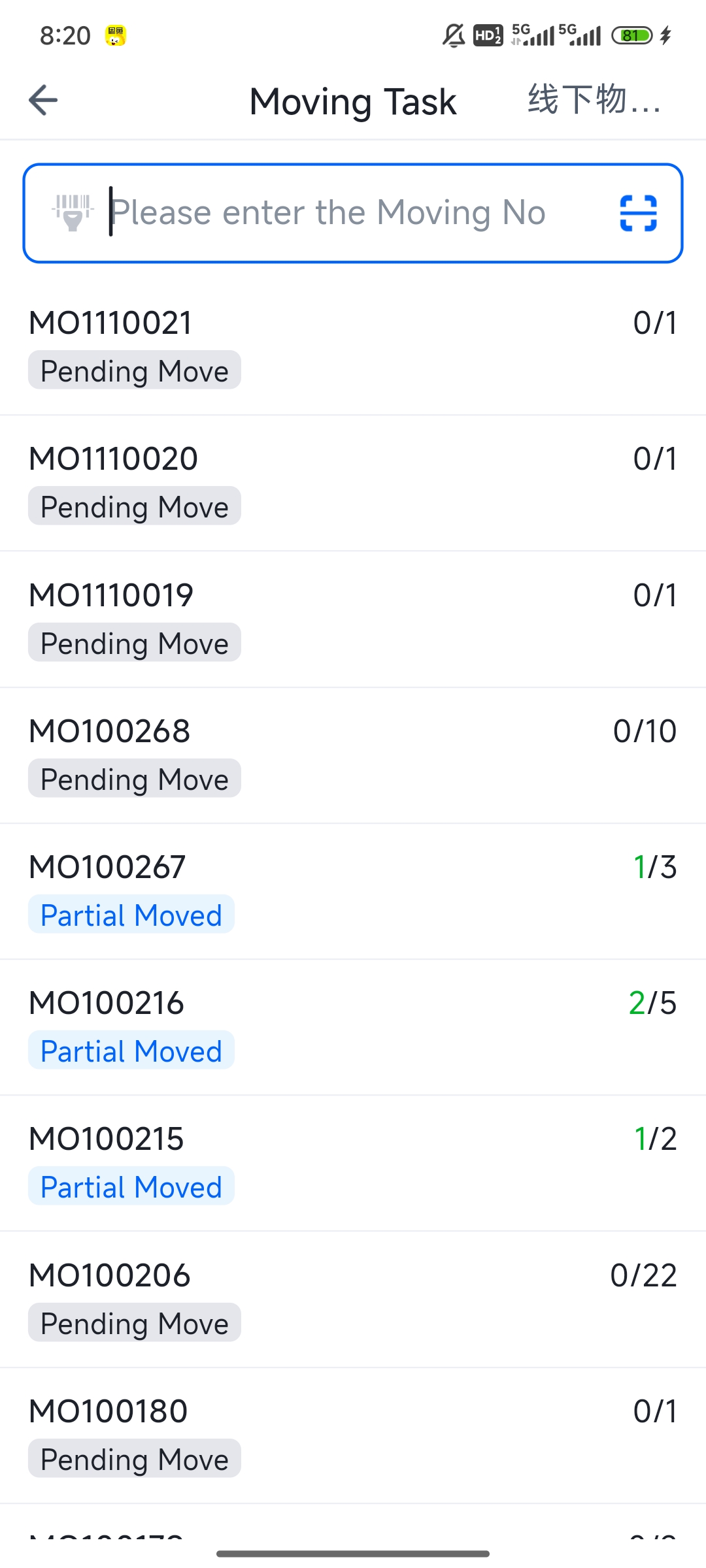
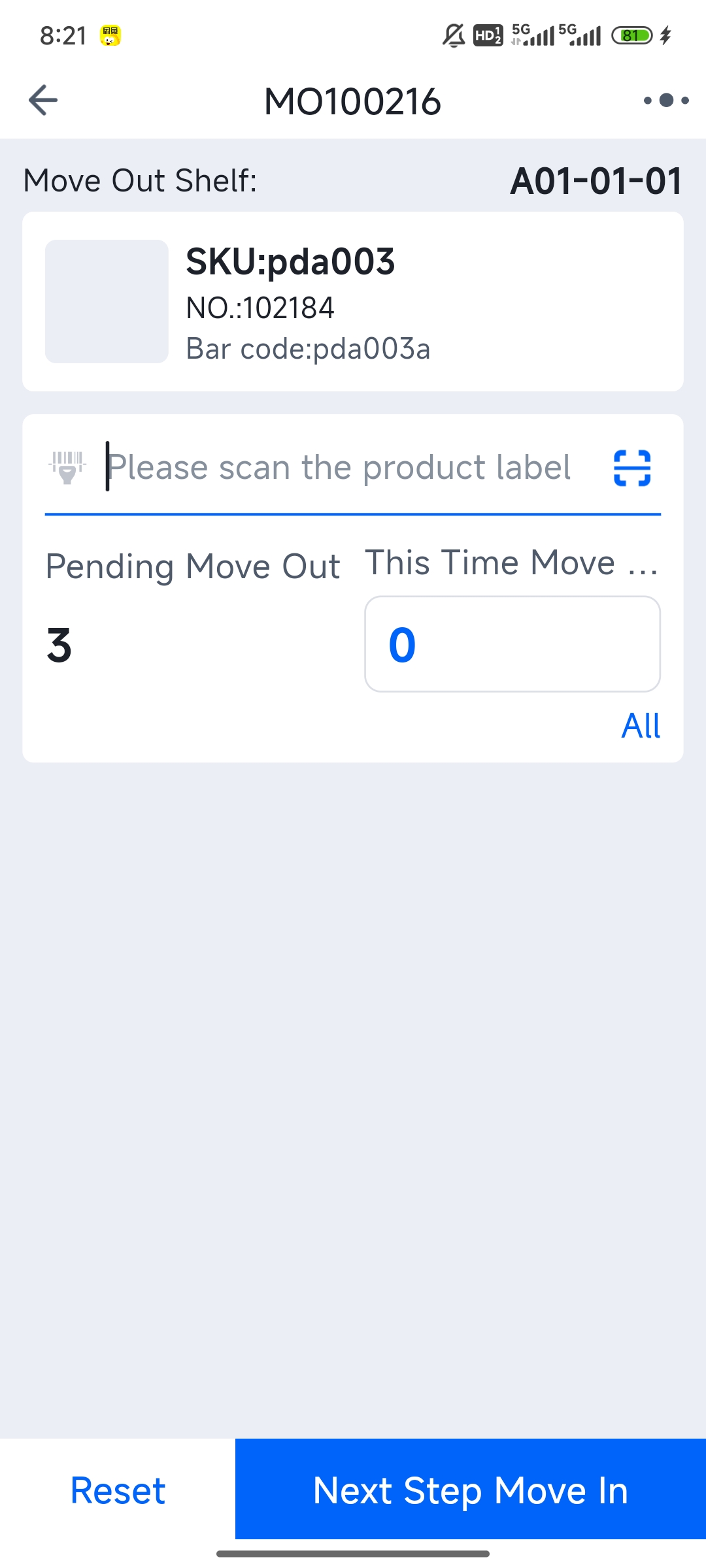
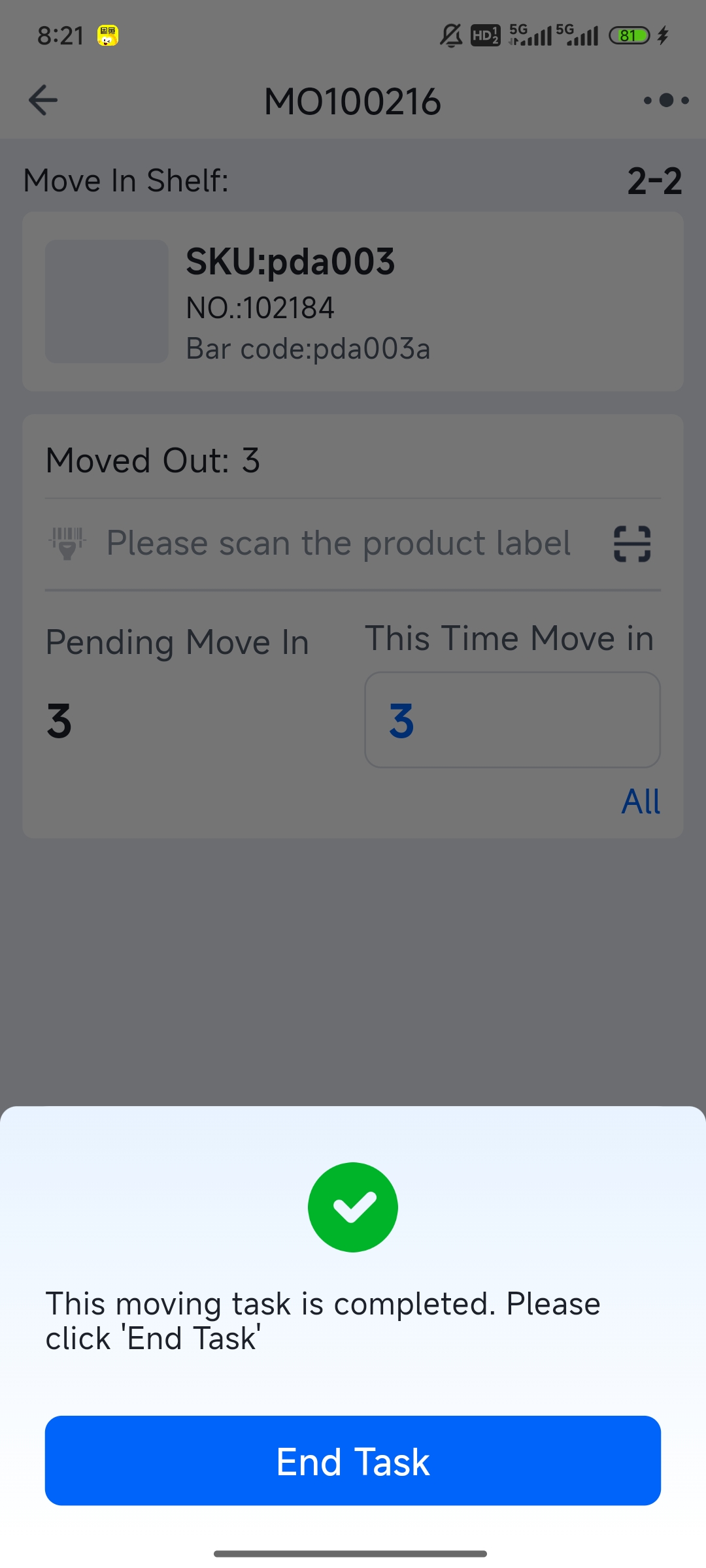
Log into PDA > Task-based Transfer > Locate the source shelf location > Scan the quantity of goods to transfer > Transfer in.