Quick Overview of Outbound Packages
I. Definition
This section introduces the order processing interface for overseas warehouses using Jifeng WMS for dropshipping fulfillment.
II. Basic Overview
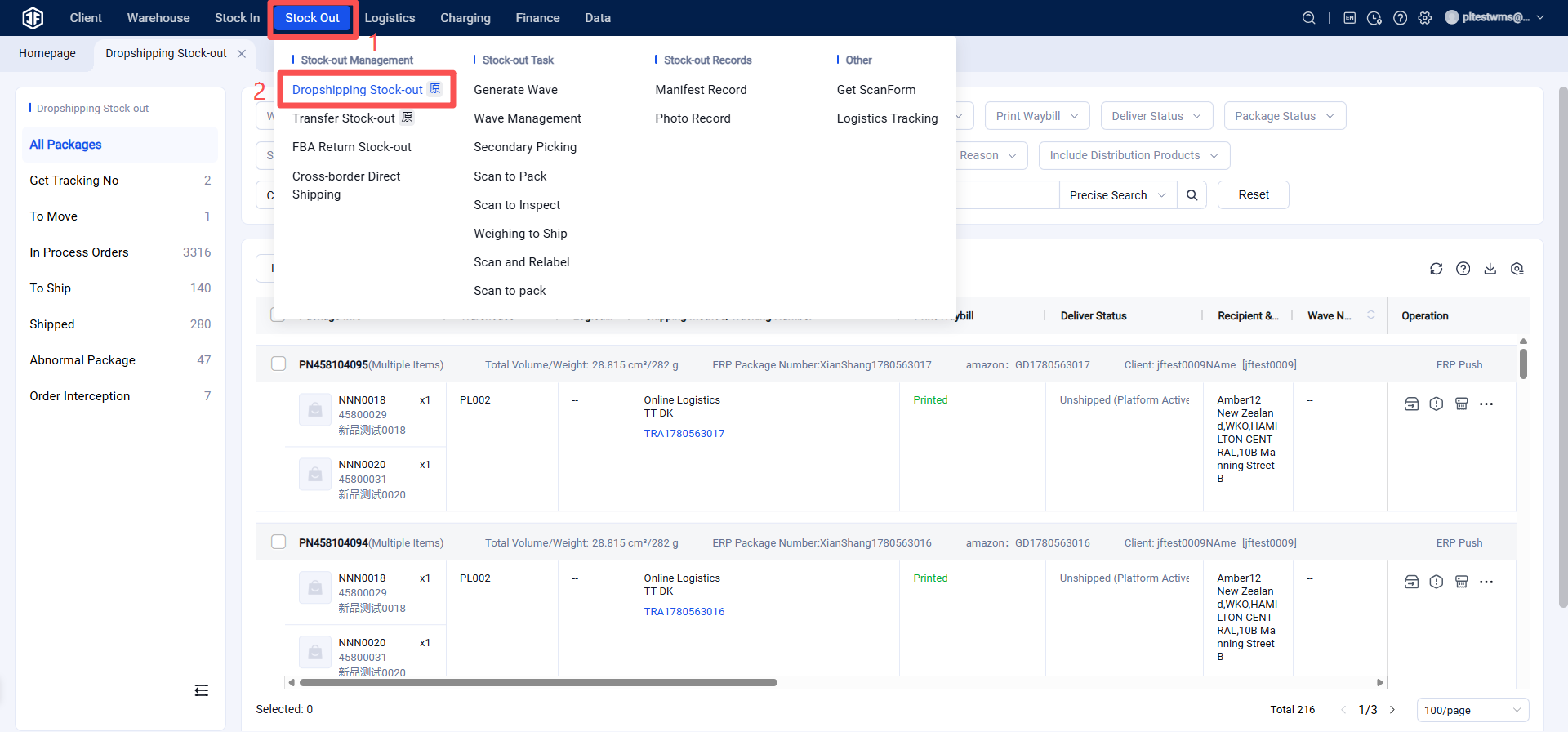
1. All Packages
(1) Includes both newly acquired orders and historical orders after store authorization.
(2) Supports viewing and filtering orders by warehouse, client, platform, logistics provider, SKU, etc.
(3) Supports importing and exporting orders.
2. Obtain Tracking Number
(1) Failed to Obtain
When a seller retrieves an order in OMS but fails to obtain the tracking number, the order will appear here.
(2) In Progress
When a seller retrieves an order in OMS but there is a delay in the logistics provider's response, the order will appear here.
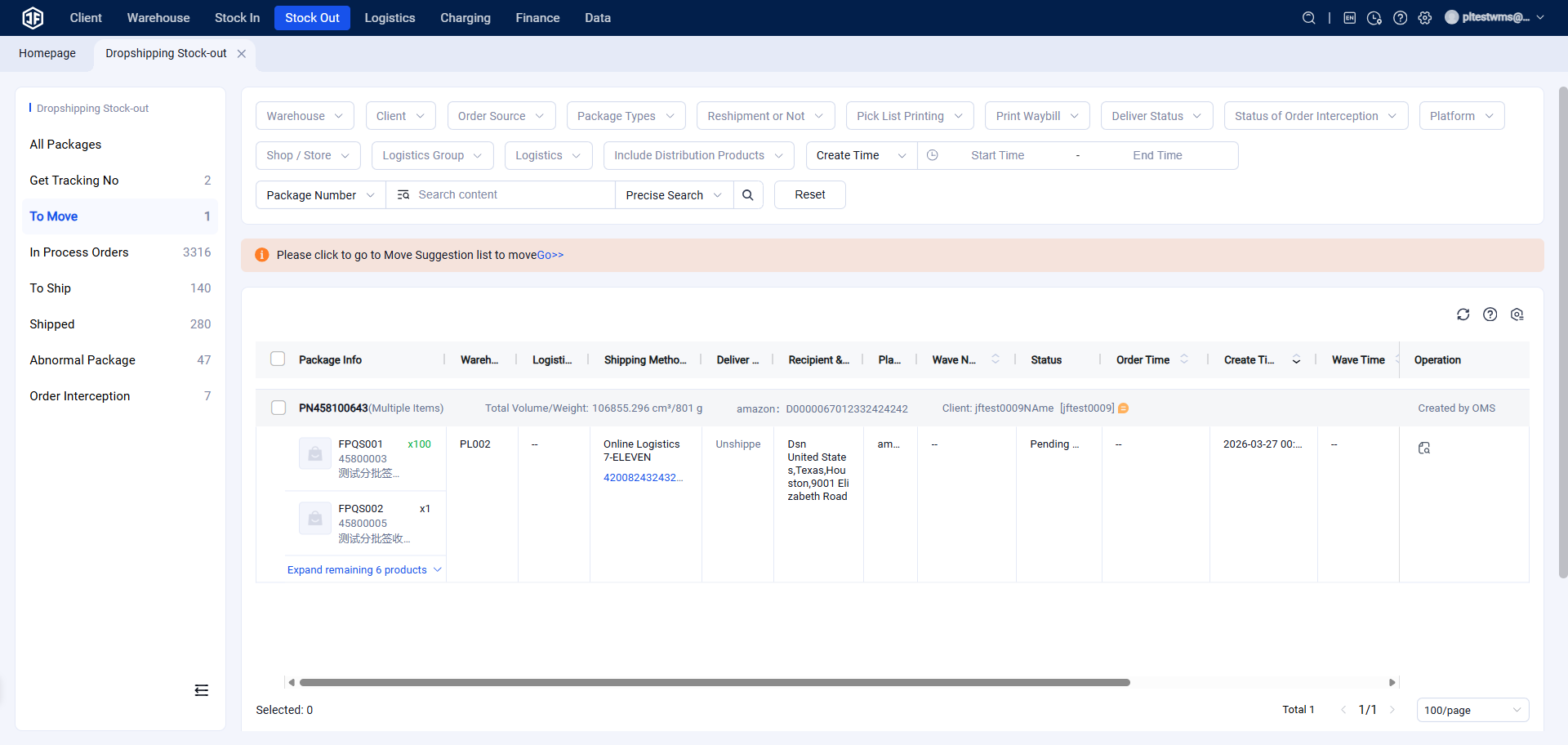
3. Pending Stock Transfer
Orders in the overseas warehouse that cannot be fulfilled due to insufficient inventory in the rack locations require stock transfer.
Once the transfer is completed, the orders will move to the Pending Label Printing page.
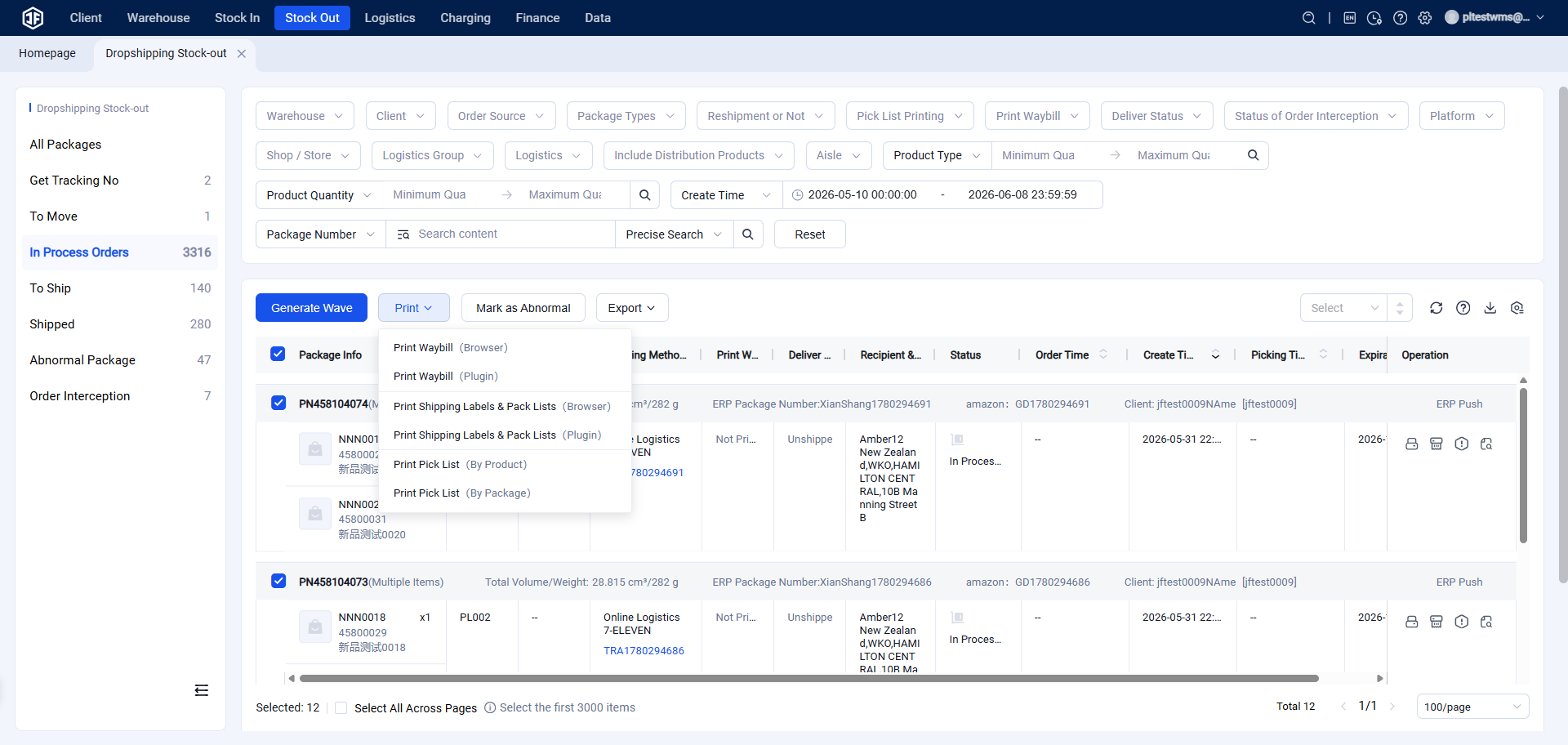
4. Pending Label Printing
(1) Orders with available stock are displayed here.
(2) This page allows printing of shipping labels, picking lists, and packing lists.
(3) It also supports custom export of order information.
(4) Orders can be filtered by warehouse, customer, platform, logistics provider, SKU, and other criteria.
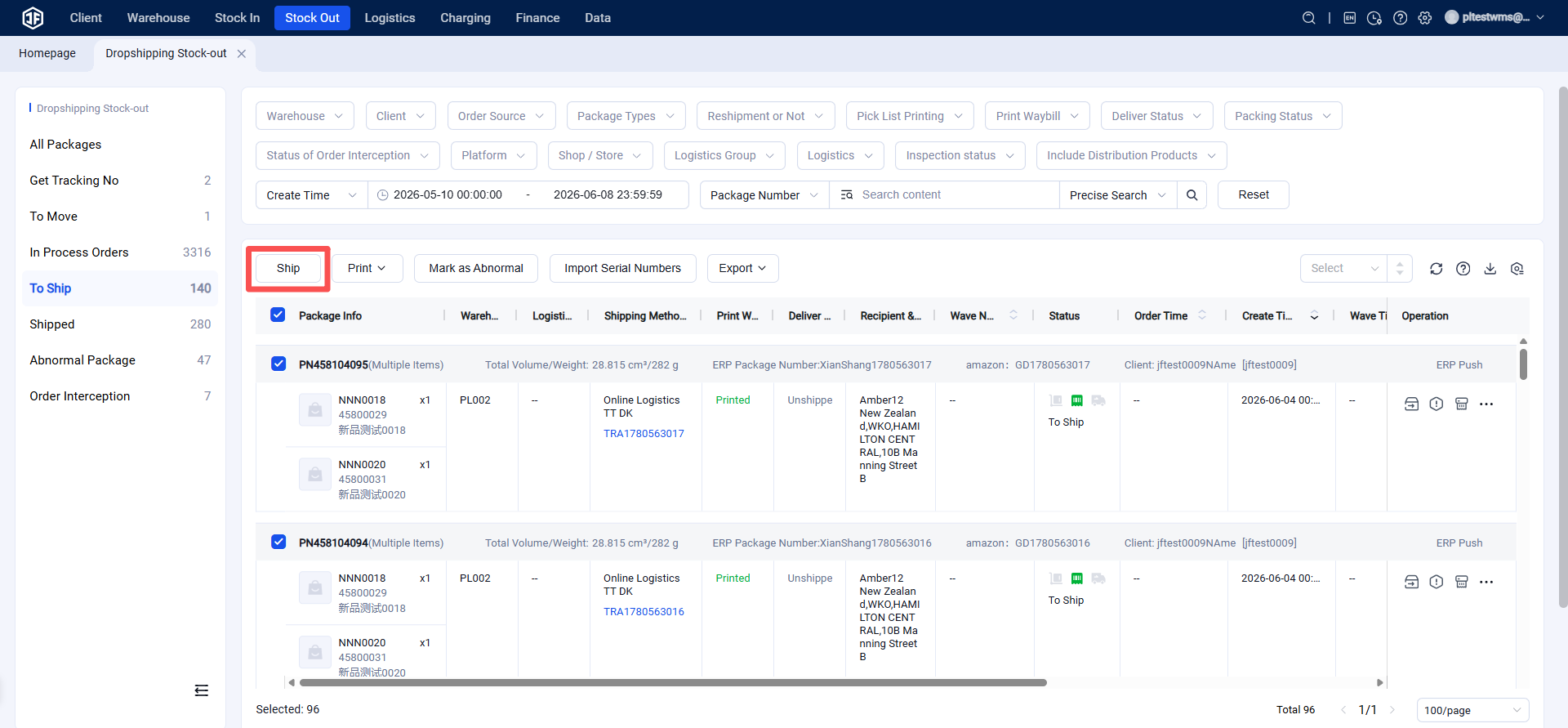
5. Pending Shipment
(1) Warehouse inventory is deducted only after the order is shipped.
(2) Orders in this status can be marked as shipped in bulk.
(3) Systems that support scanning packages for automatic shipment or scanning for verification will automatically submit the shipment.
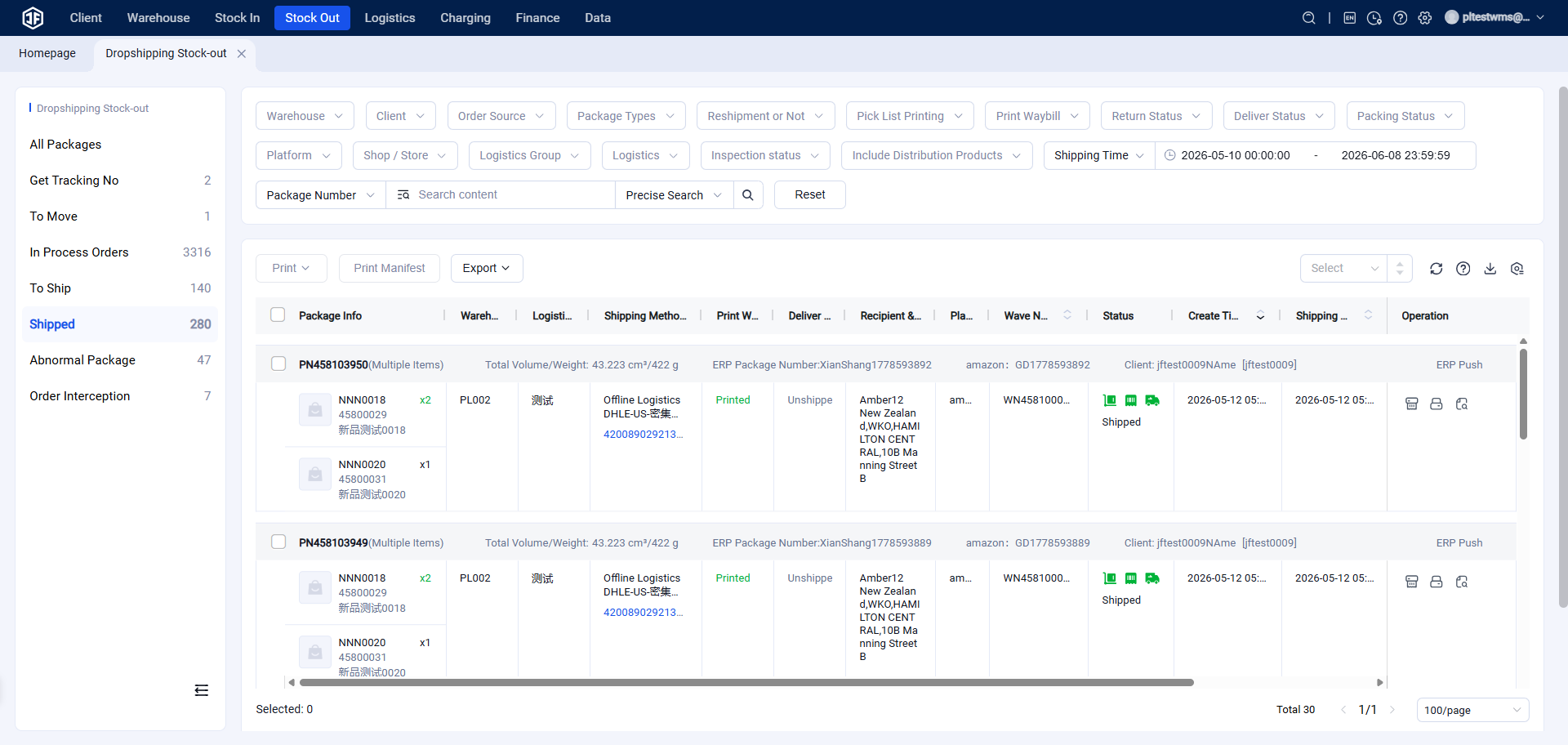
6. Shipped
(1) Packages that have been packed and shipped enter this status.
7. Exception Packages
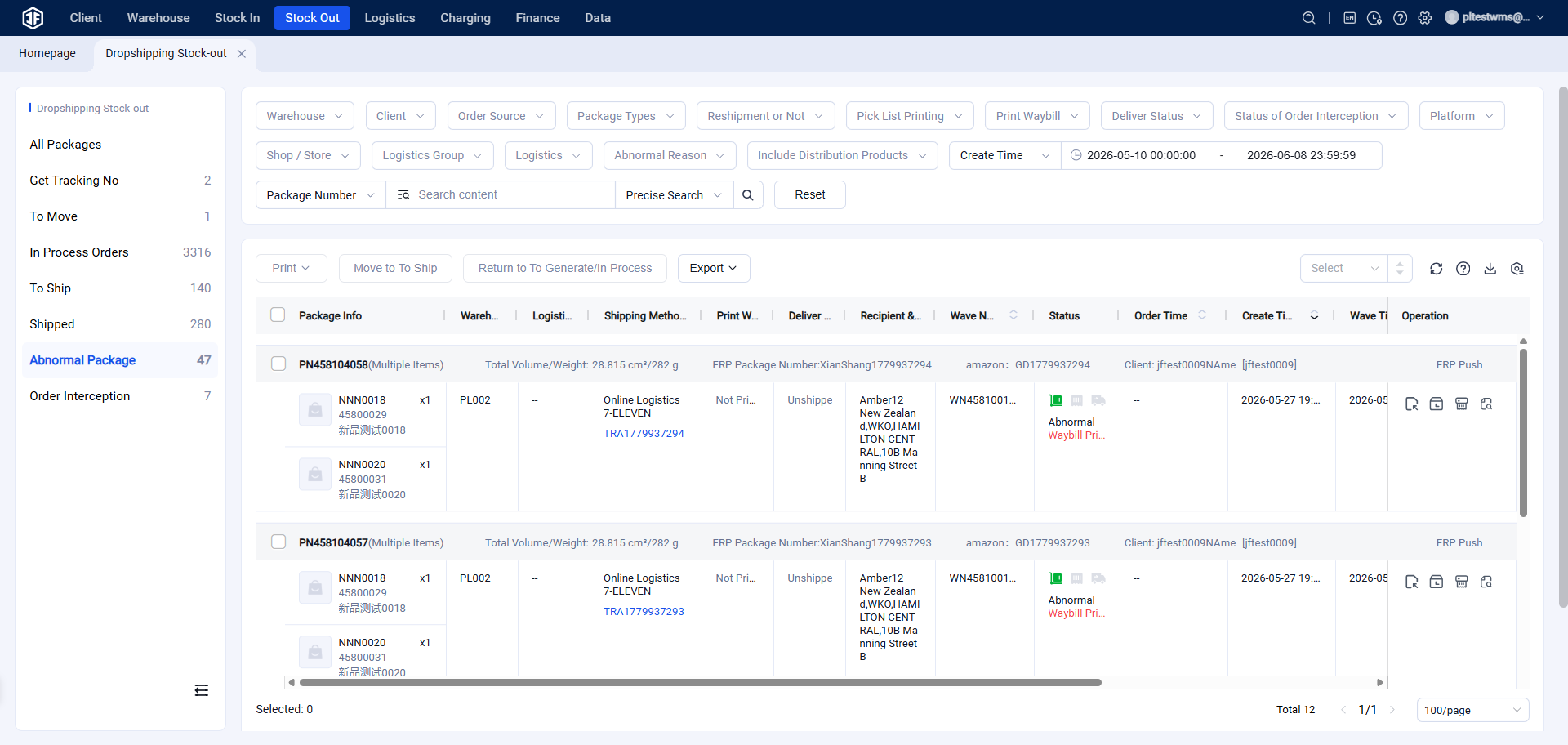
(1) Packages with abnormal shipping labels.
(2) Exception packages can be returned to "Pending Generation" or "Pending Label Printing" status.
8. Cancelled Orders
Orders that have been cancelled upon the seller's request.