How to Change the Login Email in Jifeng WMS
I. Definition
If an overseas warehouse originally registered with an employee's email and the employee has left, the warehouse may need to change the login email address. An email change request can be submitted for this purpose.
Note: To avoid disputes, it is recommended that the warehouse owner personally registers the account initially, to prevent the need for email changes later.
II. Specific Procedure
You need to send an email from the original email address used to register for Jifeng WMS.
Send email to: wms@dianxiaomi.com
Email Subject: 【Jifeng WMS Email Change from XXXX to XXXX】
Email Body Content:
Dear Jifeng WMS Support Team,
I am [Your Warehouse Name] Overseas Warehouse.
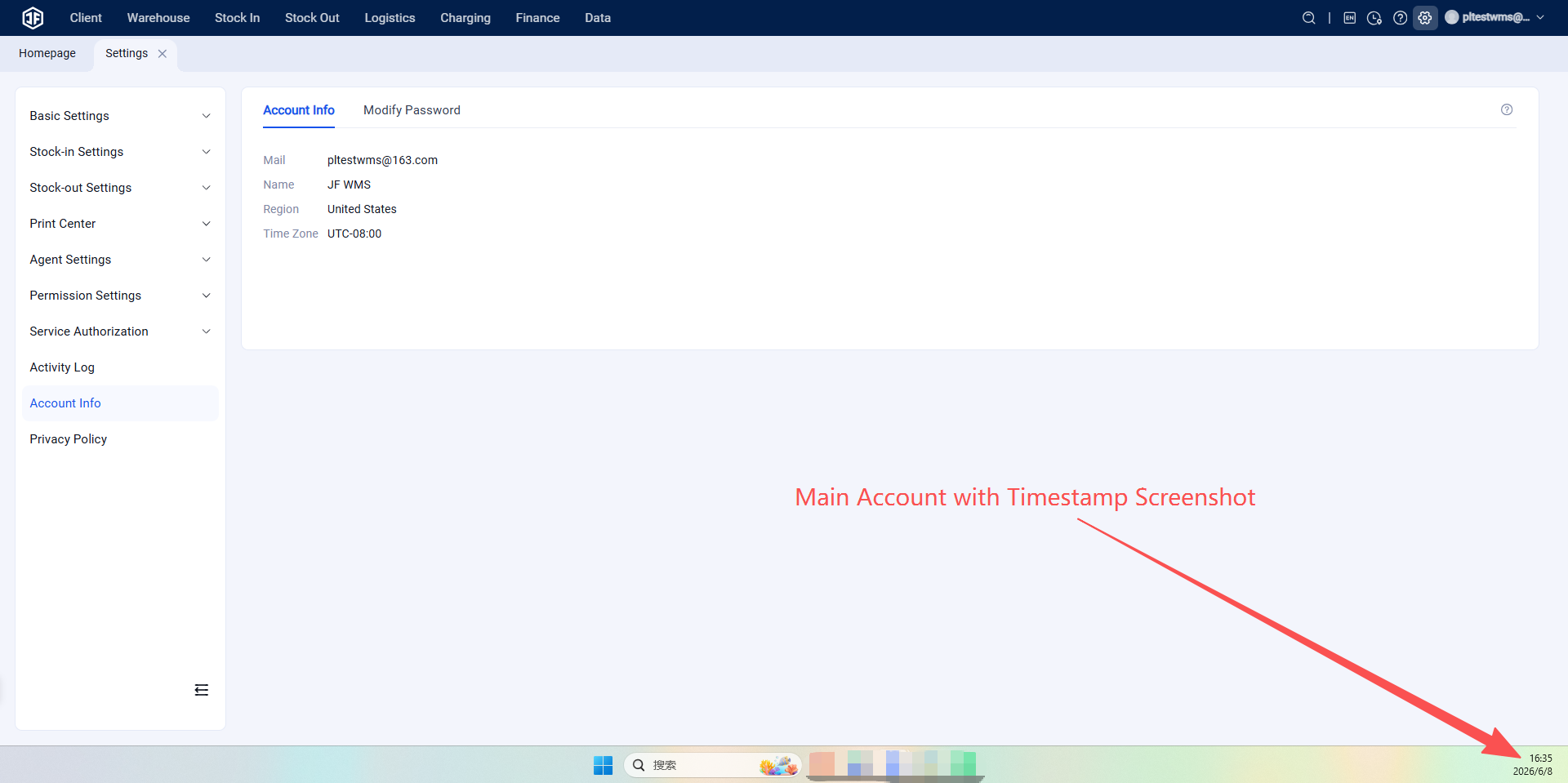
Attachment 1: Screenshot of the main account in the overseas warehouse system:
Main account in the overseas warehouse system:
Reason for email change:
Original email:
New email to be changed to:
Attachment 2: Business License of the company.
Attachment 3: Photo of the legal representative's ID card (solely for the purpose of changing the Jifeng WMS email address).
Kind Reminder: After changing the email address, you can still log in using the original password.