Process Orders and Push to Overseas Warehouse via Bigseller
I. Definition
Process orders and push them to the overseas warehouse via Bigseller.
II. Operational Procedure
Step 1: Schedule Orders
Newly synchronized orders are displayed in the "Pending Processing" > "Pending Scheduling" list. Select the orders to be processed (orders from multiple stores can be selected simultaneously) > Click "Schedule Orders". Successfully scheduled orders will be automatically moved to the "Pending Label Printing" list.
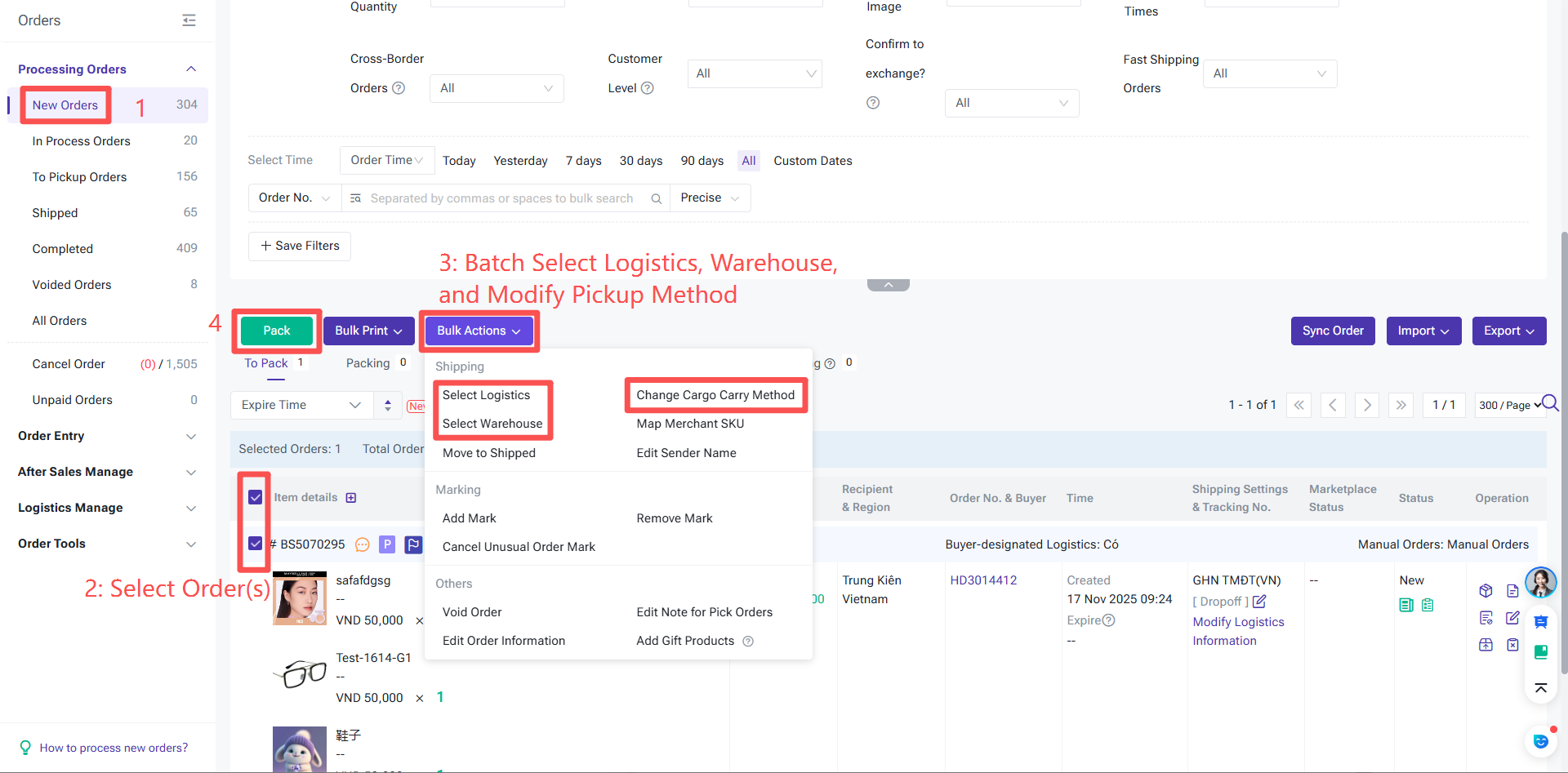
There are 2 pickup methods:
Method 1: Pickup (Carrier Collects at Warehouse/Address): If the selected orders include pickup orders, when you click "Schedule Orders", you must fill in the pickup time. After filling in and saving, the orders can then enter the "Pending Label Printing" status for further processing.
Method 2: Dropoff (Shipped from Drop-off Point): If the selected orders are only dropoff orders, they will be moved directly to "Pending Label Printing" .
Step 2: After scheduling the orders in BigSeller, they will be automatically pushed to the third-party warehouse. Await processing by the third-party warehouse, after which BigSeller will automatically sync the orders' latest status.