PDA Receiving and Put-away
Updated on 10 Jun,2026
Copy Link
I. Definition
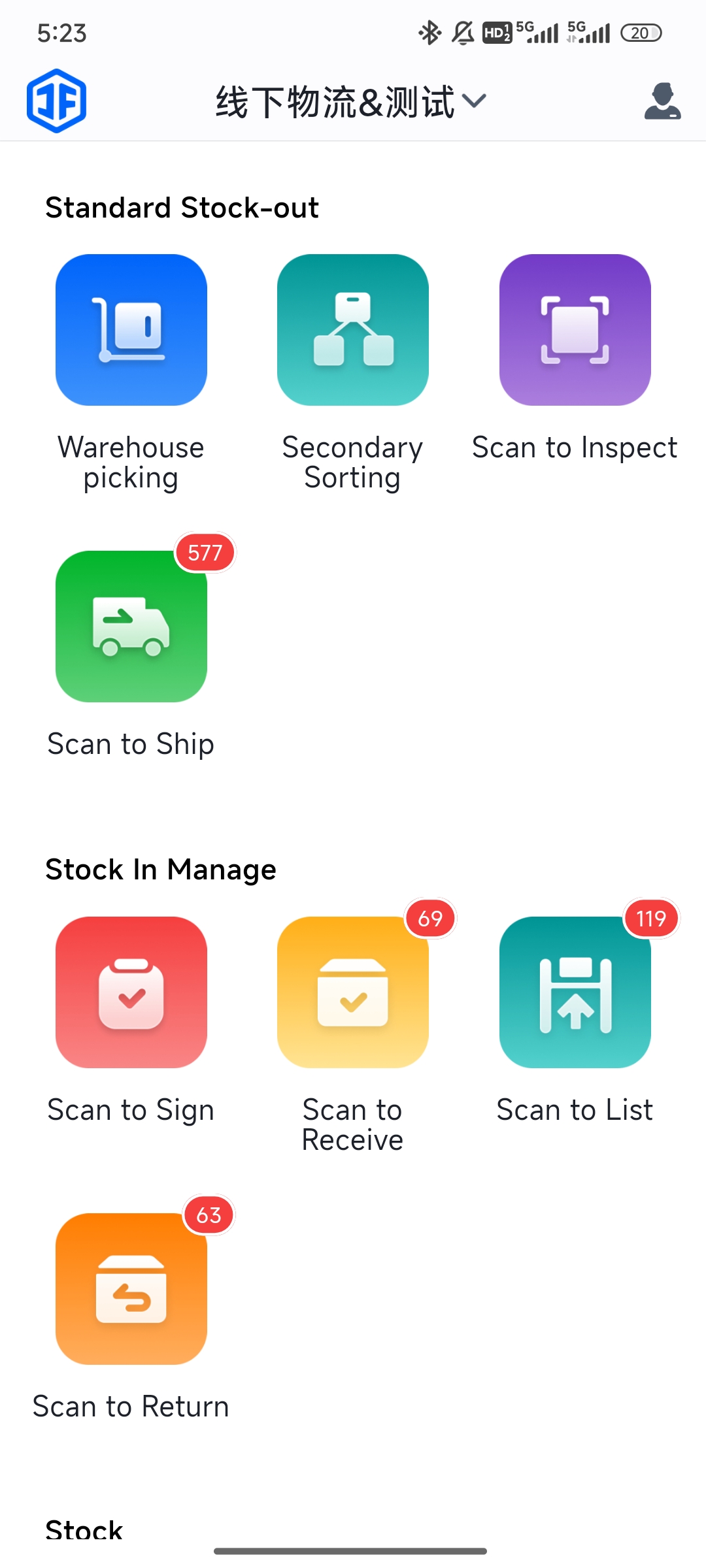
Log into the PDA to perform scanning for receiving, inspecting, putting away, and processing returns.
II. Operational Path
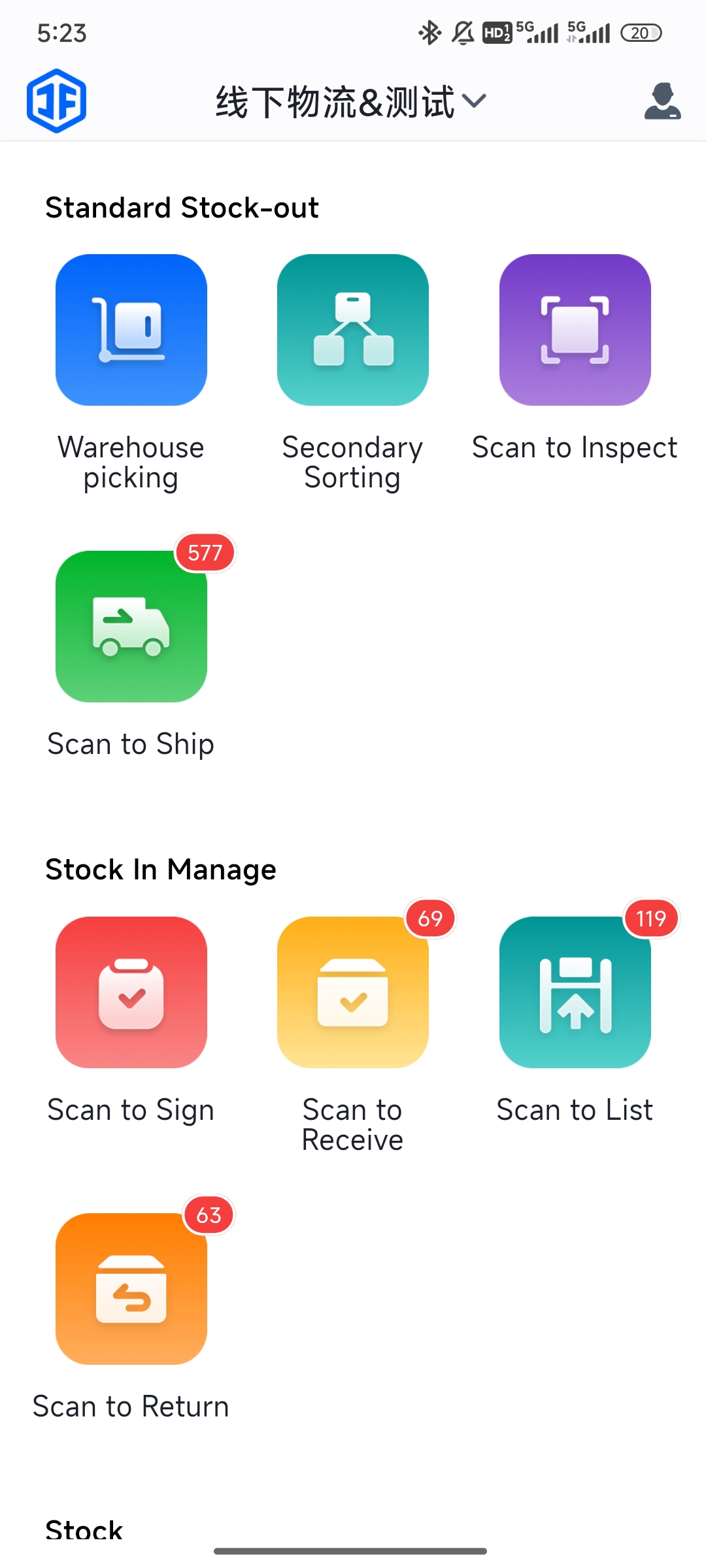
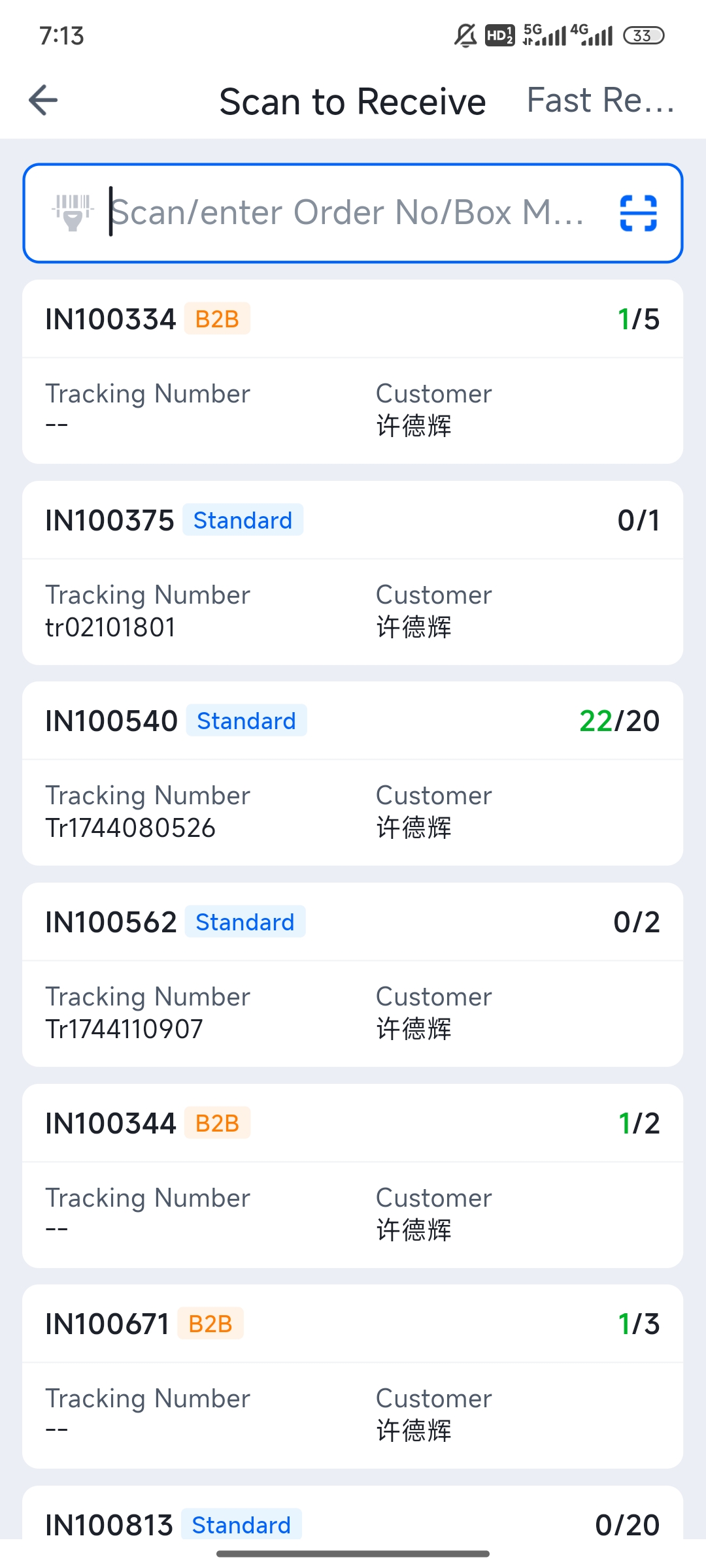
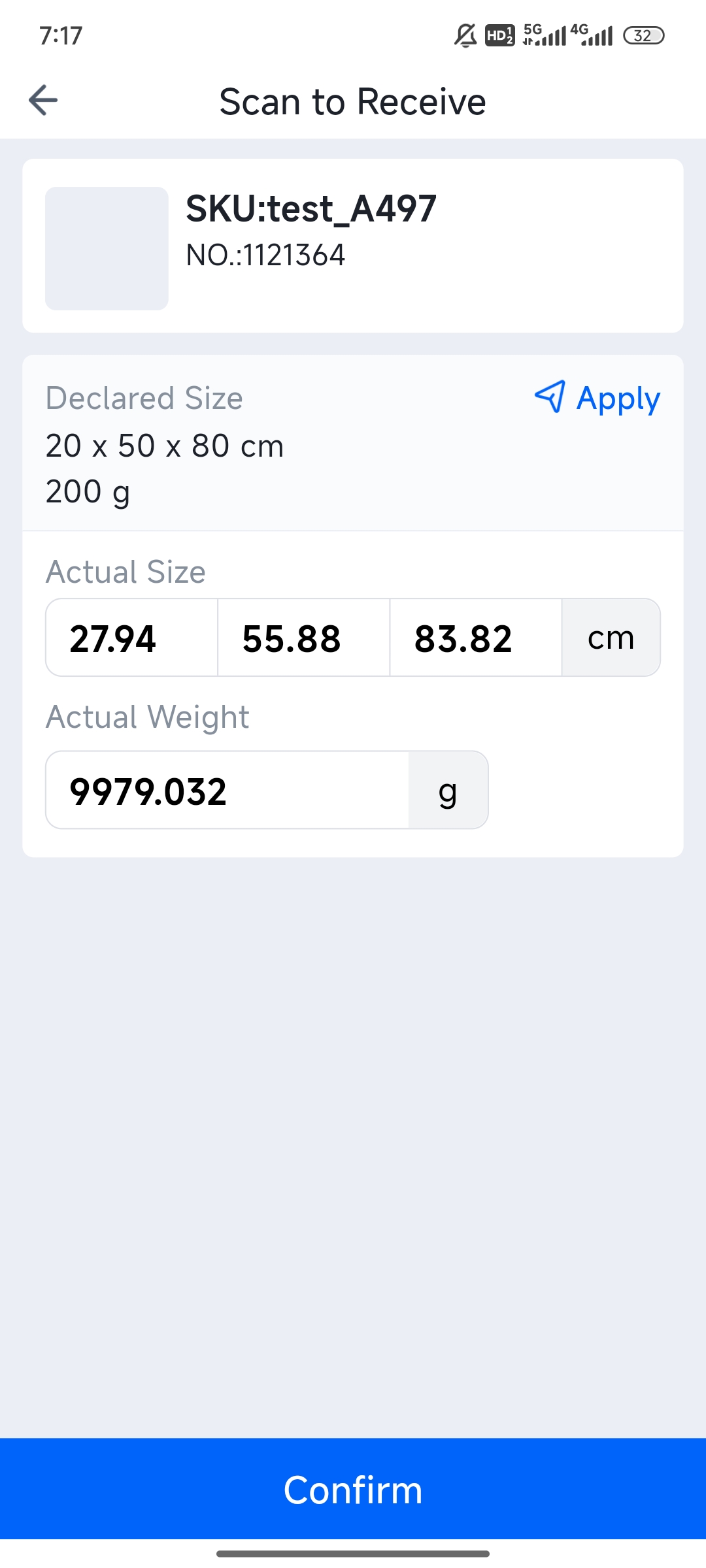
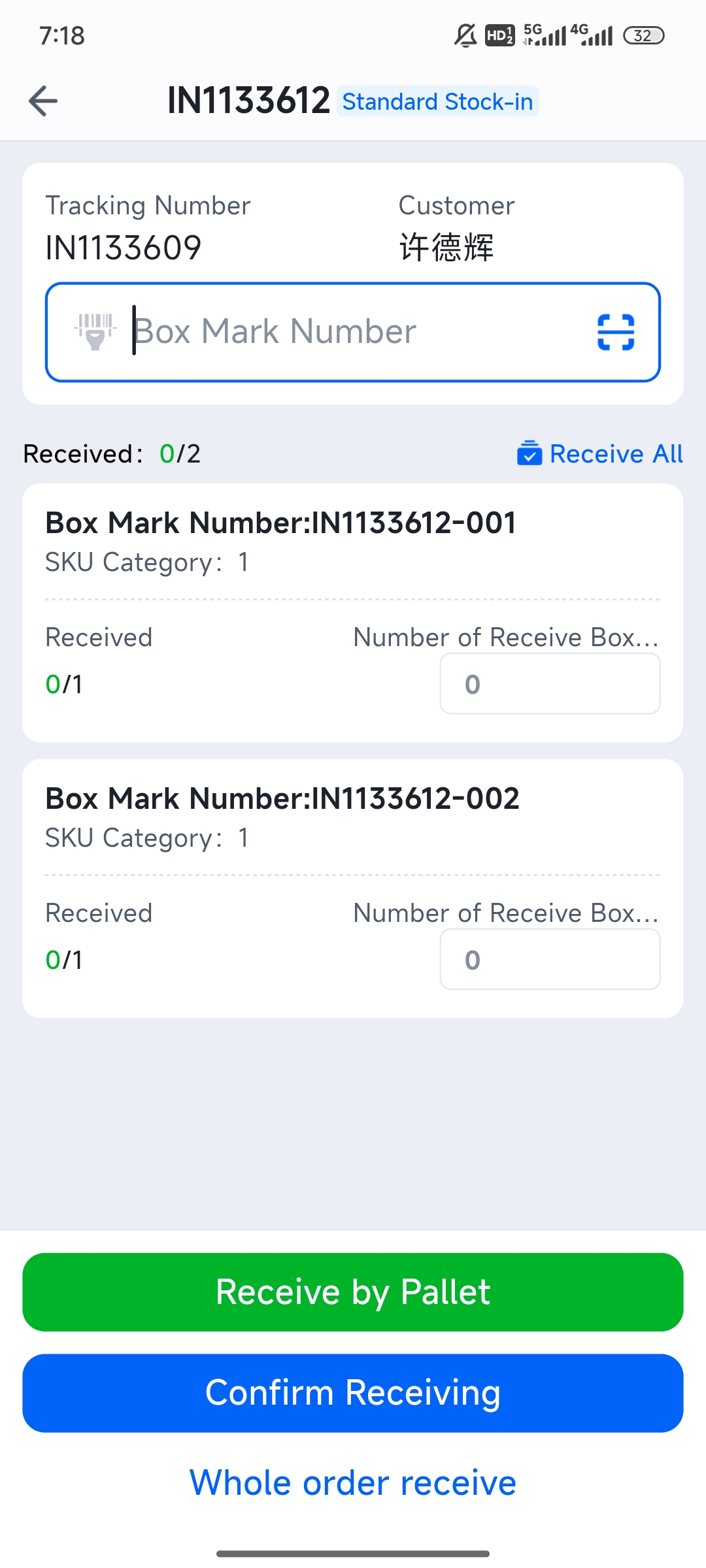
Scan to Inspect: Log into PDA > Inbound > Scan to Inspect > Scan the tracking number or carton label > Confirm product quantity and dimensions > Confirm the received quantity.
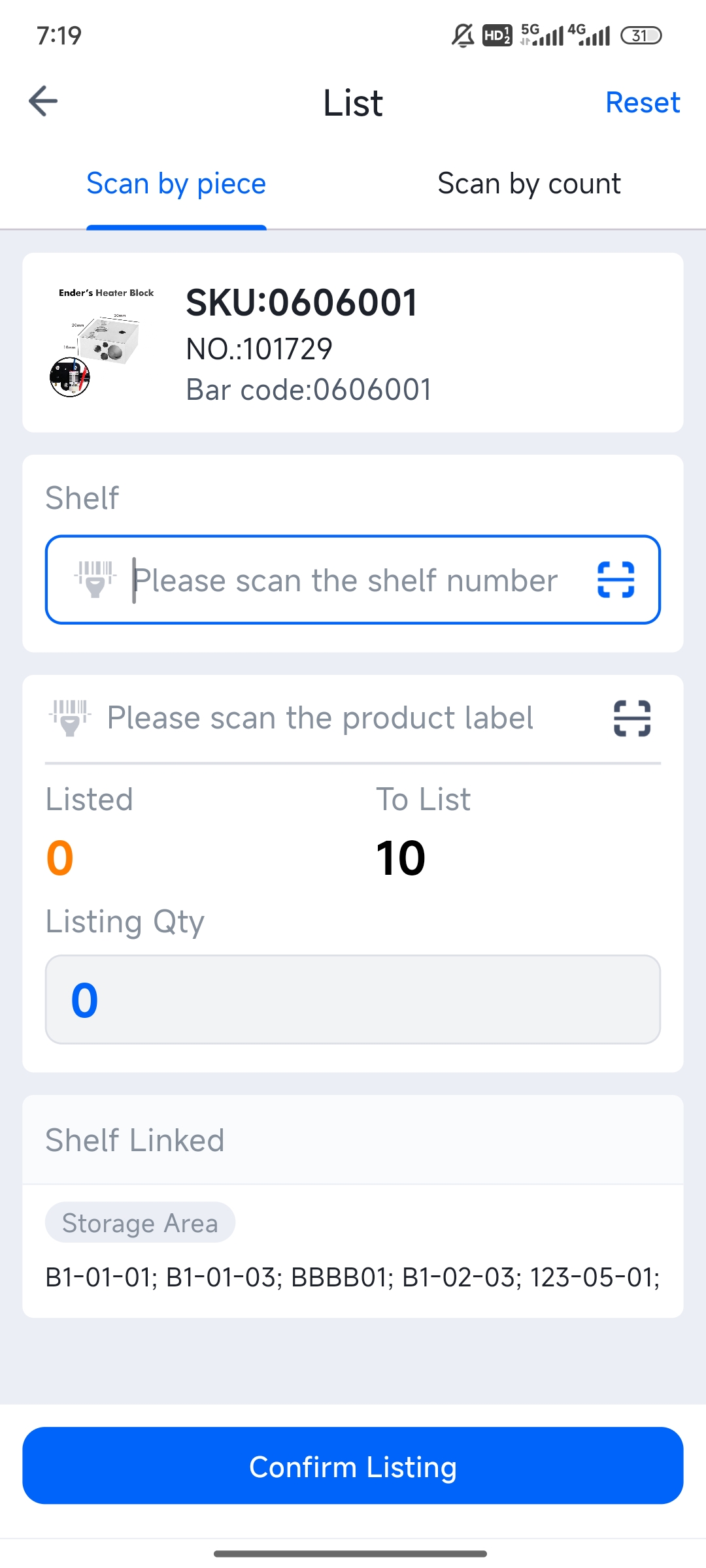
Next, use the PDA to scan for put-away, ensuring a one-to-one match between goods and shelf locations.
Core Principle: Accurately locate shelf positions to prevent misplaced goods, achieve real-time inventory synchronization, and enable more efficient future picking.
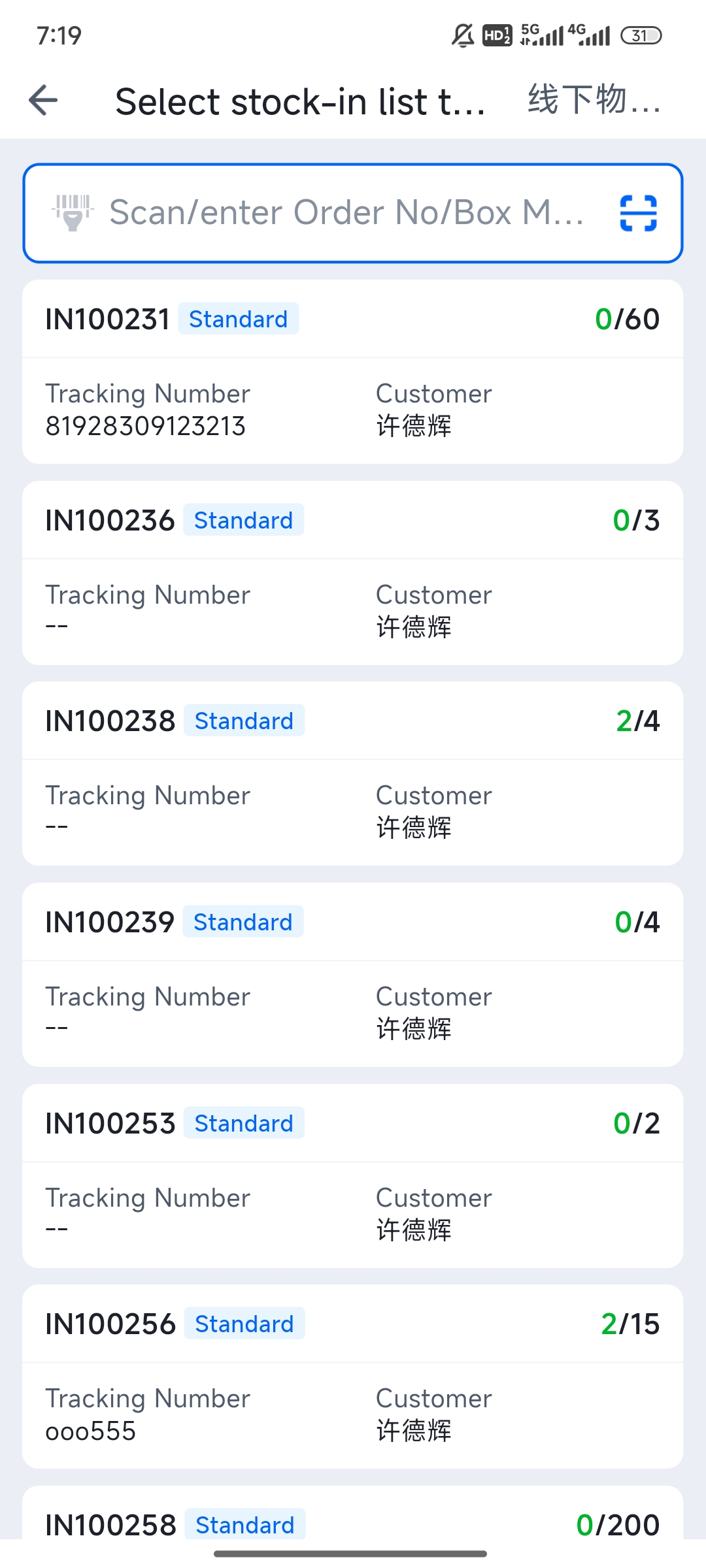
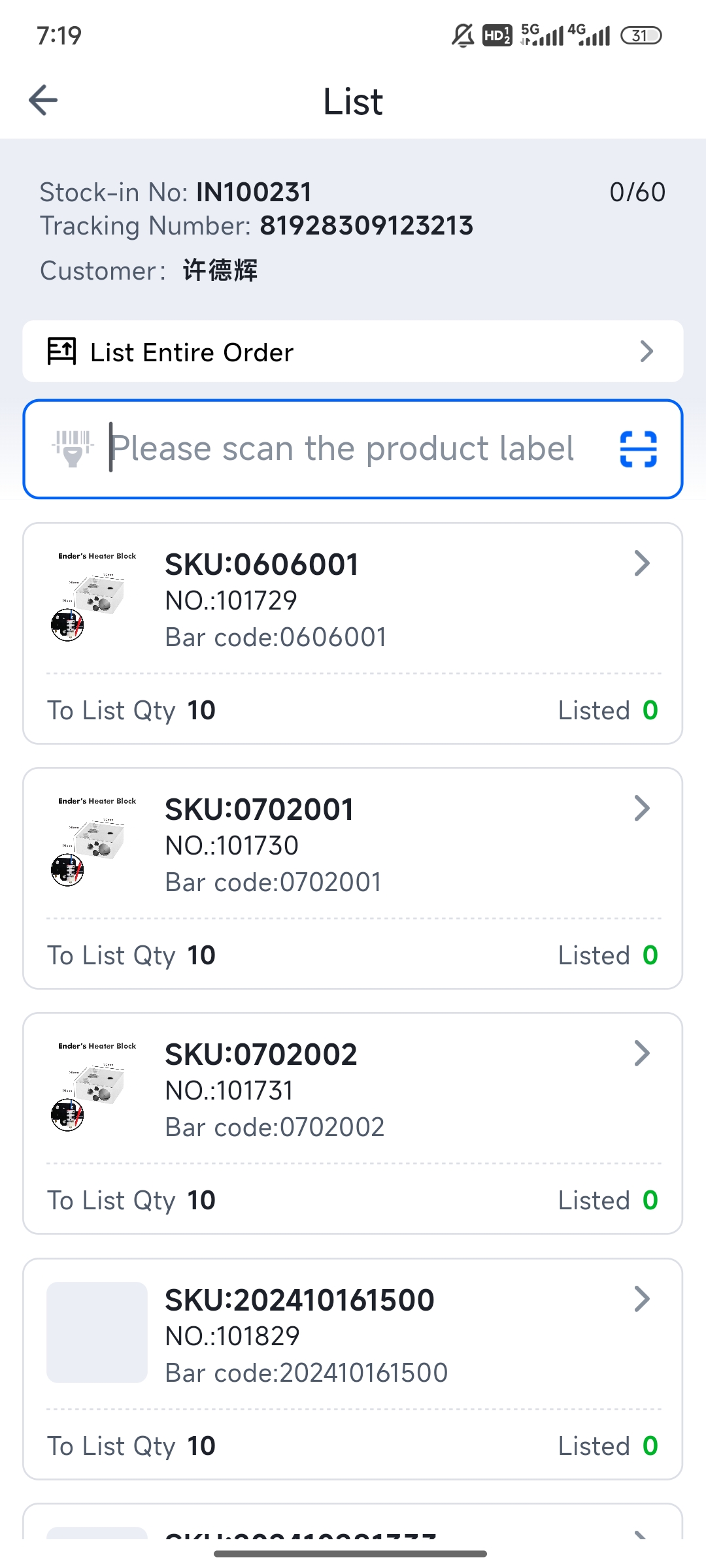
On the PDA, tap "Inbound > Scan to Put Away," scan the carton label or inbound order number to enter the put-away page.