How to Use PDA to Process Relocation Orders
I. Definition
Relocation tasks generated on the computer can be executed using a PDA. There are two relocation modes, which can be configured on the computer before performing the relocation with the PDA.
II. Operating Steps:
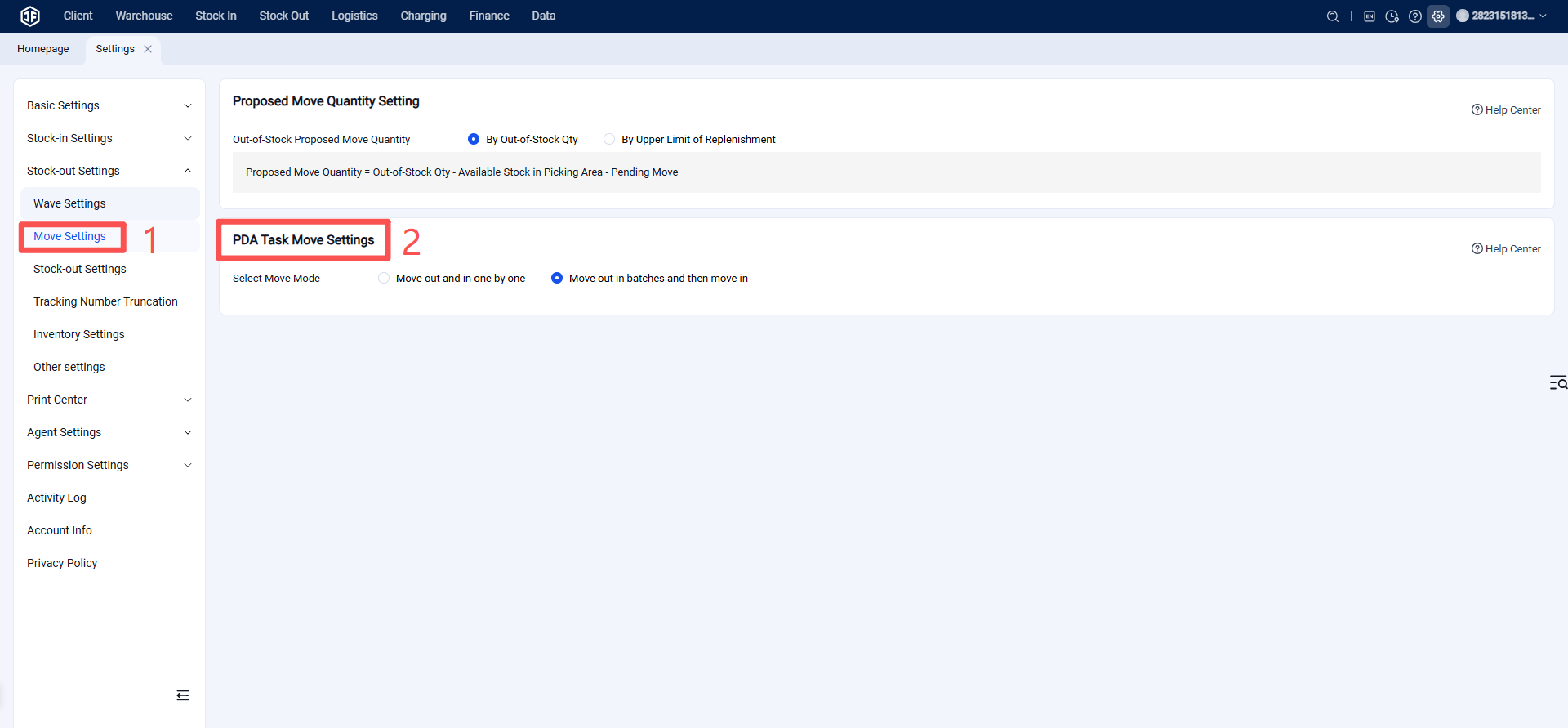
Step 1: Configure PDA Relocation Mode
Entry: Settings > Business Settings > Relocation Settings
There are two relocation modes to choose from based on the warehouse's actual workflow:
(1) Move Out and In One by One: Complete the "move out" and "move in" operations for one SKU in the relocation task before proceeding to the next SKU.
(2) Batch Move Out First, Then Move In: First perform the "move out" operation for all SKUs listed in the relocation task, then proceed with the "move in" operation for all of them.
Step 2: Generate the relocation order on the computer.
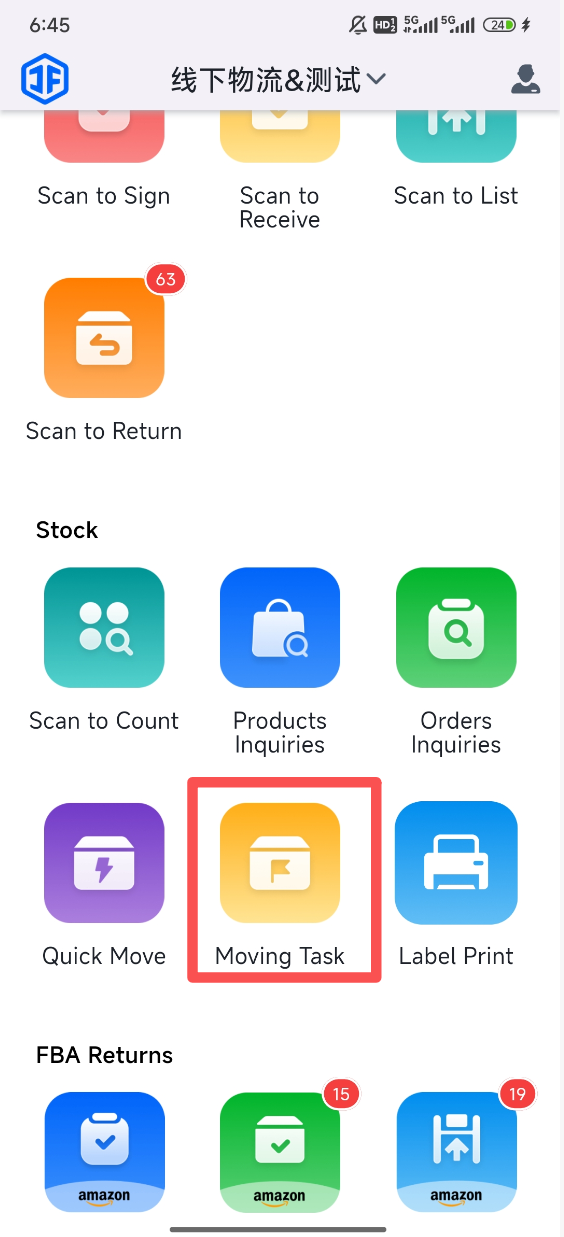
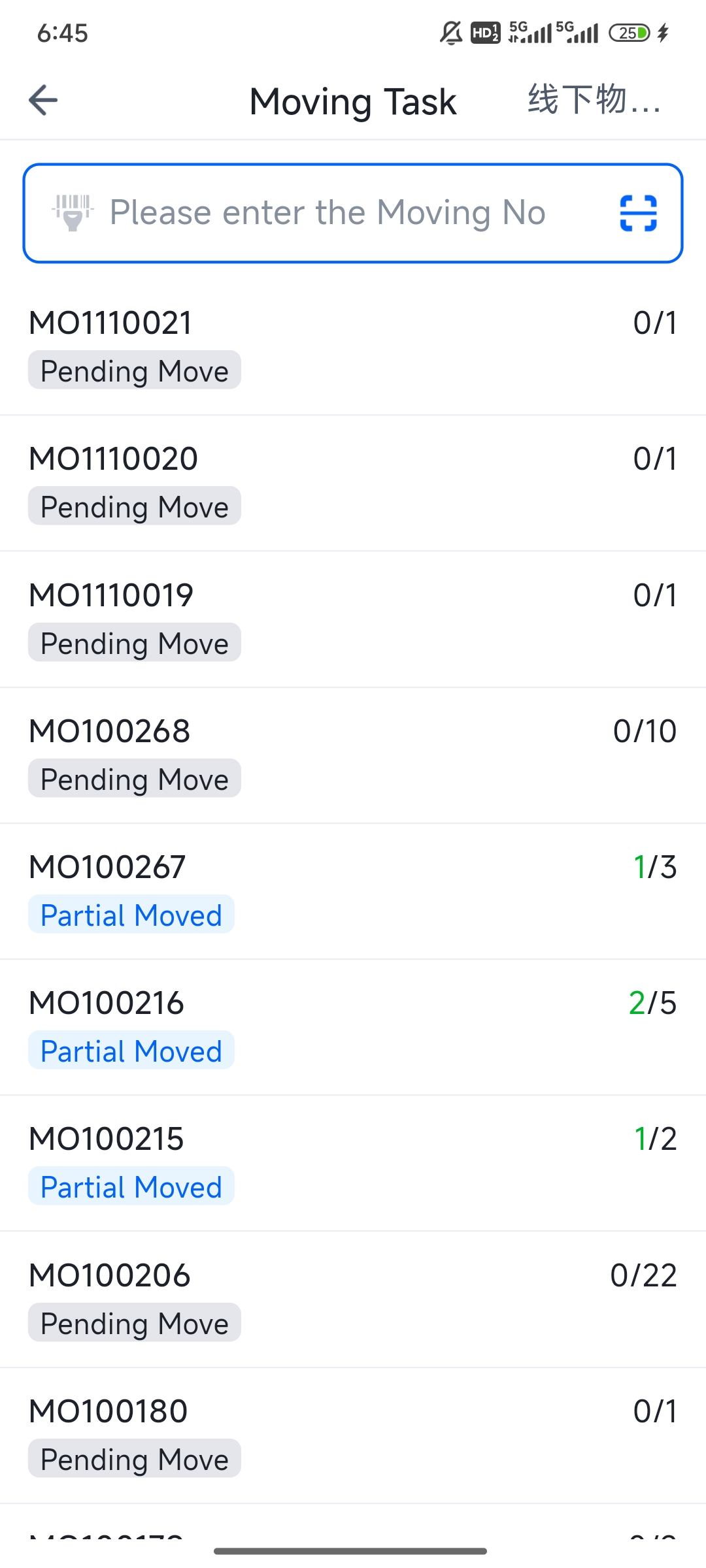
Step 3: Log in to the PDA, select "Task Relocation," click on the relocation order to be processed, complete the relocation operation, then click "End Task."