PDA Functions
I. Definition
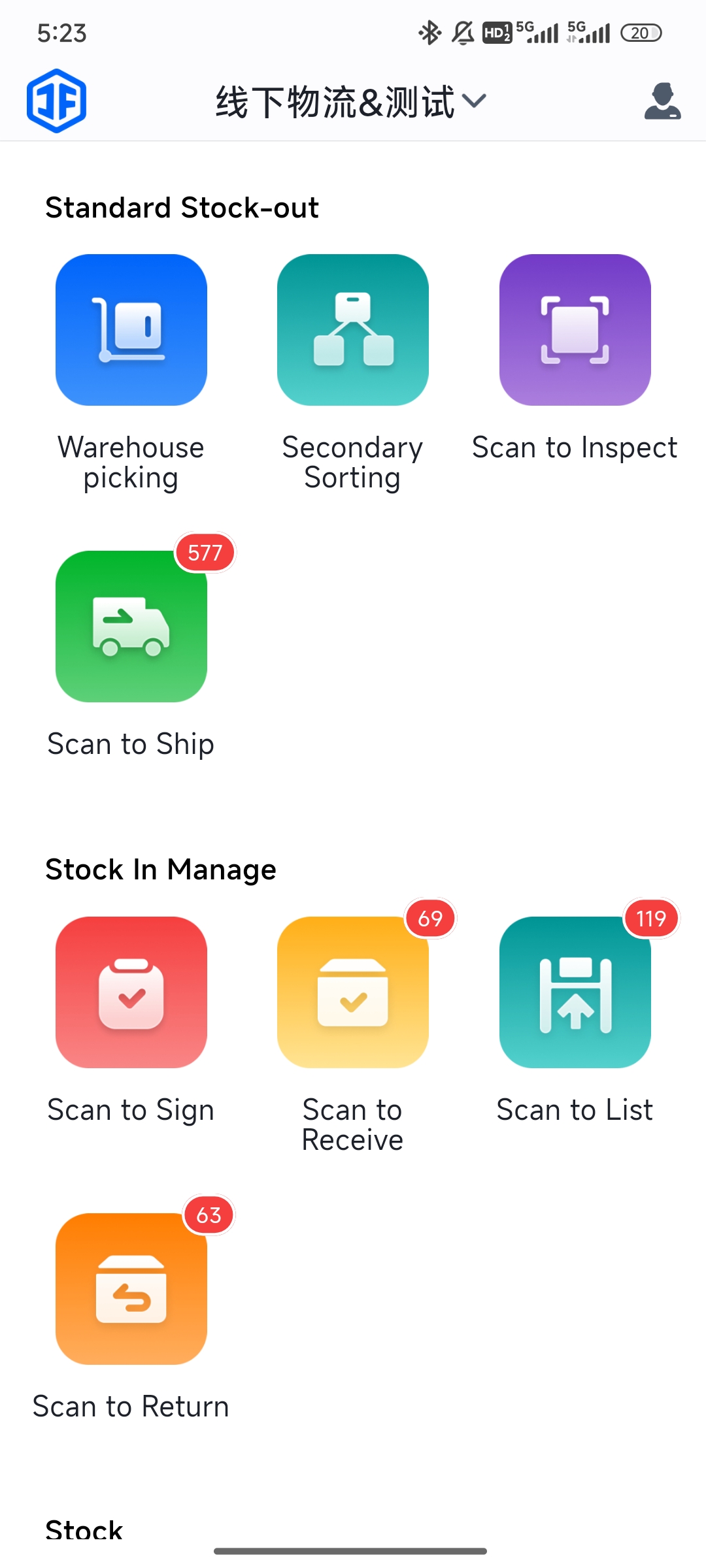
Warehouse staff can use PDAs (Portable Data Terminals) to perform operations such as goods receiving, inbound processing, picking, inventory counting, and shipping without needing to log into a computer.
Proper PDA usage can enhance warehouse management efficiency, reduce labor costs, and improve operational convenience.
II. PDA Functions:
1.Inbound
(1) Scan to Receive: Scan packages to confirm receipt of goods.
(2) Scan to Inspect: Scan packages to directly view product details, quantities, and confirm inspection.
(3) Scan to Put Away: Scan products and shelf locations to ensure correct placement.
(4) Scan Returns: Scan returned items for fast inbound processing.
2.Outbound
(1) Warehouse Picking: The system generates picking lists based on orders and assigns tasks to staff PDAs.
(2) Scan to Verify:
(3) Scan to Ship: Scan packaged items to confirm readiness for outbound. The PDA transmits scan data in real-time to the overseas warehouse system, updating the order status to "Shipped."
3.Inventory
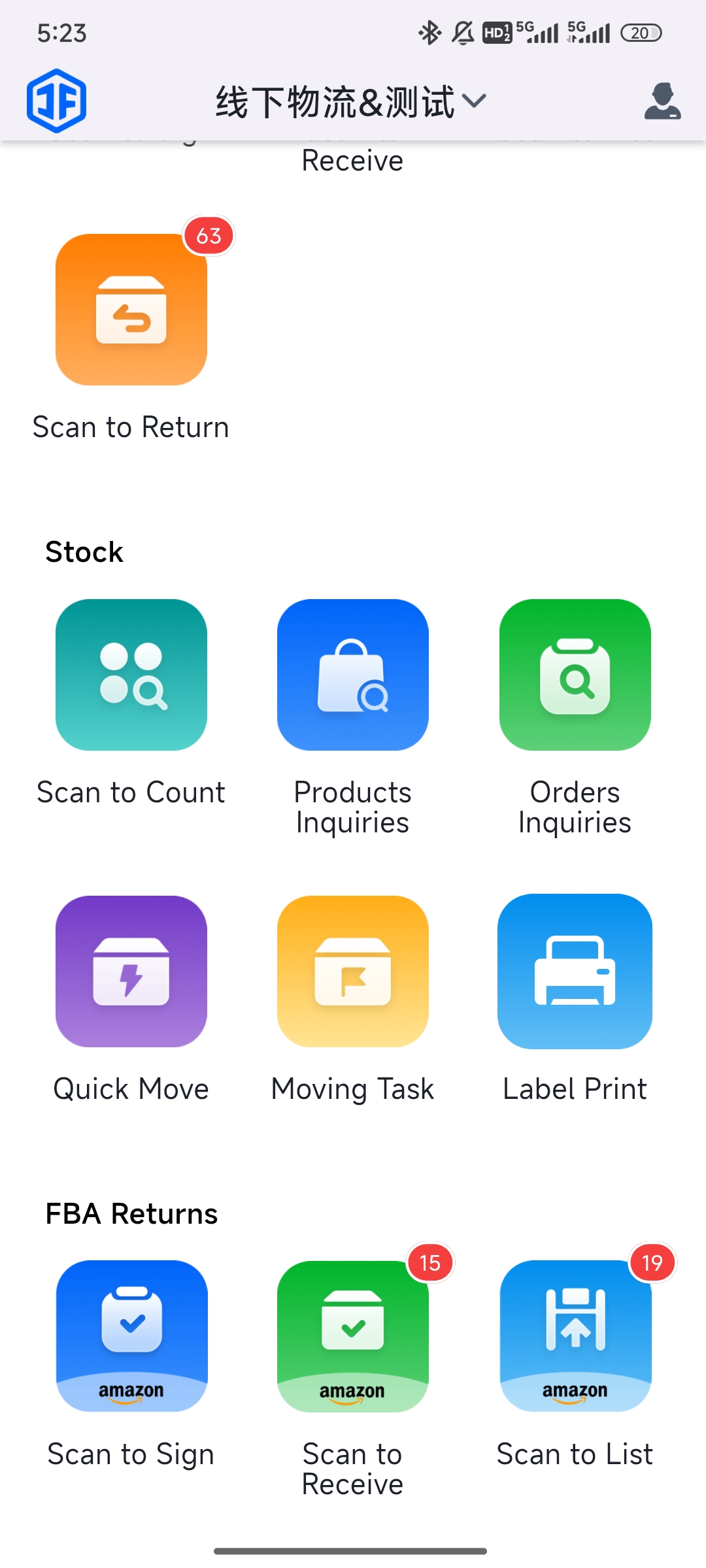
(1) Scan for Counting: Scan shelf locations and products to verify quantities.
(2) Product Inquiry: PDA displays product location and quantity.
(3) Order Inquiry: Scan a tracking number to view order details.
(4) Quick Relocation: Use PDA to quickly move items between locations.
(5) Task-based Relocation: Perform relocation based on system-generated tasks.
4.FBA Returns
(1) Scan to Receive: Scan FBA returns to acknowledge receipt.
(2) Scan to Inspect: Scan FBA returns to confirm received items and quantities.
(3) Scan to Put Away: Scan products and shelf locations to confirm put-away.
The collaborative operation between PDAs and the Jifeng Overseas Warehouse System not only enhances the convenience of warehouse operations but also significantly boosts efficiency. The Jifeng system meticulously logs all PDA activity data, analyzes picking routes to improve speed and accuracy, and assists warehouses in continuously optimizing their workflow processes.