Inter-Warehouse Transfer
I. Definition
An inter-warehouse transfer refers to the process where cross-border e-commerce sellers or overseas warehouses with multiple physical locations transfer goods from one warehouse to another when a specific warehouse is about to run out of stock.
After the source warehouse completes the transfer and shipment, an outbound record is generated, and its inventory is automatically reduced accordingly.
The destination warehouse will generate an inbound record, and its inventory will automatically increase upon receipt.
Important Notes:
A transfer only affects inventory quantities. When goods are transferred from Warehouse A to Warehouse B, the original product information in Warehouse A remains; the product SKU information is not deleted.
After the transfer, the product age will be calculated based on the original inbound date (age) from the source warehouse.
II. Operational Path
Step 1: Create a Transfer Order in Jifeng WMS
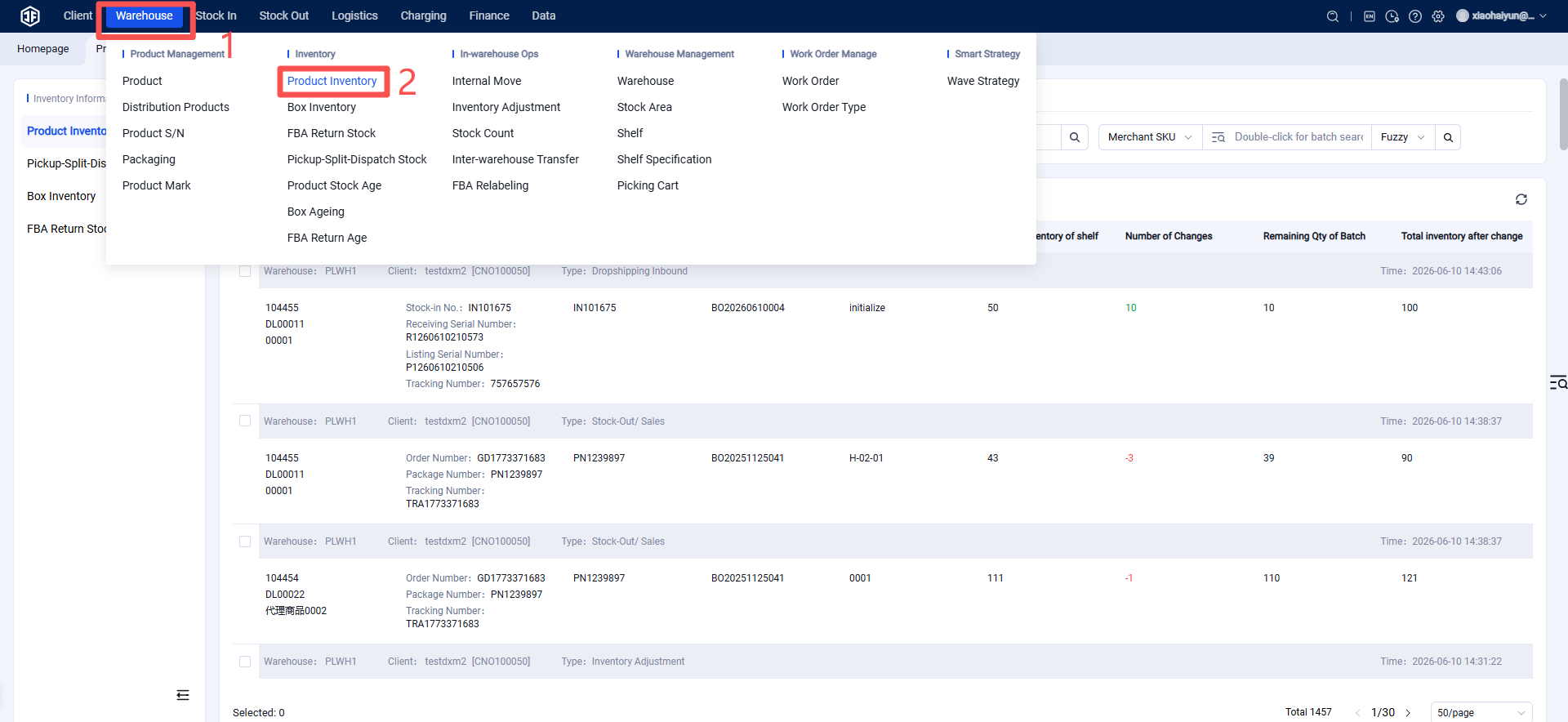
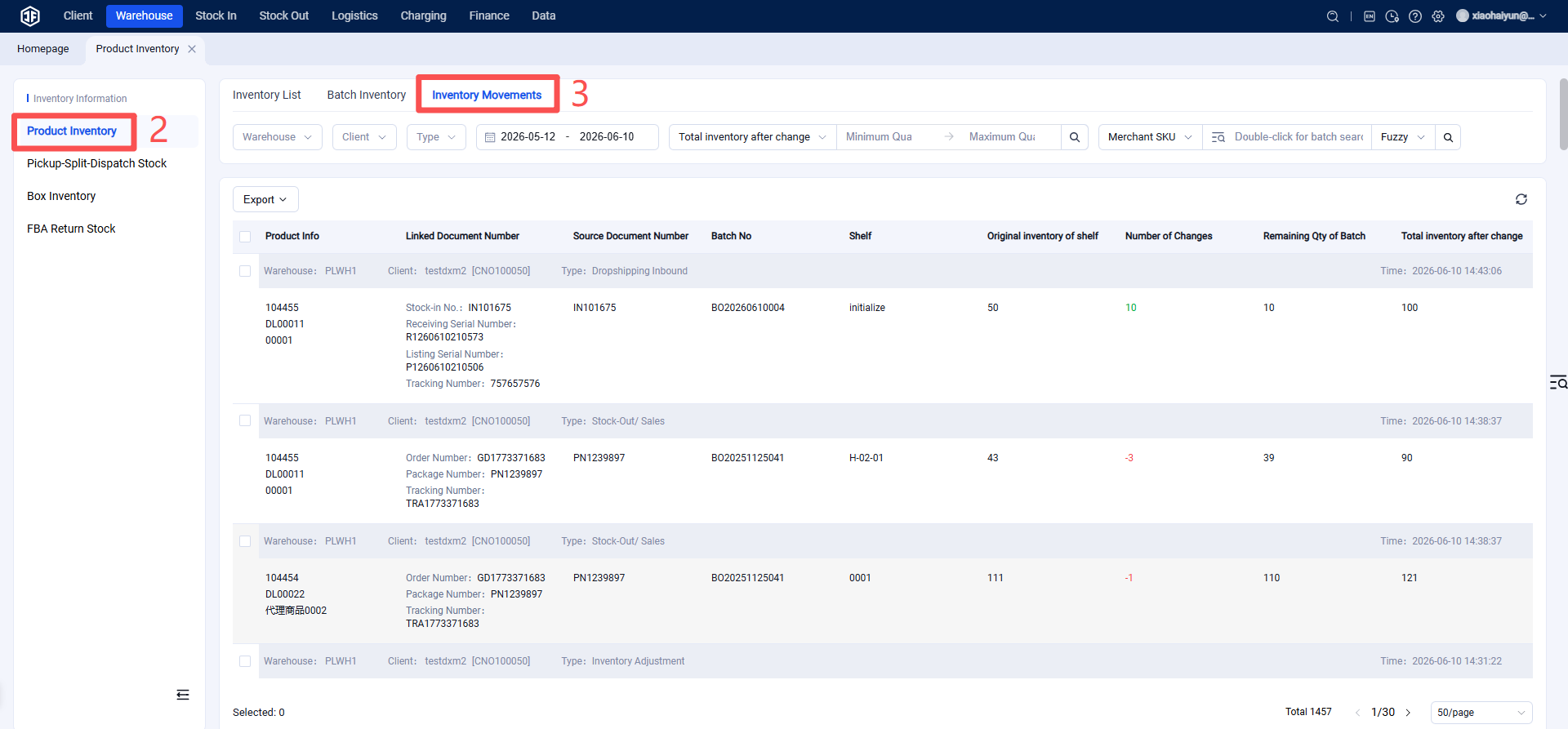
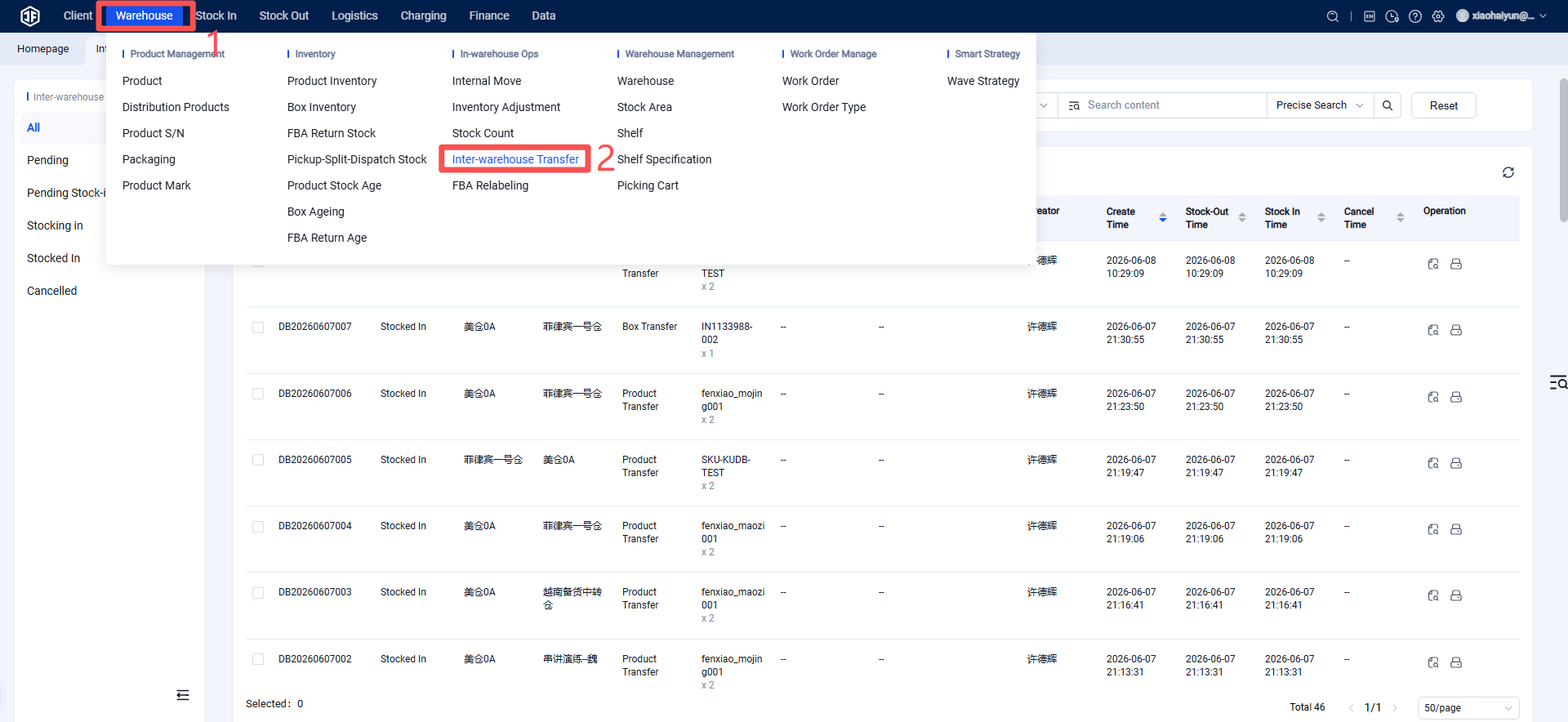
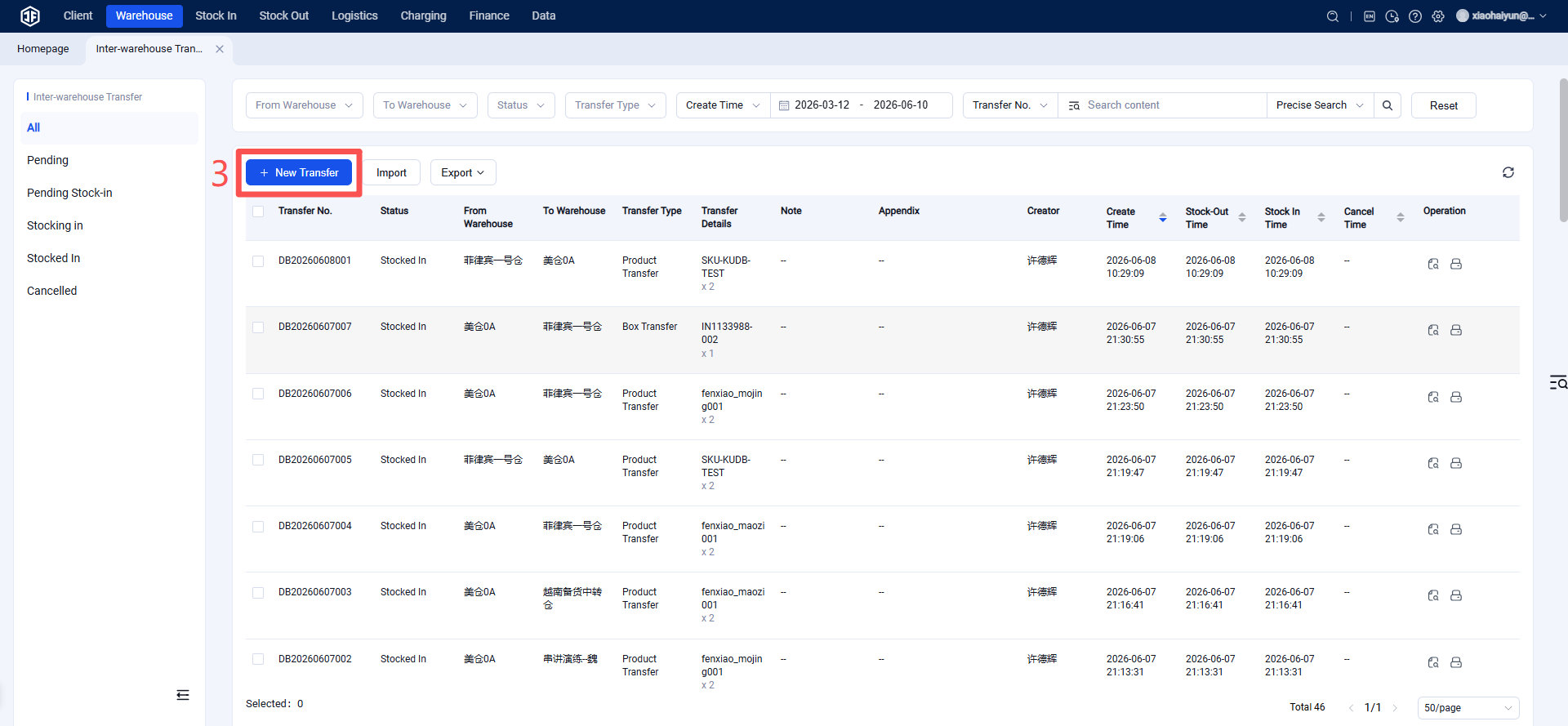
Jifeng WMS > Inventory > Inter-Warehouse Transfer > Create Transfer Order
Step 2: Fill in Warehouse Transfer Information
Select the Shipping Warehouse and Receiving Warehouse, choose the Transfer Type, add the Products and Quantities, then click Save. The transfer order will then enter the Pending Outbound status.
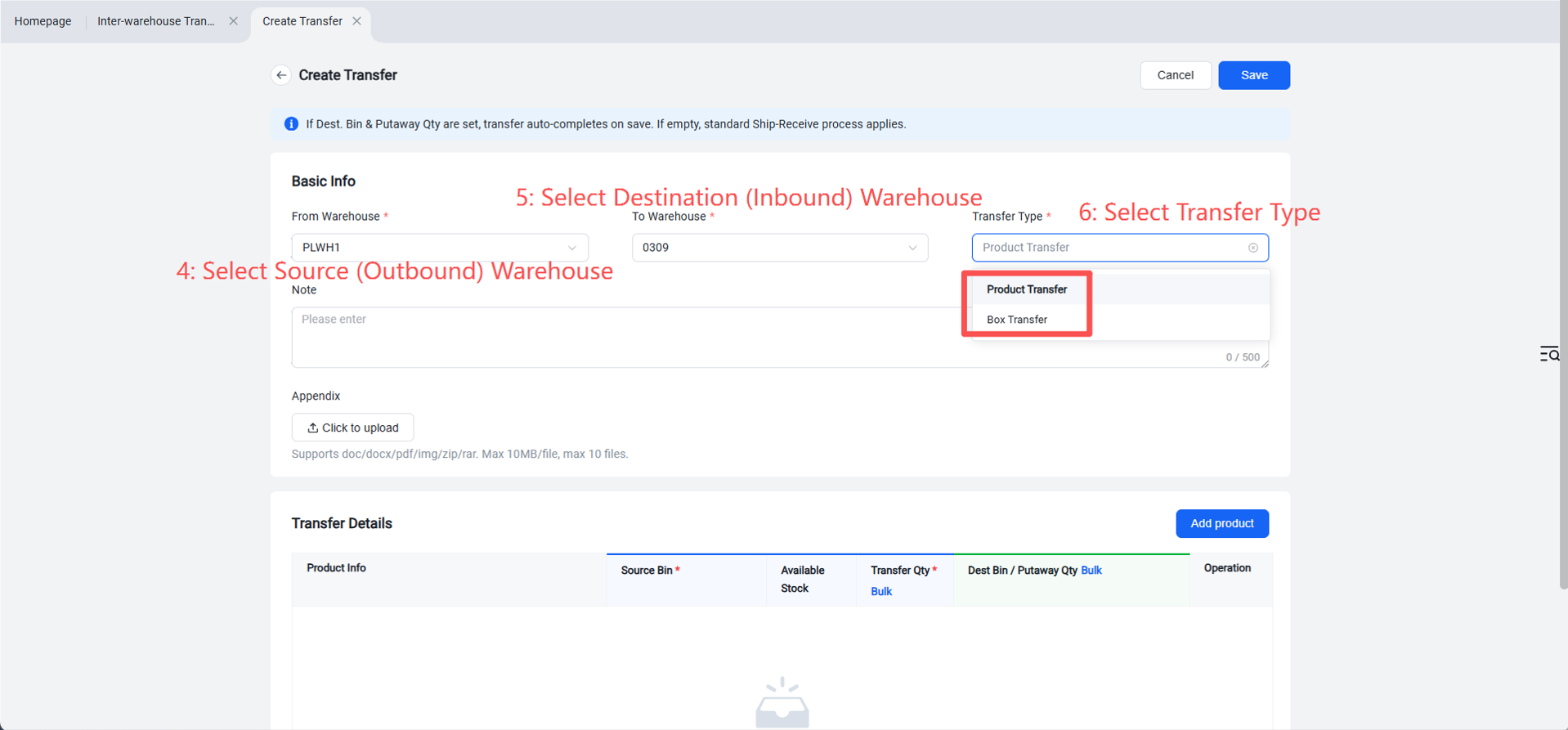
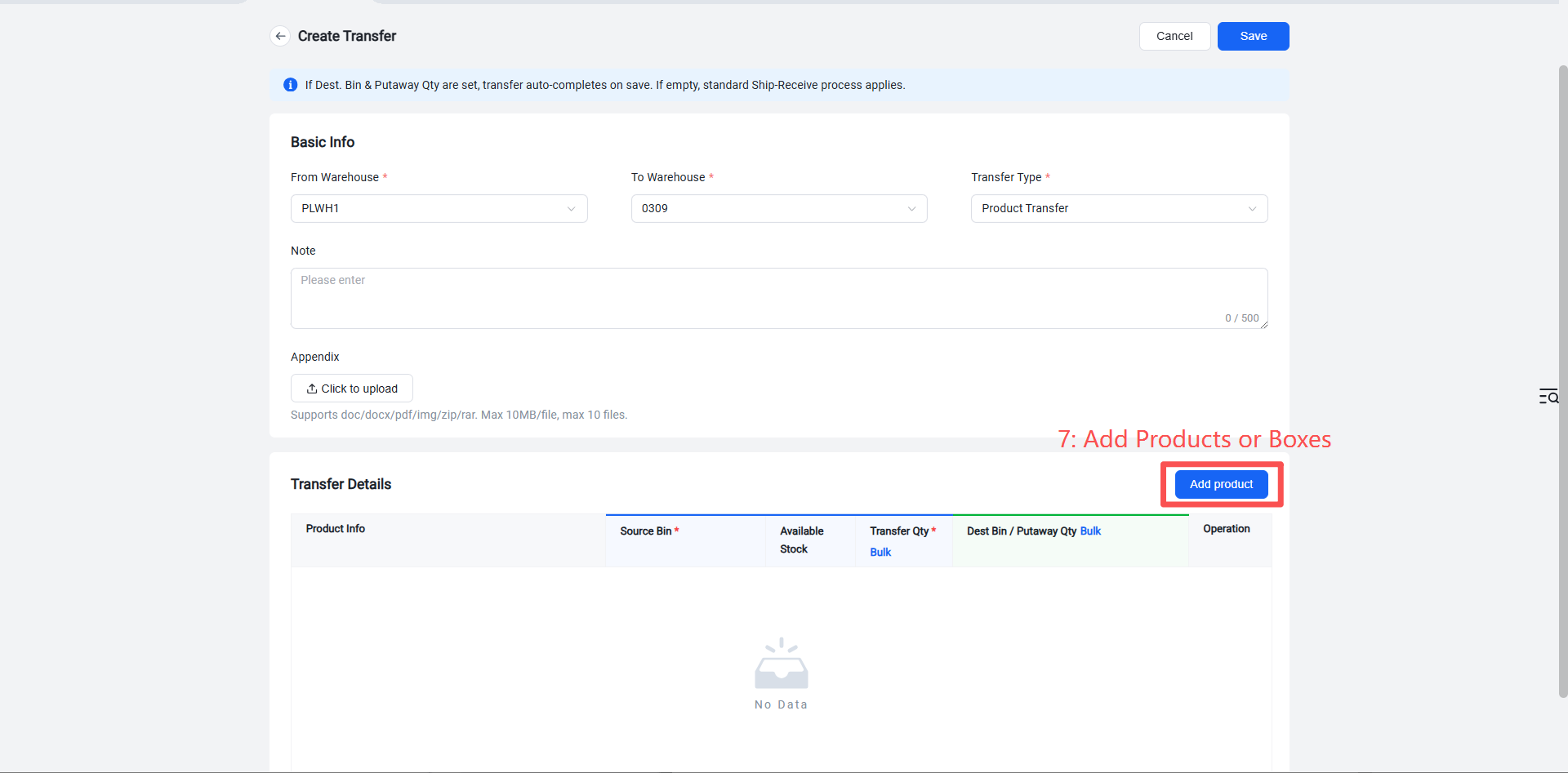
After the transfer order is created, it enters the Pending Outbound status.
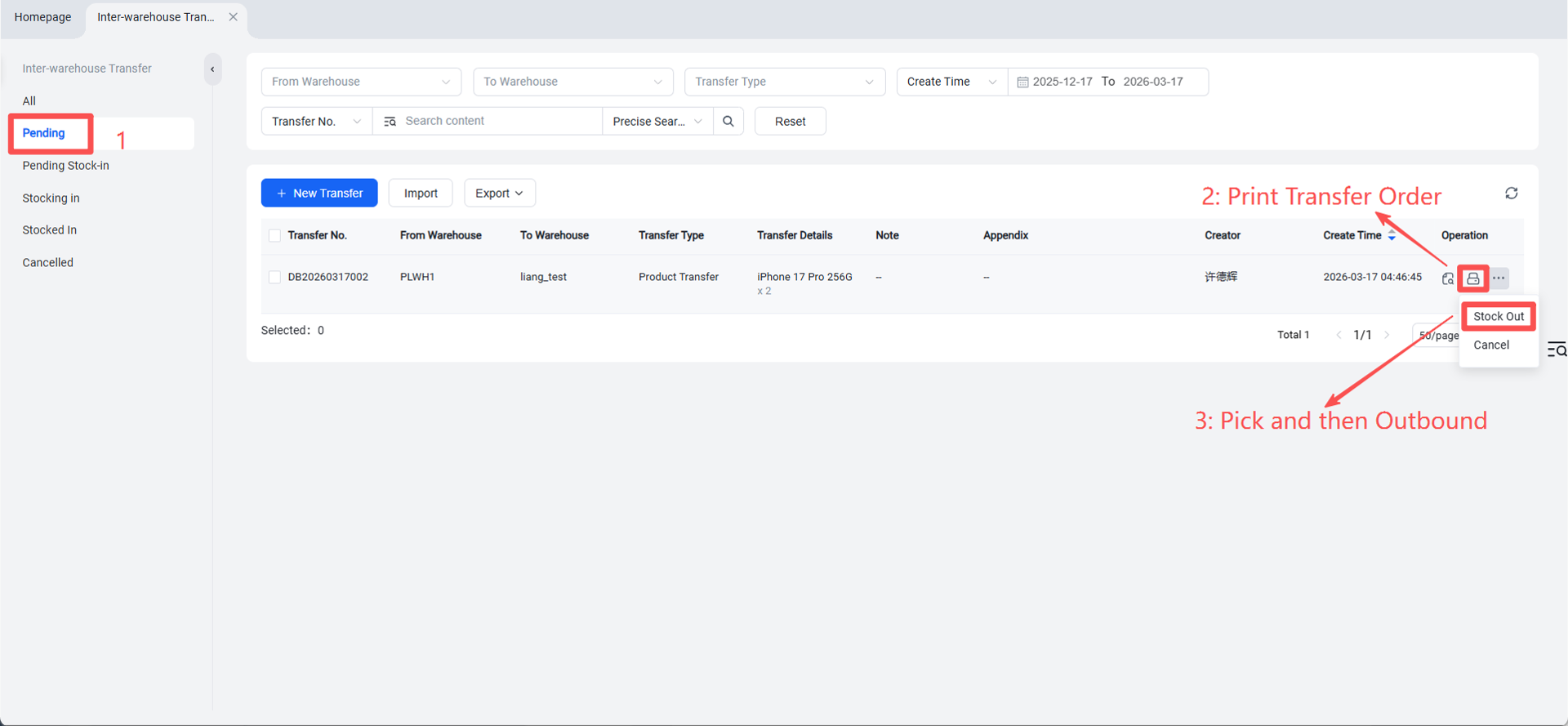
Step 3: Transfer Shipment
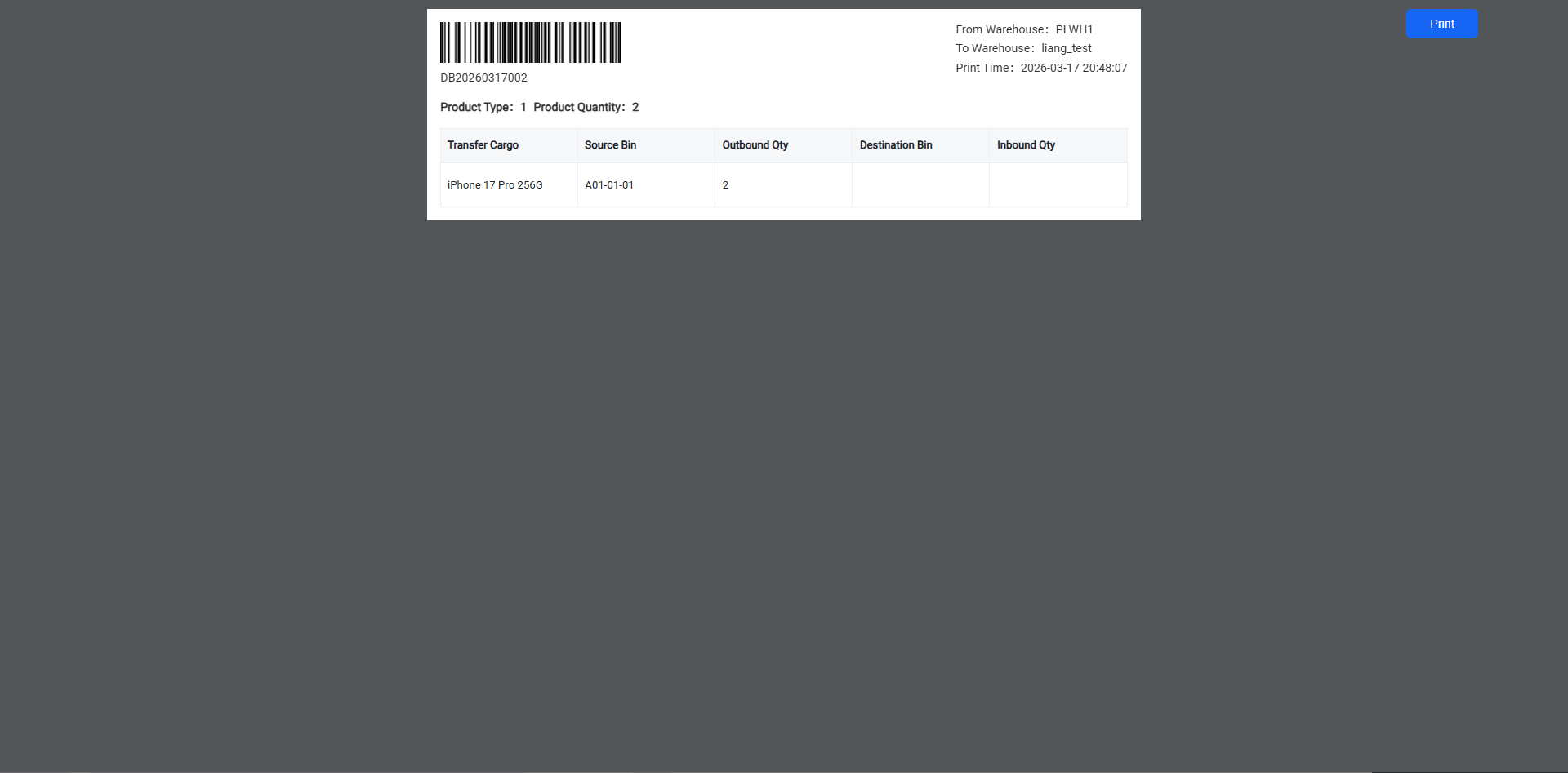
In the Pending Outbound list, select the transfer order and print the transfer order. After the goods have been shipped, click Outbound.
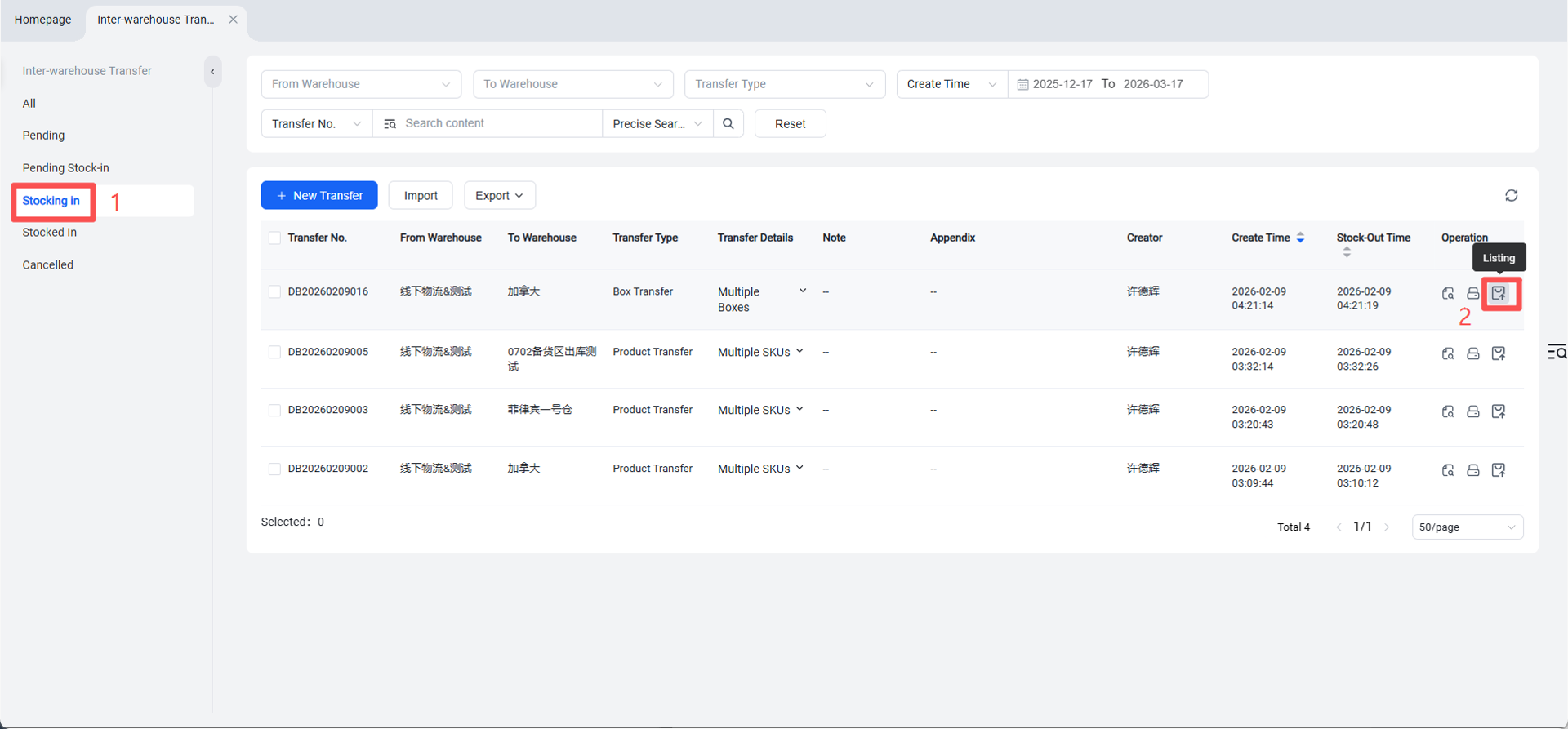
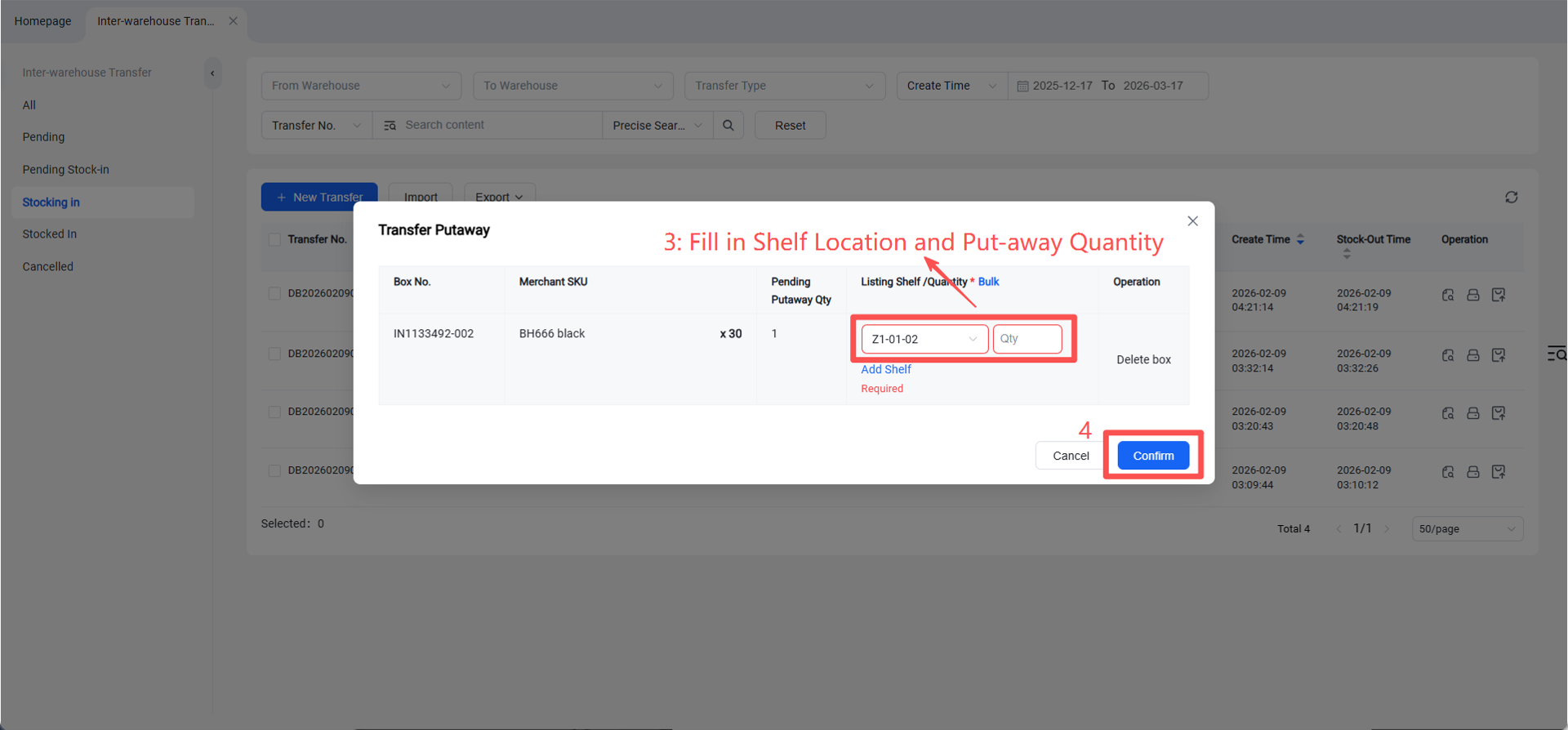
Step 4: Receive and Put Away Inbound
After the transfer order arrives at the destination warehouse, the receiving warehouse can proceed with receiving and put-away. Enter the arrived quantity, scan barcodes to record quantities, and click Confirm.
Step 5: View Transfer Inbound and Outbound Information