How to Register, Authorize, and Use USPS (United States Postal Service)
I. Definition
If an overseas warehouse does not have official USPS logistics credentials (Cird, Mid, Account Number, Client ID, Client Secret), they can follow this process to set up logistics authorization.
II. Operation Path
USPS Official Registration Guide: https://developers.usps.com/getting-started
(If you already have an account, you can proceed directly to authorization without registration.)
If you are unable to register on your own, you can email USPS directly (email: APISUPPORT@usps.gov). Their support team will assist you with account registration.
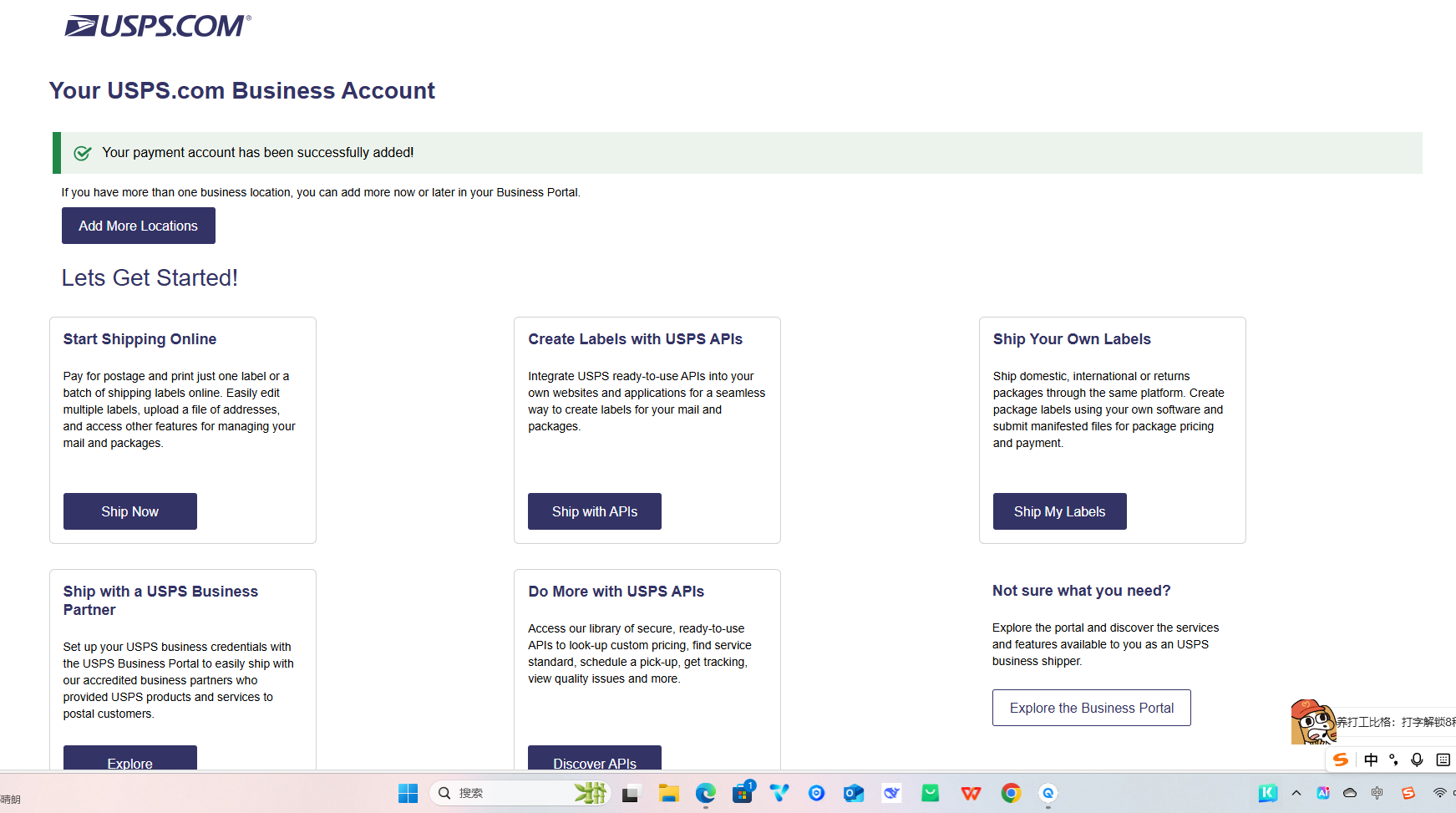
Step 1: Log in / Create a USPS Business Account
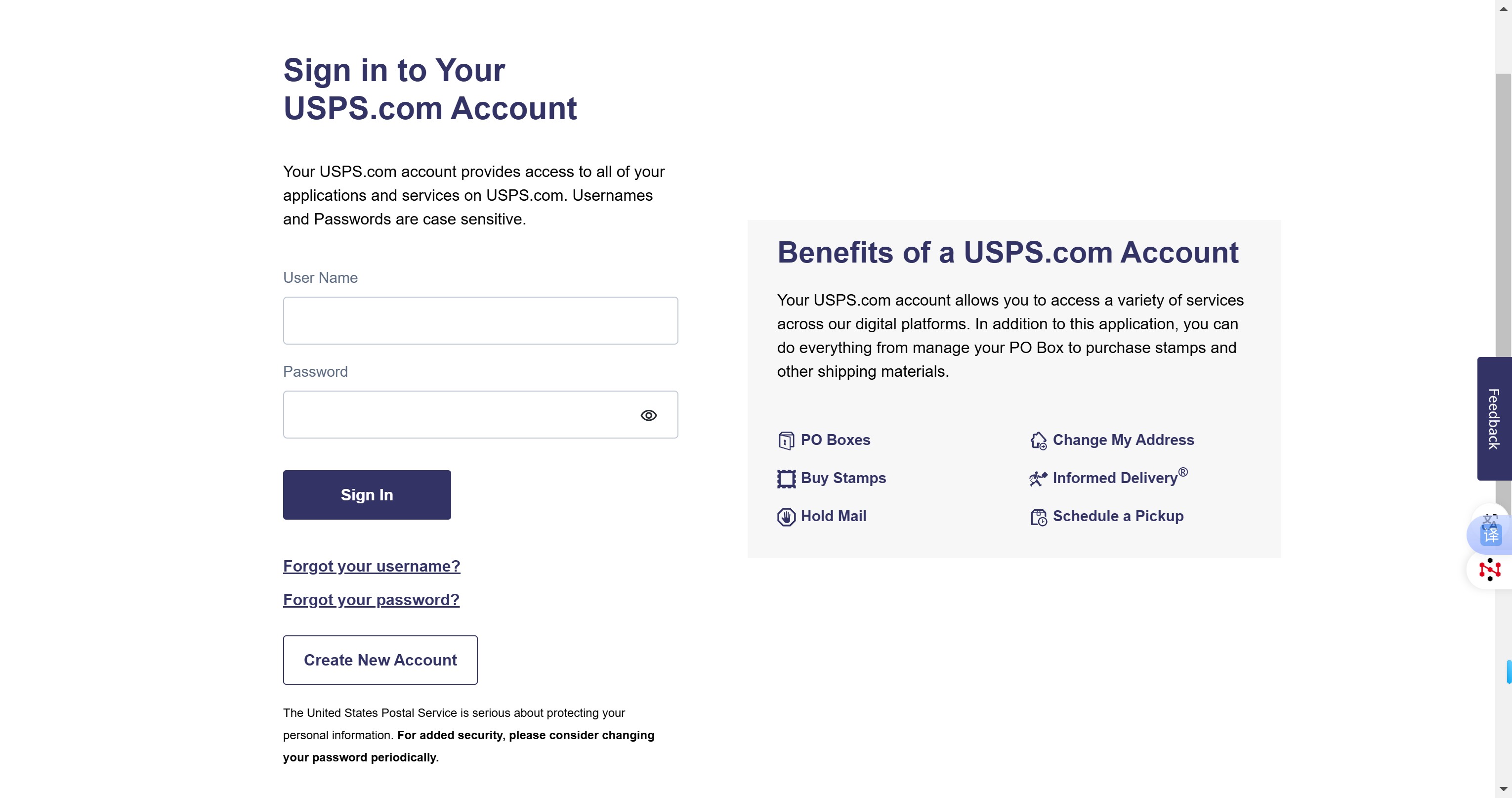
If you do not have an account, you can register at: https://developers.usps.com/
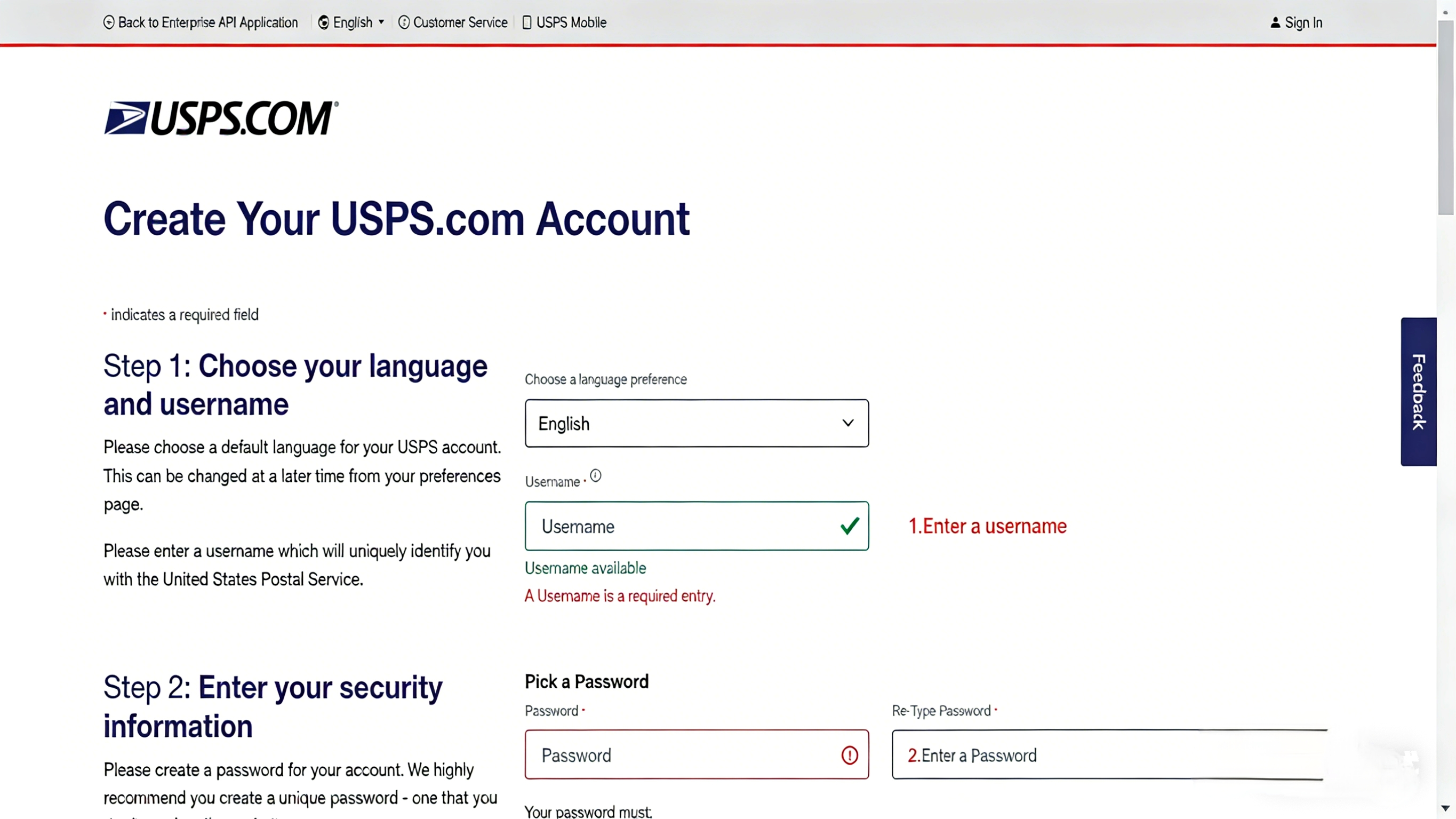
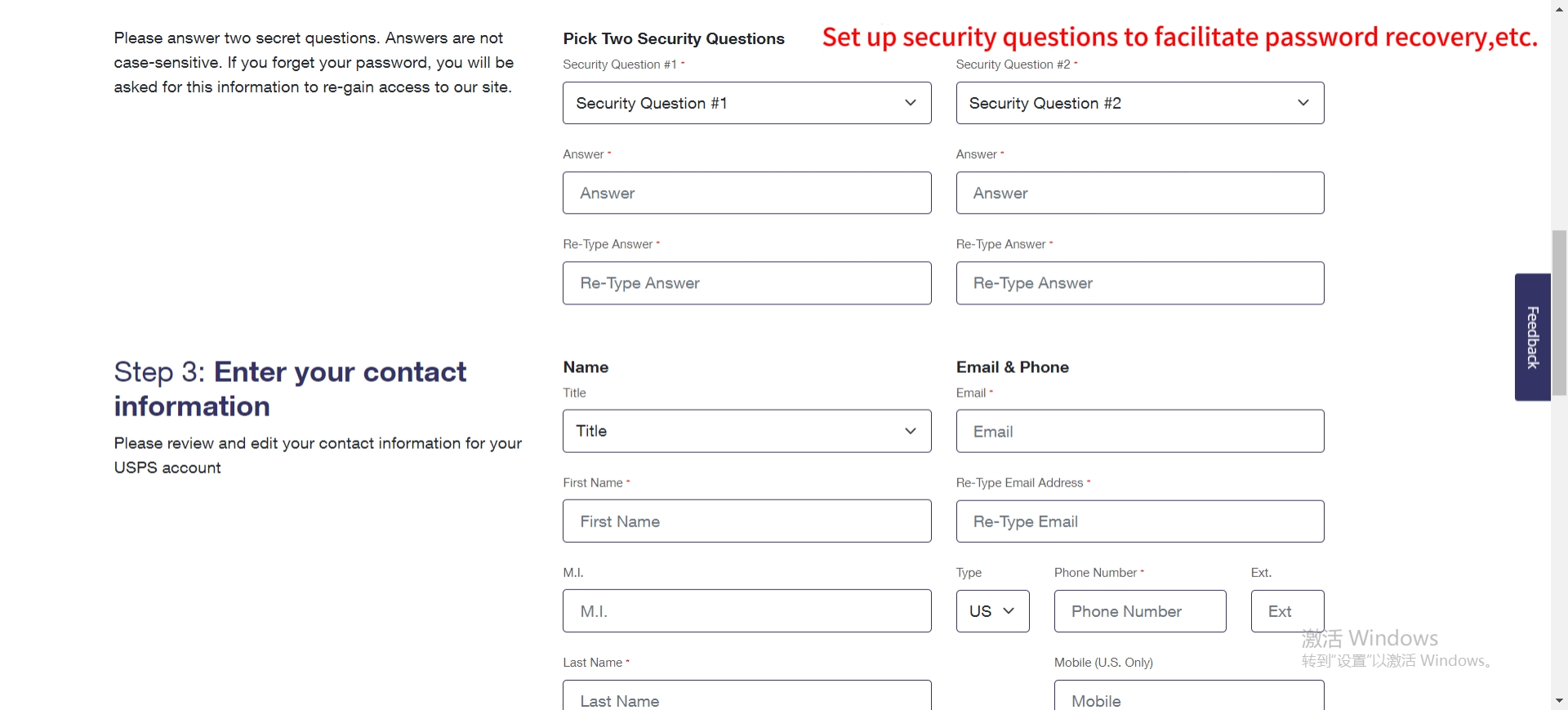
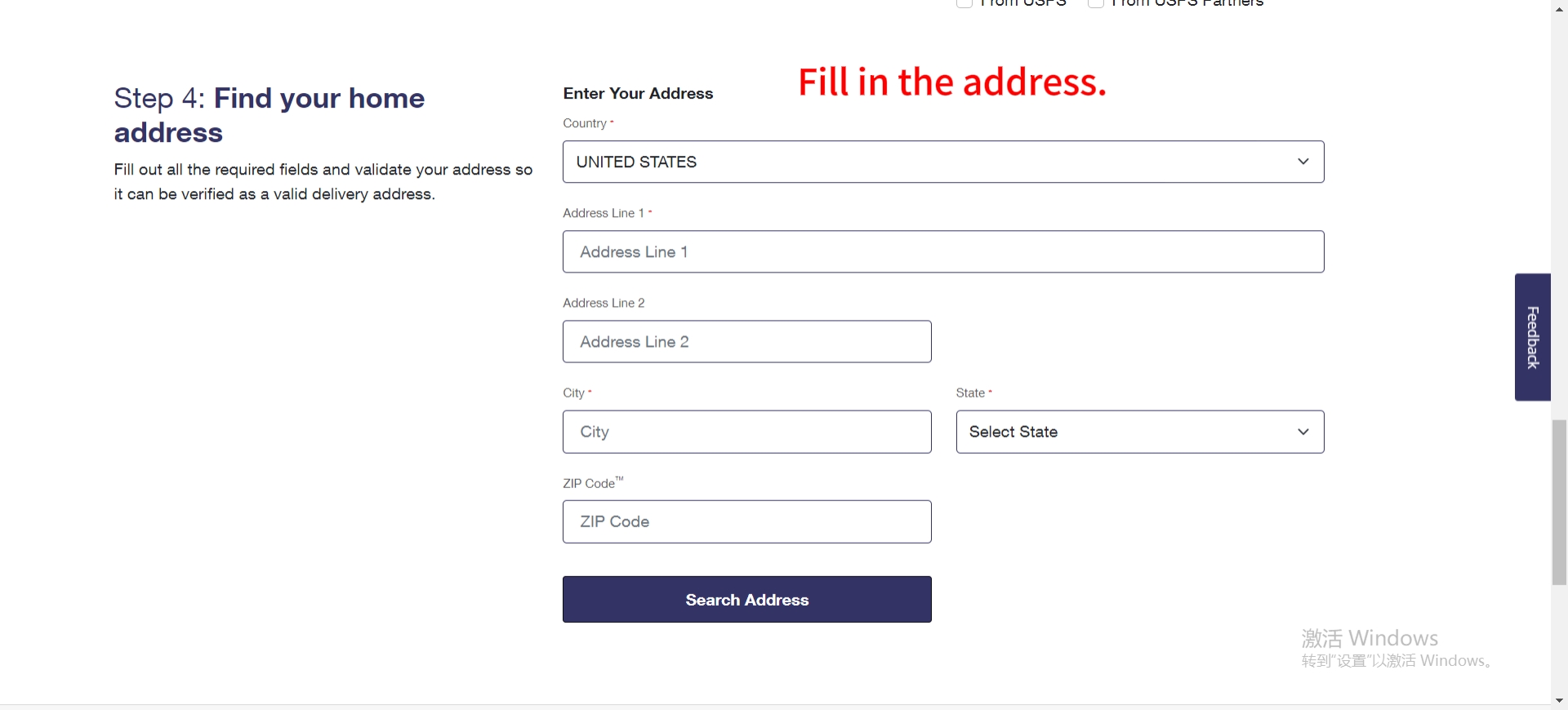
Step 2: Log in to the USPS Developer Portal (https://developers.usps.com/) using the USPS business account credentials obtained in Step 1.
Step 3: Create an App.
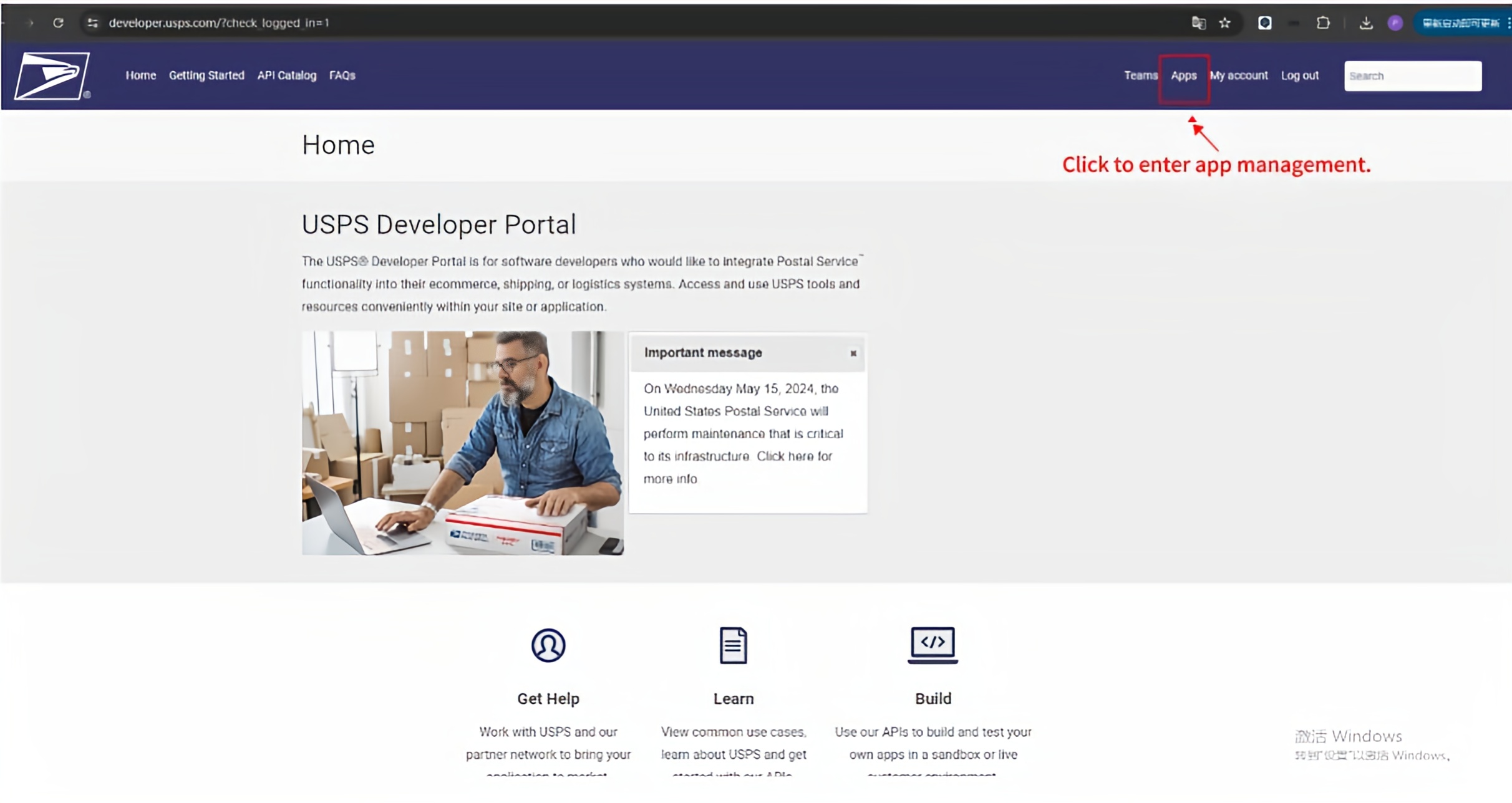
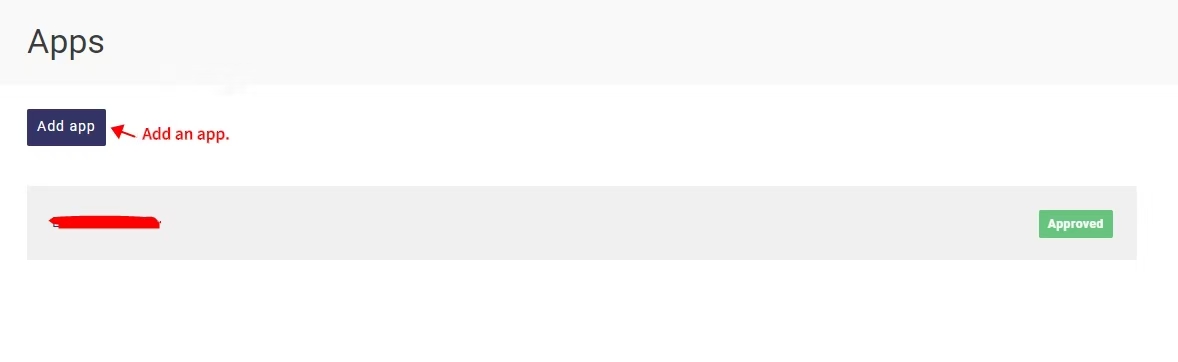
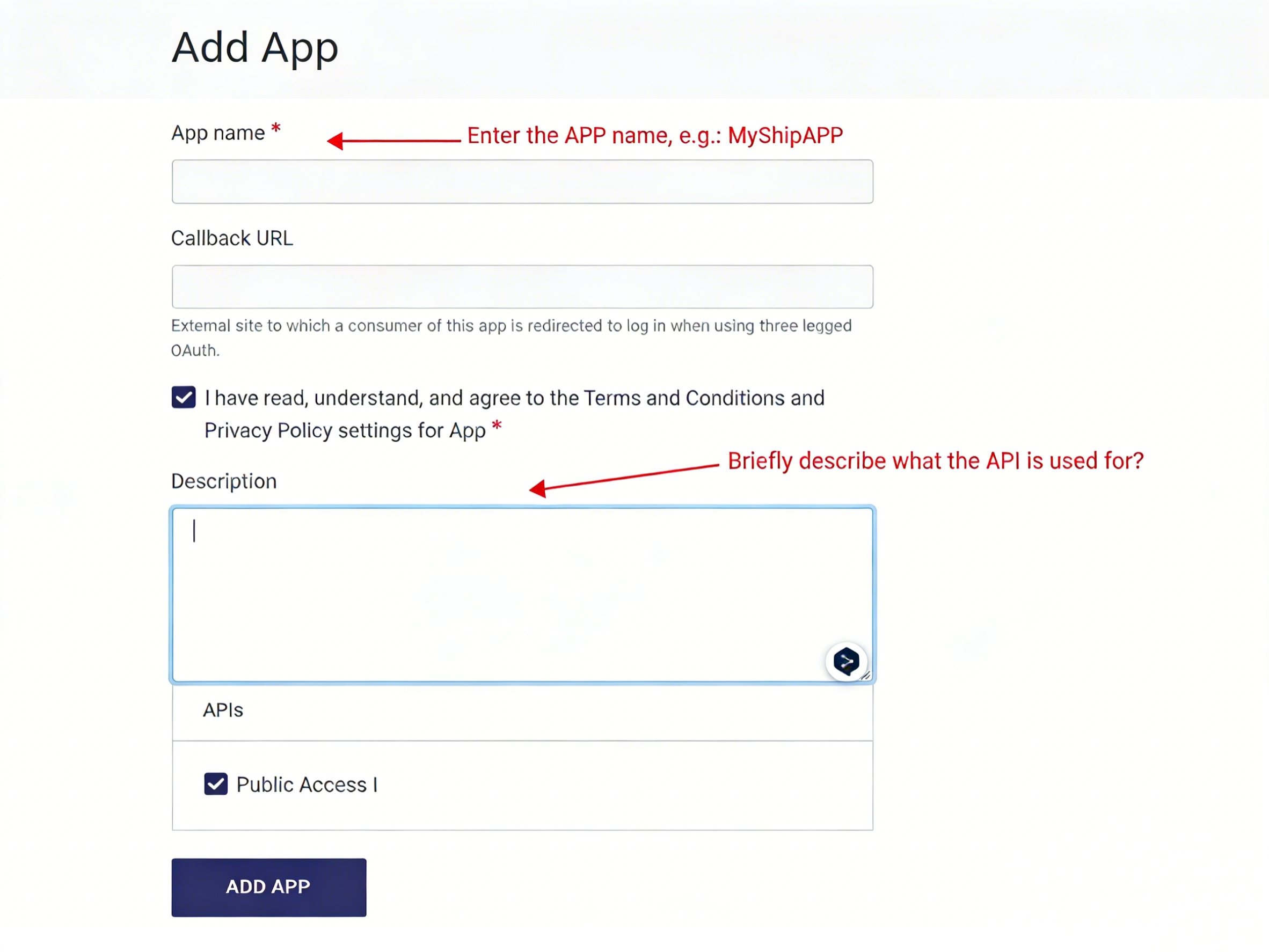
Step 4: View the Developer Key and Secret.
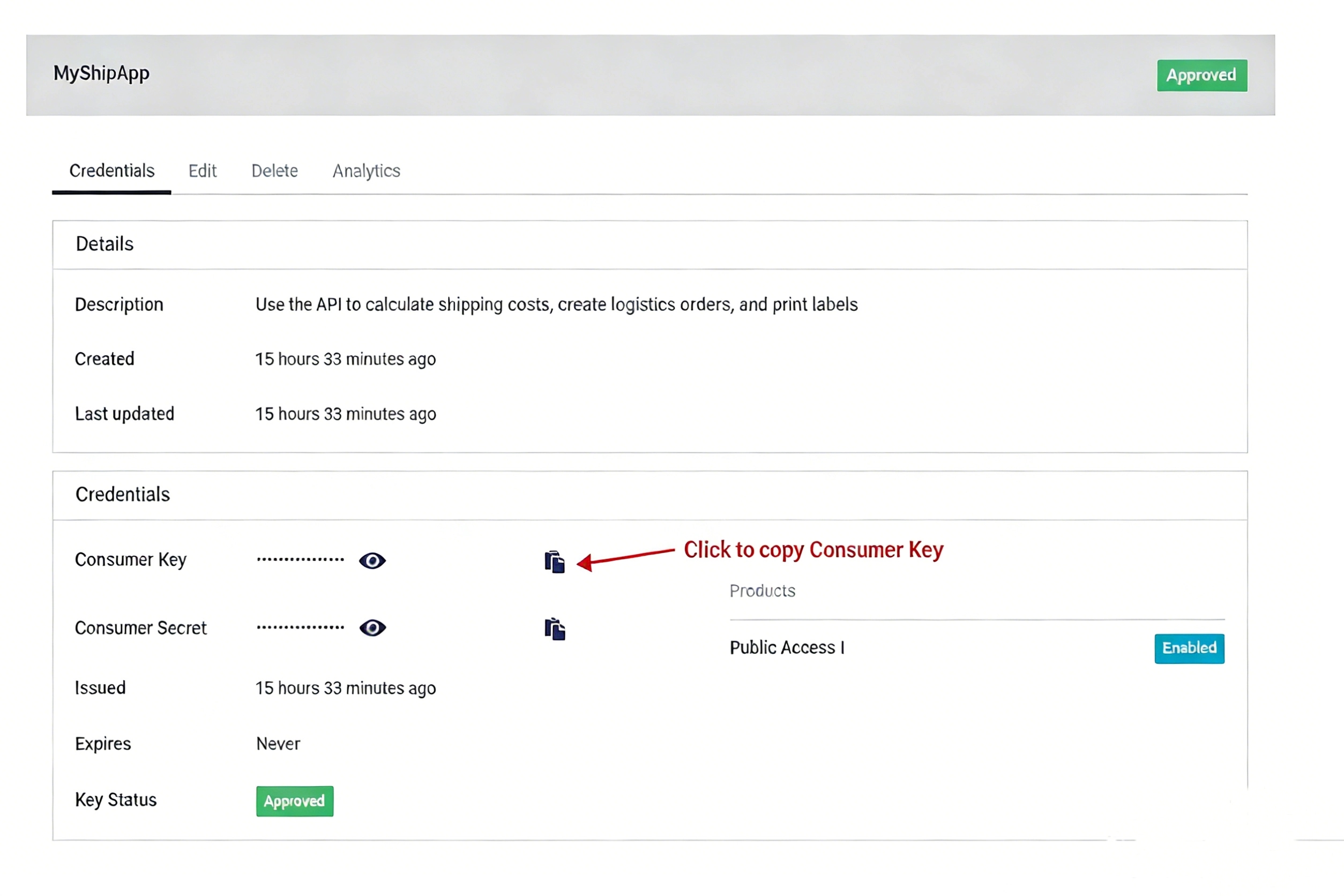
Step 5: Enter the APP Key to authorize. This step only grants access to USPS public APIs (Public Access I) and does not include the shipping label API.
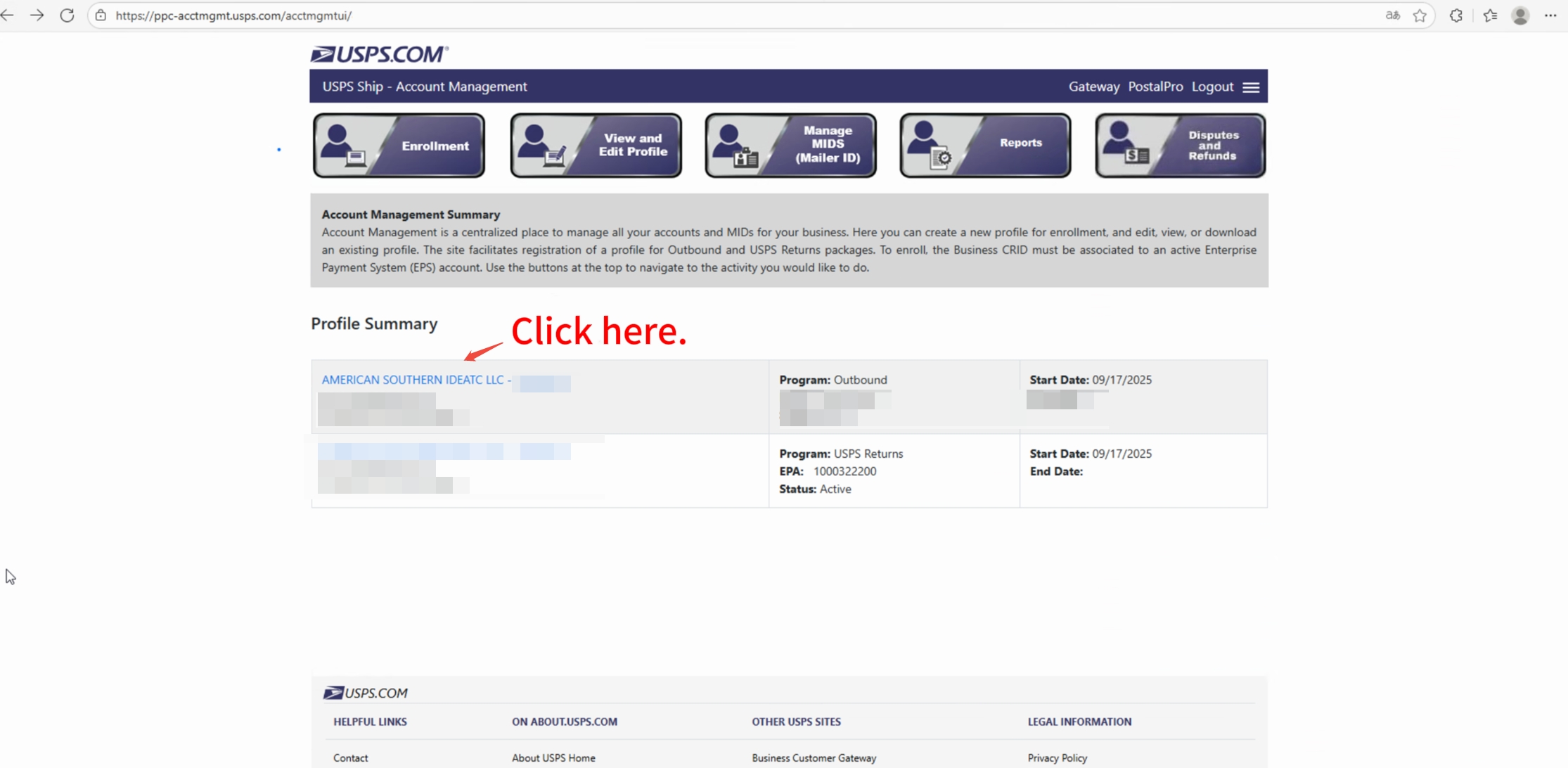
Visit the USPS Customer Center website and enter the APP you registered on the USPS Developer Portal.
Step 6: Send an email to USPS to request access to the Shipping Label API.
In the email, clearly state your request reason and account information, and send it to APISupport@usps.gov for review. The email must include the following details:
Using the Label API Reason:
Your Name:
Contact Phone Number:
Developer Portal Username:
URL being called (api.usps.com)
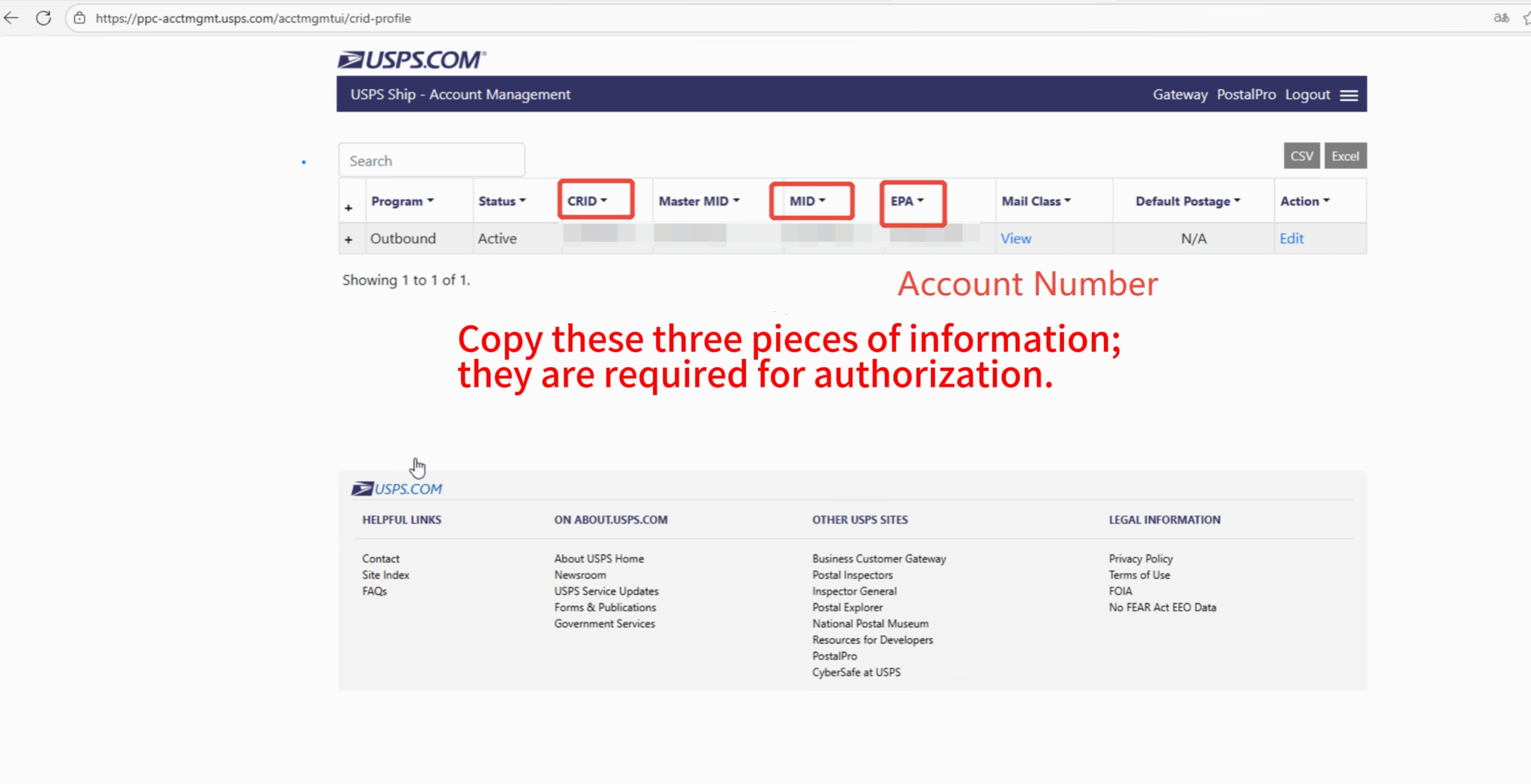
Customer Registration Id (CRID)
Mailer Id (MID)
Developer Portal App Name:
USPS will reply with instructions; follow the steps provided in the email.
After USPS authorization is granted, you will see a Shipping Label key and secret on your USPS account's APP page.
Once you have this authorization, perform the authorization again in Step 5 using the Consume key from Shipping Suite Ⅱ.
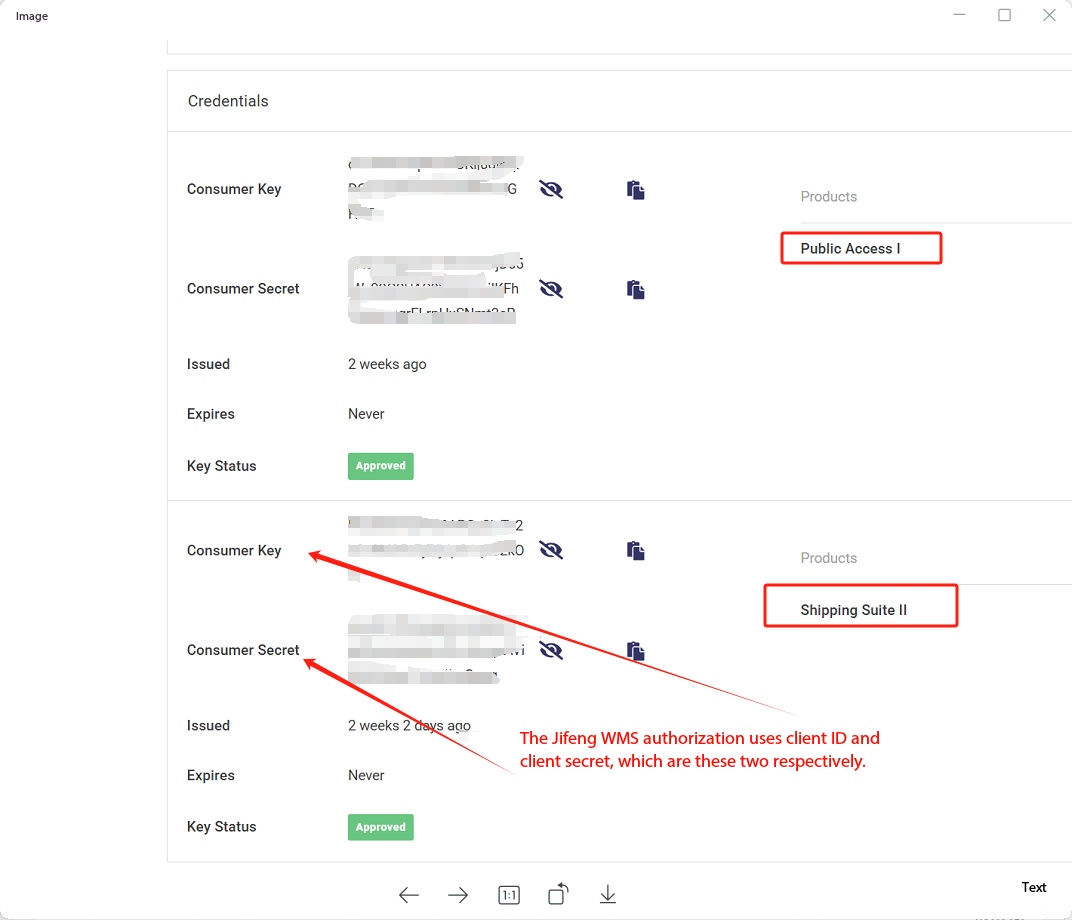
Step 7: Authorize USPS Official Logistics in Jifeng WMS.
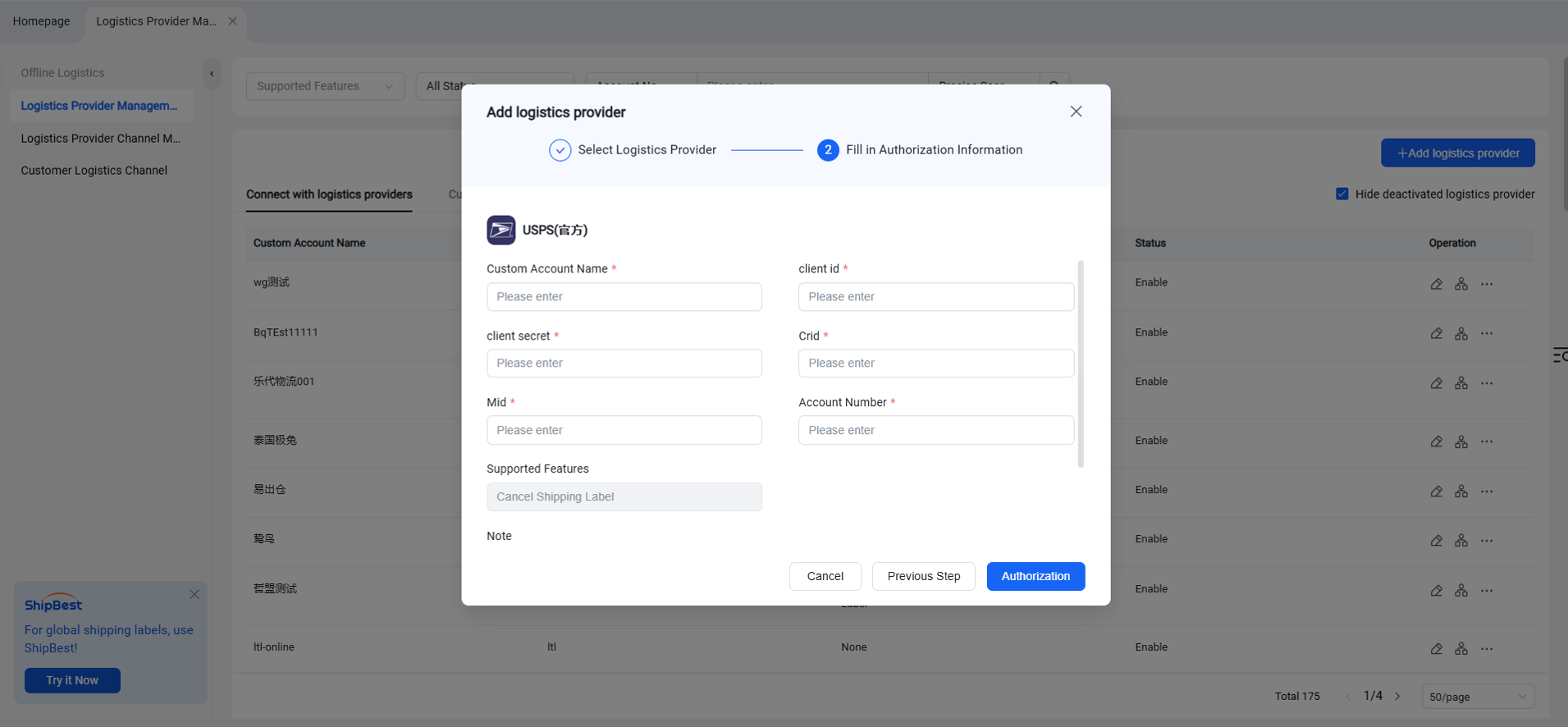
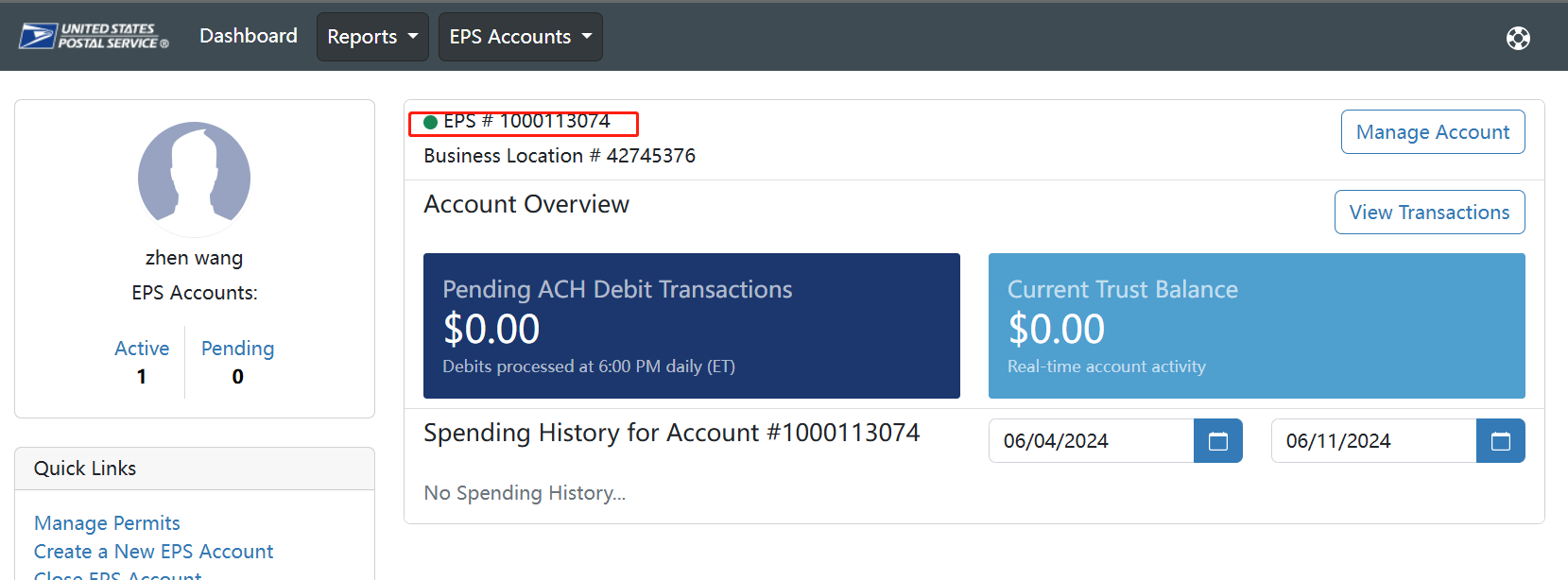
Account Number refers to the EPS Account, as shown in the circled number section in the image below.
If you cannot locate it, you can copy and open this access link: Obtain USPS Account Number.