Temu Shipping Label Synced to OMS and Pushed to Jifeng WMS for Fulfillment
I. Definition
This applies when Temu sellers do not use an ERP or Jifeng OMS to obtain platform online labels, but instead obtain shipping labels directly from the Temu seller backend. If these orders still need to be fulfilled by the Jifeng Overseas Warehouse System, the Temu platform labels must be synchronized to the OMS and then pushed to Jifeng WMS for warehouse shipping.
Key Feature: Jifeng OMS will notify the client which orders have already had shipping labels obtained by the seller in the Temu backend.
II. Operational Path
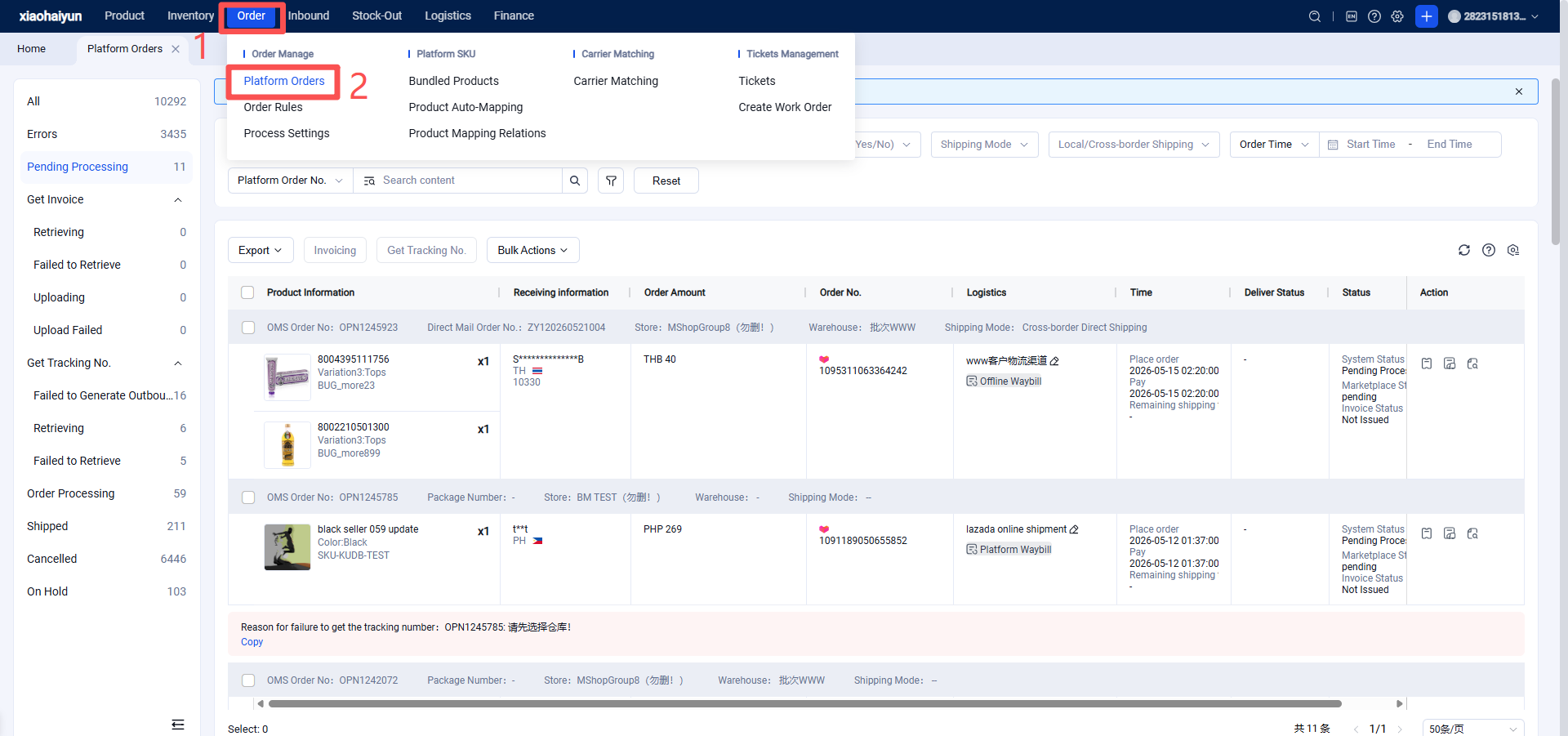
Seller logs in to the Seller Platform (OMS) > Platform Orders > Pending Processing > Obtain Tracking Number > In the pop-up window, check the new option: "TEMU orders support using labels purchased in Seller Center or other systems to generate outbound orders for WMS" > Save.
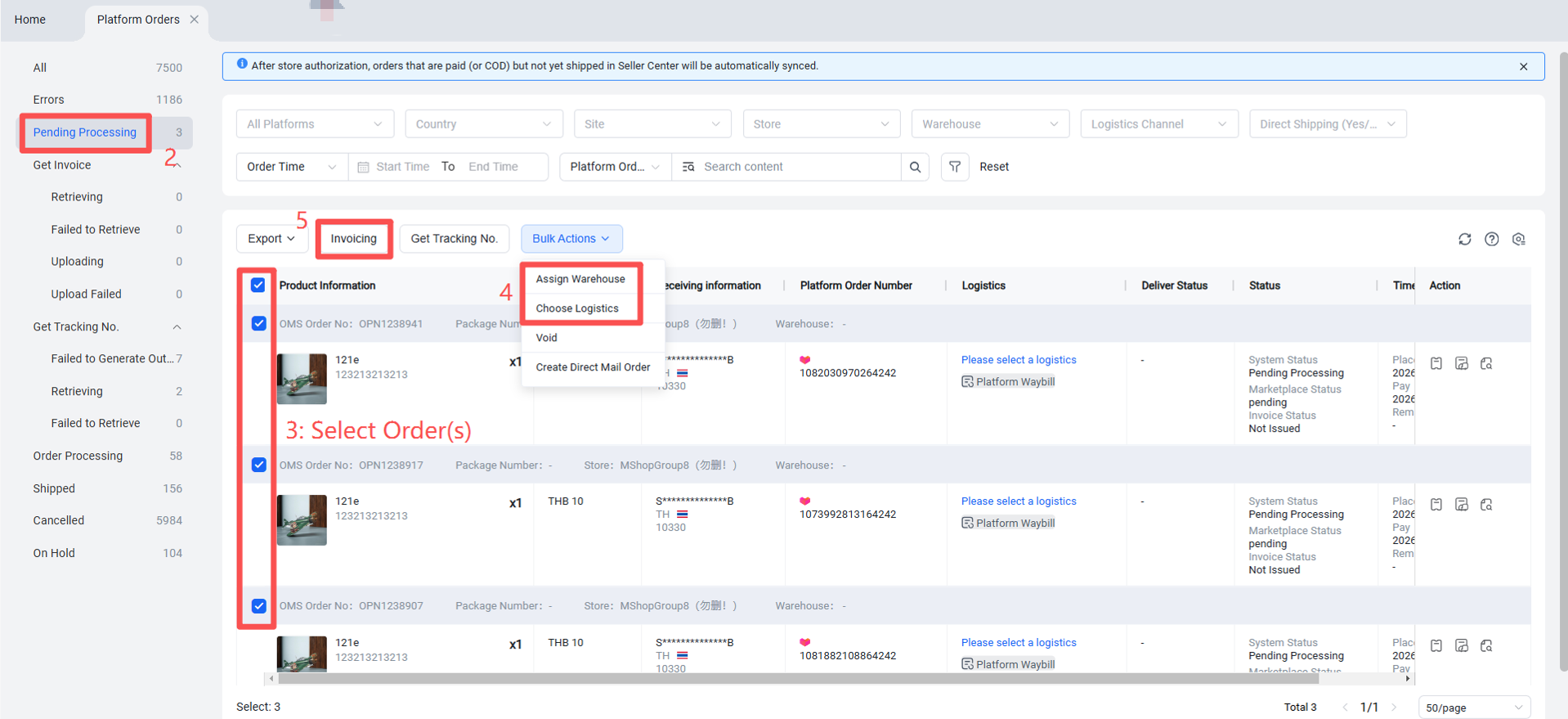
Once the shipping label is pushed to Jifeng, it will appear on the Pending Label Printing page in Jifeng WMS. The overseas warehouse can then proceed with picking, label printing, and shipping.
Important Note: If a seller has already purchased a label in the Temu backend but has NOT checked the option "TEMU orders support using labels purchased in Seller Center or other systems to generate outbound orders for WMS", and still attempts to obtain a tracking number in OMS, the order will remain in Pending Processing and display the following error:
"The shipping label for this order has already been obtained in Seller Center or another system."
In this case, you must check the option before re-obtaining the platform label.